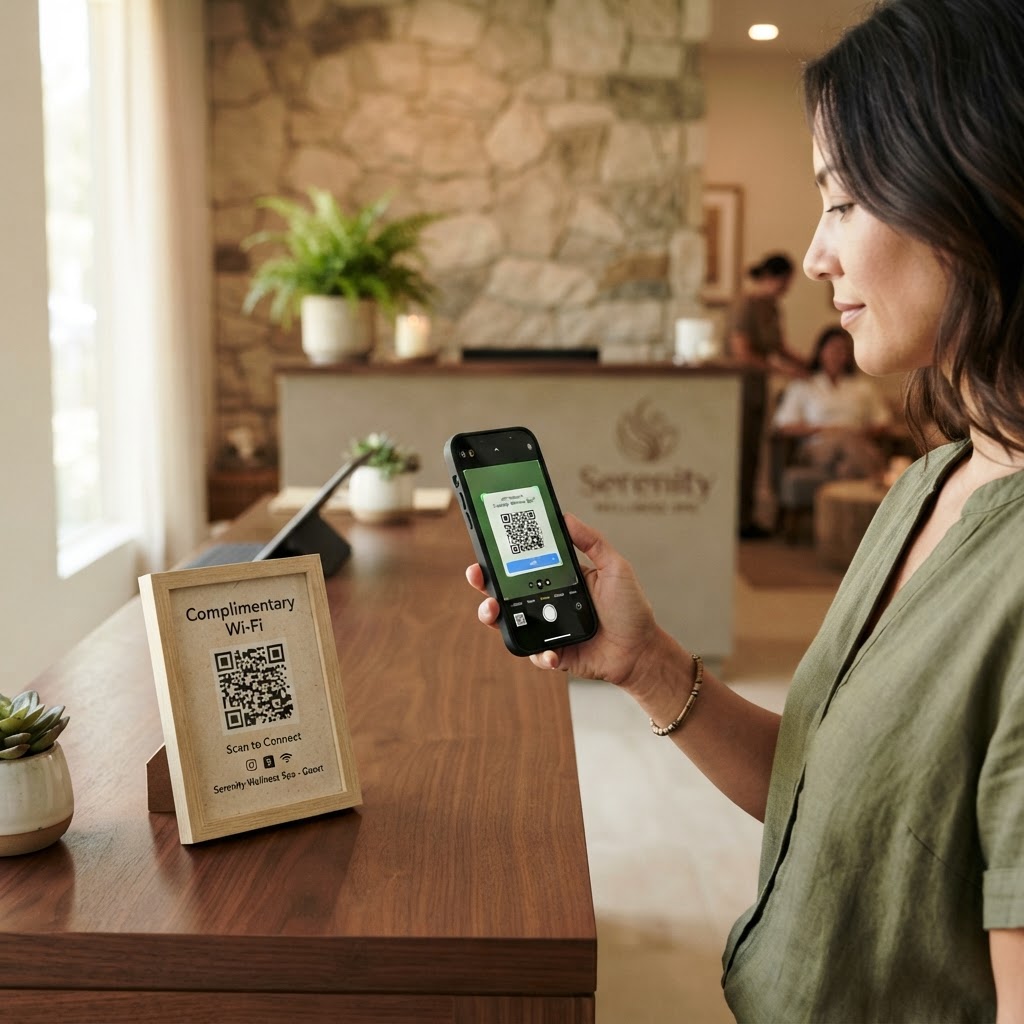
Why a wifi qr code for massage center guests matters
In a high-end wellness environment, the goal is to reduce friction and promote serenity. When a client enters your lobby, they should be focusing on their upcoming treatment, not struggling with a forgotten network password written on a torn piece of paper.
Providing seamless internet connectivity builds trust and professionalism. By using our free WiFi QR Code Generator, you transform a mundane technical task into a premium, touchless experience that signals you value their time and convenience.
What you need before you start
Before you begin the generation process, ensure you have your network credentials ready. You will need your precise network name, also known as your SSID, exactly as it appears on your router settings.
You must also have your network password handy and know your security protocol, typically WPA2 or WPA. If you are unsure, most modern routers display this information on the sticker located on the bottom or back of the device.
How to create a wifi qr code for massage center connectivity — step by step
- Access the tool: Navigate to the Blue QR Code Generator website to begin the setup.
- Enter your SSID: Type your exact network name into the provided field to ensure devices recognize the connection.
- Select security type: Choose your encryption standard, usually WPA/WPA2, to ensure the code works with standard mobile security protocols.
- Input your password: Carefully type your network password, paying close attention to case sensitivity and special characters.
- Generate the code: Click the generation button to create your custom barcode, which you can generate yours in seconds using our platform.
- Download and save: Once you are satisfied with the preview, download the image file to your computer for printing.
How to test and deploy it
Before printing hundreds of copies, always test the QR code with your own smartphone. Simply open your camera app, point it at the code, and confirm that it automatically prompts you to join the correct network.
Once verified, use Blue QR Code Generator's high-resolution output files for your printed materials. Place the code in high-visibility areas like the front desk, the massage room mirror, or even on a small frame in the waiting lounge.
Common mistakes that ruin results
- Incorrect SSID: Even a minor typo in the network name will cause the entire connection process to fail for your clients.
- Poor printing quality: If the QR code is blurry or printed on low-contrast paper, many phone cameras will struggle to focus on the pattern.
- Hidden locations: Placing the code behind a glass partition or in a low-light area makes it difficult for guests to scan effectively.
- Outdated passwords: Always update your printed QR codes immediately if you decide to rotate your network password for security reasons.
Real examples
Consider placing a small, elegant sign at your reception desk that says, "Unwind while you wait: Scan to connect to our guest WiFi." This small touch adds to the luxury feel of your facility.
Alternatively, you could print the QR code on the back of your business cards or appointment reminder cards. This provides a professional takeaway that keeps your clients connected and happy even after they leave the facility.
By utilizing the Blue QR Code Generator, you can ensure your clinic remains modern and client-focused.