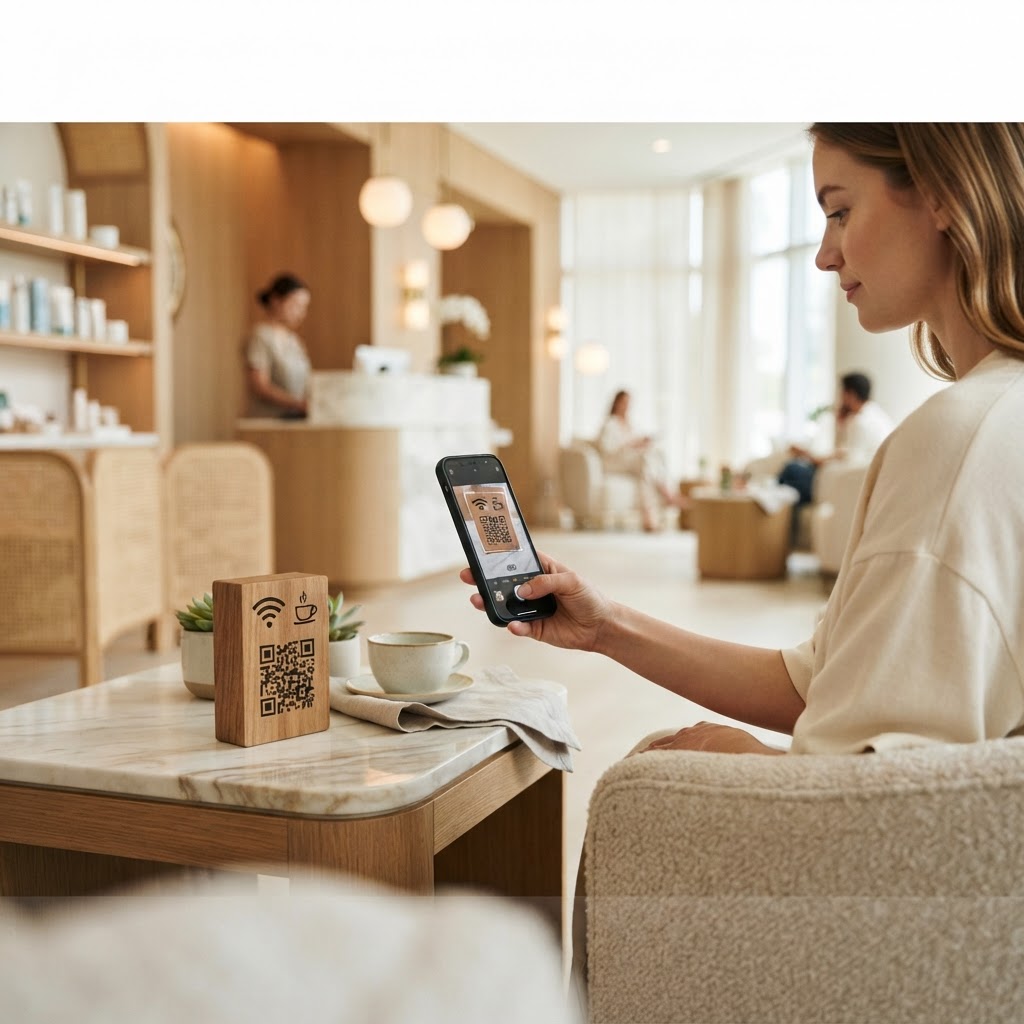
Why a WiFi QR Code for Spa Matters
Imagine a client arriving for their therapeutic massage, already stressed from traffic and looking forward to an hour of peace. Instead of being greeted with a warm smile, they are forced to wait while your busy receptionist types in a long, complex WiFi password. A wifi qr code for spa establishments removes this bottleneck, enabling guests to scan and join the network in seconds without asking for help.
Using our free WiFi QR Code Generator provides a professional touch that modernizes your reception area. By streamlining access, you reduce administrative friction and create a more seamless, premium experience for every visitor walking through your doors.
What you need before you start
Before you begin the creation process, ensure you have your network credentials handy. You need the exact name of your WiFi network (SSID) and your current password, including any special characters or capitalization.
Try it now: Generate a free Wifi Qr Code For Spa →
You will also need a high-resolution logo if you wish to brand your code, and a printer to display the final result. Having your network security type ready, usually WPA/WPA2, will ensure the configuration is accurate for all smartphone devices.
How to create yours — step by step
- Access the tool: Navigate to the Blue QR Code Generator to access the dedicated network setup portal.
- Enter Network Name: Input your WiFi SSID exactly as it appears in your network settings menu.
- Provide Password: Type in your network password carefully to ensure there are no typos that could frustrate your guests.
- Select Security: Choose the encryption type for your router, which is typically WPA, WPA2, or WEP.
- Customize Design: Add your brand colors or a logo to make the QR code align with your spa's aesthetic identity.
- Generate and Download: Click the generate button to finalize your code and download the image file for printing.
How to test and deploy it
Once you generate yours in seconds, always print a sample copy to test with different devices. Try scanning the code with both an iPhone and an Android phone to ensure the network credentials populate correctly.
Place the printed QR code in high-visibility areas like the reception desk, waiting lounge, or inside the private treatment rooms. Laminating the card ensures it stays clean and professional even in humid spa environments.
Common mistakes that ruin results
- Case Sensitivity Errors: Failing to match the SSID or password capitalization will prevent devices from connecting.
- Low Print Quality: Using a pixelated or blurry image makes it impossible for the camera to read the code.
- Poor Placement: Putting the code where lighting is dim makes it hard for the smartphone camera to focus correctly.
- Hidden Security Types: Choosing the wrong security encryption prevents the device from handshake-authenticating with the router.
Real examples of success
A boutique day spa in downtown Chicago uses a minimalist QR code framed in their lobby, which reduced check-in time by nearly 30 percent. Guests appreciate the convenience of checking their emails while waiting for their robes.
Another luxury retreat used the Blue QR Code Generator to print custom-branded cards placed on treatment tables. By removing the need to ask for a password, they maintained the quiet, peaceful atmosphere required for their high-end services. Use the link below to get started.
No watermark · No expiry · Works on all phones
Your QR code is ready in under 30 seconds.
Generate Free QR Code →