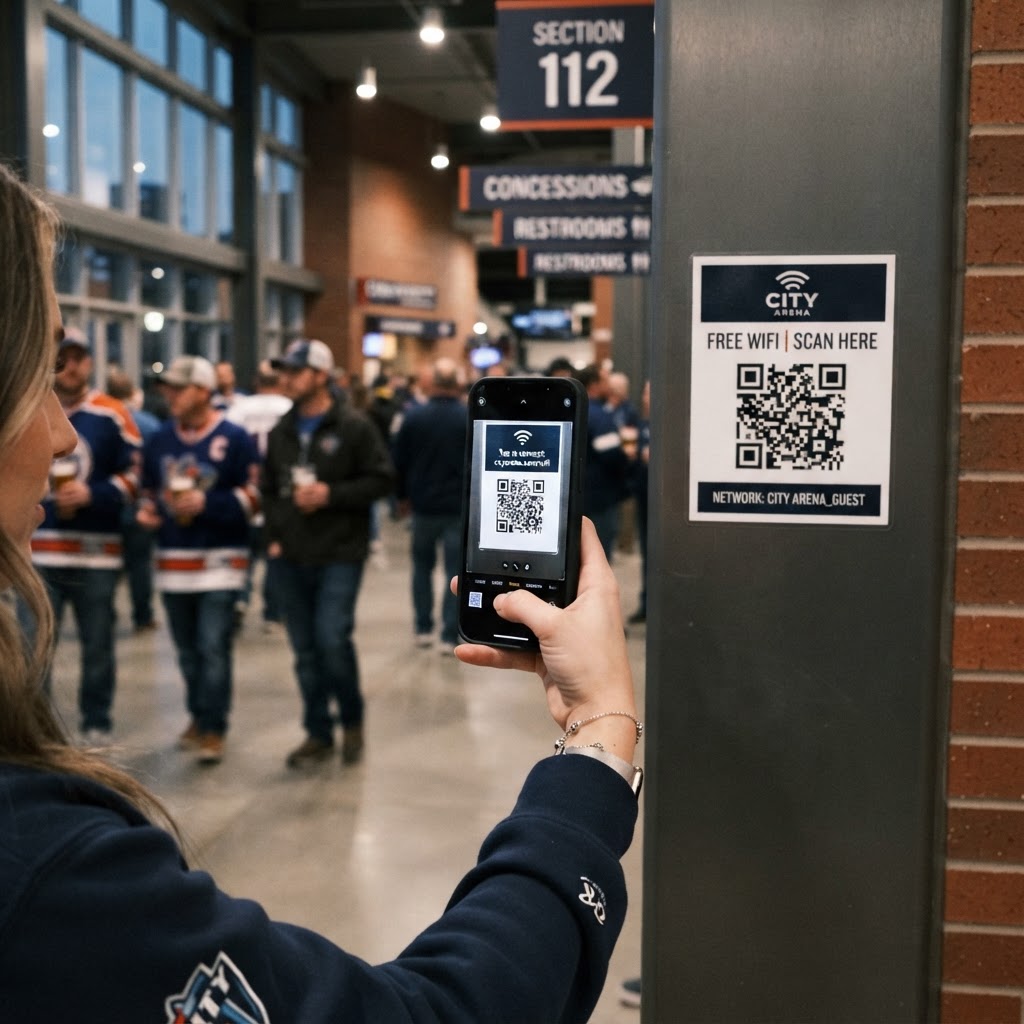
Why a wifi qr code for sports arena matters
In a high-traffic environment like a stadium, guests expect seamless connectivity to share live updates, check scores, or navigate the facility. When thousands of people arrive at once, service staff are often overwhelmed by repeated requests for network credentials, creating long lines that frustrate fans before the event even begins.
By utilizing our free WiFi QR Code Generator, you can print signage that lets visitors connect in seconds without typing a single character. This not only lightens the load on your customer service team but also fosters a much more positive and modern atmosphere for your attendees.
What you need before you start
Before you dive into the technical setup, ensure you have your network details clearly documented. You will need your exact network name (SSID), which is case-sensitive, and the current password for your guest network.
It is also a good idea to ensure your guest network has proper bandwidth throttling enabled so that the heavy traffic typical of an arena doesn't slow down your primary administrative systems. You can generate yours in seconds once you have confirmed these two vital pieces of information.
How to create a WiFi QR code for sports arena — step by step
- Access the tool: Navigate to the Blue QR Code Generator page to begin the process.
- Enter your SSID: Input the exact name of your guest network into the network name field.
- Input the password: Carefully type in your WiFi password, ensuring all characters match your router settings.
- Select security type: Choose the appropriate encryption method (typically WPA or WPA2) to ensure the code works correctly for all mobile devices.
- Customize the design: Use the interface to adjust colors or patterns if you wish to align the code with your team’s branding colors.
- Export the file: Download your finished graphic in a high-resolution format like PNG or SVG, which will ensure it remains readable even when printed on large posters.
How to test and deploy it
Once you have generated your code, never put it into production without testing it on both Android and iOS devices. Simply open the camera app on a few test phones and scan the code to ensure it triggers the automatic network join prompt.
After confirming it works, print the code on durable, high-contrast materials to prevent scanning issues caused by glare or low lighting in stadium corridors. The Blue QR Code Generator provides high-quality outputs that are perfect for large-scale displays, ensuring even those with older smartphones can connect without trouble.
Common mistakes that ruin results
- Wrong SSID details: Even a minor typo in the network name will cause the device to fail the connection attempt entirely.
- Poor placement: Placing the code behind reflective glass or in an area with dim lighting makes scanning nearly impossible for busy fans.
- Incompatible security settings: Selecting the wrong security protocol, such as selecting WEP when your router uses WPA2, prevents the phone from authenticating.
- Printing too small: At large venues, people might try to scan from several feet away; ensure your print size is proportional to the expected viewing distance.
Real examples
In a large basketball arena, you can place these QR codes on the back of seat placards or printed on the bottom of digital tickets. This allows fans to connect immediately upon finding their seats, which helps drive engagement with your venue's mobile app during timeouts.
For outdoor soccer stadiums, you might place them at concession stands or near entry gates where foot traffic naturally stops. Using the Blue QR Code Generator's WiFi QR codes tool to create distinct codes for different zones can also help you track which areas of your venue see the highest traffic, giving you better data for future event planning.