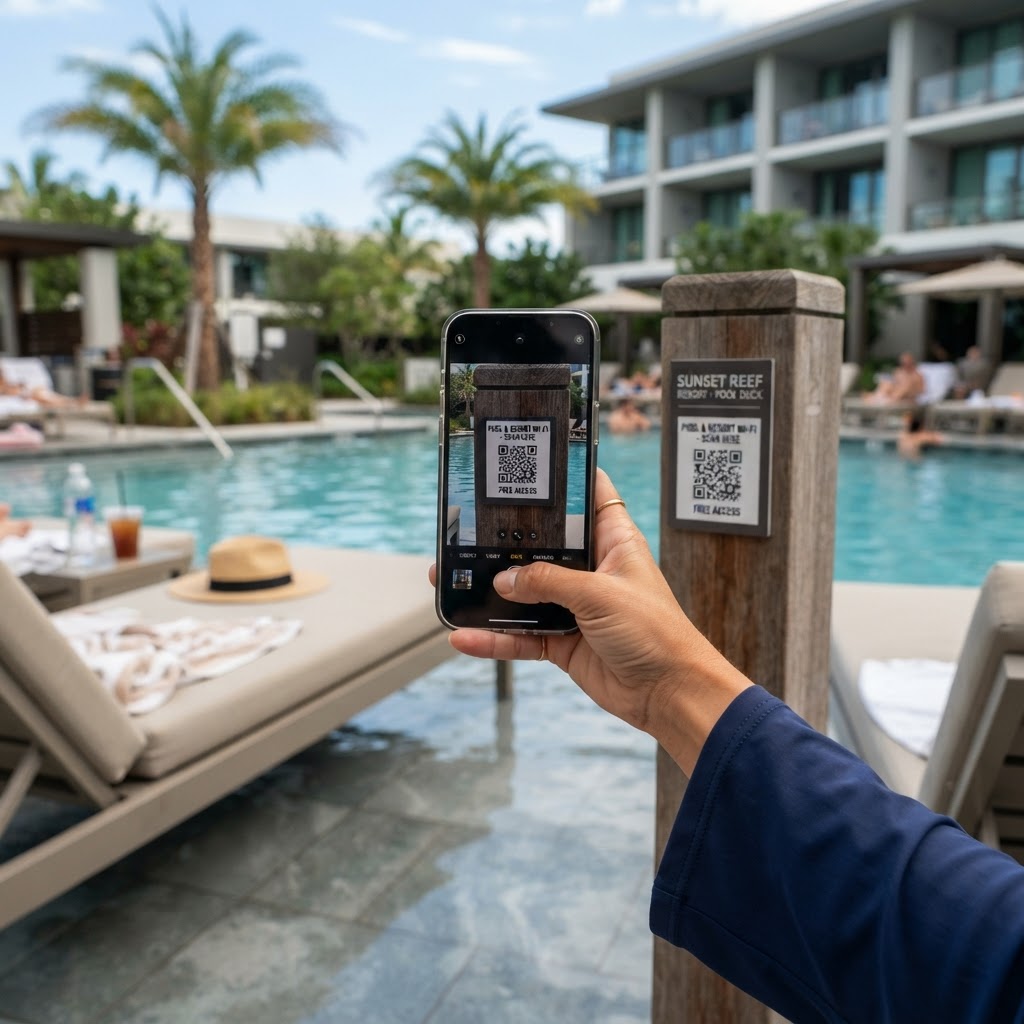
Why a WiFi QR Code for Swimming Pool Facilities Matters
Managing a facility with high foot traffic, such as a swimming pool, often leads to repetitive administrative tasks. When guests ask for your network password, your staff is pulled away from essential maintenance or safety duties.
By placing a scannable code at the entrance or on deck signage, you eliminate the friction of manual typing. It allows guests to connect in seconds, letting your staff focus on keeping the environment safe rather than acting as IT support.
What You Need Before You Start
Before you begin, gather the specific details of your guest network to ensure the process goes smoothly. You will need the exact Network Name (SSID) as it appears on devices.
You must also have the correct network password and the encryption type, which is usually WPA/WPA2. Once you have these technical details ready, you can use Blue QR Code Generator's WiFi QR codes tool to finalize your sign.
How to Create Your WiFi QR Code — Step by Step
- Access the Generator: Visit the our free WiFi QR Code Generator to start your custom code creation.
- Enter Network Details: Carefully input your network SSID exactly as it is case-sensitive, and enter your password.
- Select Security Protocol: Choose the encryption type for your router, typically WPA/WPA2, to ensure mobile devices recognize the connection string.
- Customize Design: Add a frame or logo if the platform allows to make the code stand out against your pool deck background.
- Generate and Preview: Click the button to create your unique code and ensure it is sharp and readable.
- Download and Print: Export the file in a high-resolution format like PNG to maintain quality when printing on waterproof materials.
How to Test and Deploy It
Testing is vital to ensure your wifi qr code for swimming pool use-case works across different devices. Scan the code with both an iPhone and an Android phone to confirm that both operating systems trigger the auto-connect prompt correctly.
Once verified, laminate the printed QR code. Swimming pools are high-humidity environments, and standard paper will disintegrate quickly. Place the signs at eye level on pillars or near towel stations so they are visible without being intrusive.
Common Mistakes That Ruin Results
- Wrong Network SSID: Inputting the network name with incorrect capitalization or extra spaces will cause the connection to fail every time.
- Low Contrast Prints: Printing a light-colored code on a light background makes it impossible for cameras to focus and decode the pattern.
- Small Physical Size: If the printed QR code is too small, guests standing several feet away will struggle to scan it from the edge of the pool.
- Non-Waterproof Material: Using standard printer paper in a splash zone leads to smearing and rapid degradation of the printed image.
Real Examples
In a large hotel resort, placing a wifi qr code for swimming pool guests on the drink menu cards at the pool bar is a clever strategy. It allows visitors to check emails or upload photos without waiting for a server's attention.
For a public swimming center, mounting a permanent, metal-engraved or durable plastic sign at the front desk helps reduce the queue length. The Blue QR Code Generator makes it easy to keep these credentials updated if you periodically change your network password for security reasons.