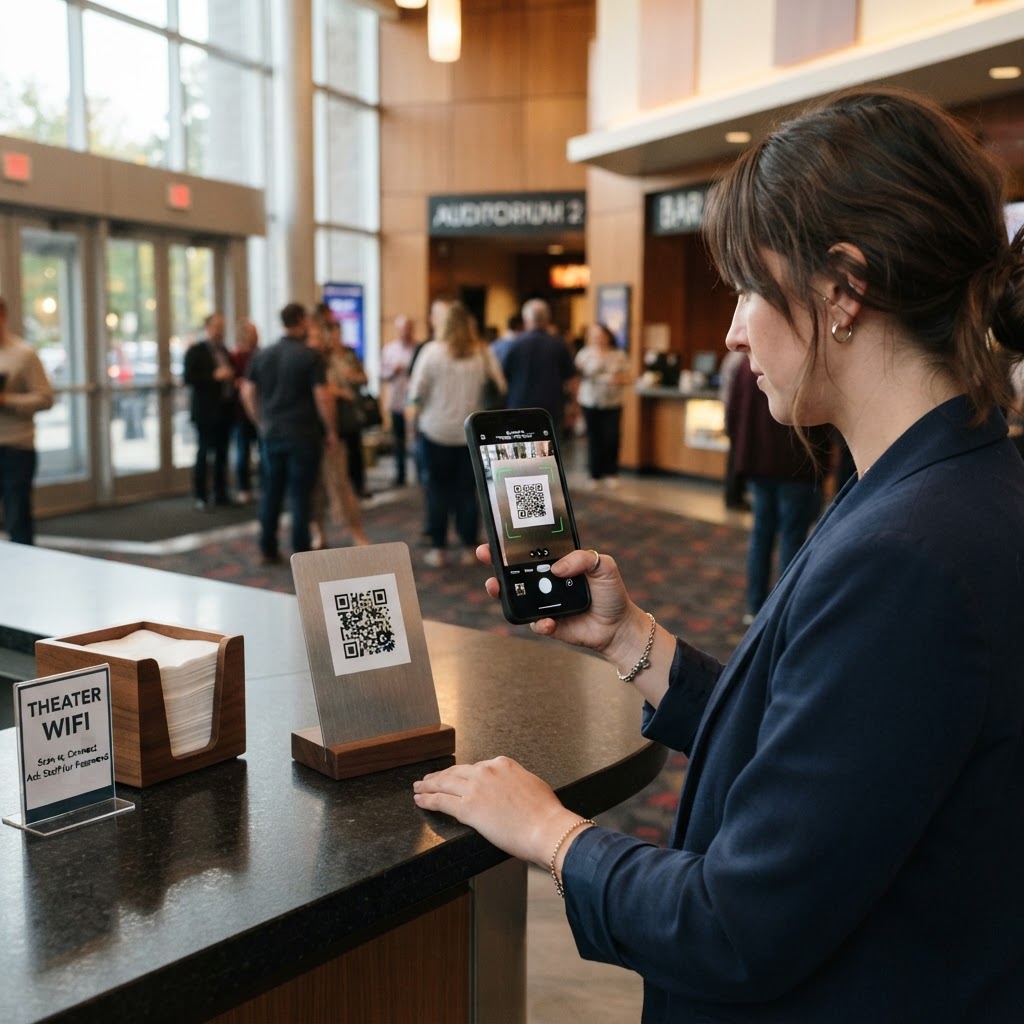
Why a WiFi QR Code for Theater Matters
Theater lobbies are often high-traffic zones where patrons arrive early to wait for doors to open. When dozens of guests simultaneously struggle to type in complex, case-sensitive passwords on small smartphone screens, it creates unnecessary congestion at your service desks.
By deploying a clear, scannable QR code, you eliminate manual entry errors entirely. A seamless connection process allows guests to browse your digital playbill, check into social media, or look up show information instantly without burdening your staff.
What you need before you start
Before you begin the generation process, ensure you have your network credentials handy. You will need your exact Network Name (SSID) and your WiFi password.
- Network SSID: Must be typed exactly as it appears in your router settings, including capitalization.
- Network Password: Ensure you have the current WPA2/WPA3 key for your guest network.
- Security Type: Most modern routers use WPA/WPA2, but check your settings to be certain.
- Blue QR Code Generator: Have our free WiFi QR Code Generator open in a separate browser tab to follow along.
How to generate a WiFi QR Code for theater access — step by step
Follow these precise steps to create a high-quality, professional code for your venue.
- Access the Tool: Navigate to the Blue QR Code Generator dashboard specifically designed for network sharing.
- Input your SSID: Type your theater’s public-facing WiFi name into the network name field.
- Select Security Protocol: Choose the appropriate security setting (typically WPA/WPA2/WPA3) to ensure guest devices recognize the protocol immediately.
- Enter your Password: Carefully input the password associated with your network.
- Generate the Code: Click the generate button to produce a clean, scannable QR image.
- Download your File: Save the high-resolution file directly to your computer so you can print it or add it to your digital signage.
How to test and deploy it
Once you use our free WiFi QR Code Generator, you must verify the code before printing hundreds of copies. Use a standard smartphone to scan the code from the distance where guests will typically be standing.
Place your printed codes on the box office counter, in the lobby area, or on tables in your cafe or refreshment section. You should laminate these signs to prevent wear and tear in high-traffic areas, ensuring the scan remains crisp for months.
Common mistakes that ruin results
- Incorrect SSID: Even a minor typo in the network name will prevent guests from connecting.
- Poor Contrast: Printing a light-colored QR code on a light background makes it impossible for cameras to focus.
- Low Resolution: Blurry or stretched images will not scan effectively, leading to patron frustration.
- Security Confusion: Selecting the wrong network encryption type (e.g., choosing WEP when you use WPA2) will result in a connection error.
Real examples
A metropolitan community theater placed a framed QR code at their main entrance, allowing patrons to join the network the moment they entered the lobby. This resulted in a 40% decrease in help requests regarding WiFi passwords at the ticket booth.
Another historic venue used Blue QR Code Generator to print custom coasters with a QR code for their lobby bar area. Guests could easily scan the coaster while waiting for their drink, streamlining the lobby experience significantly. To get started, you can generate yours in seconds today.