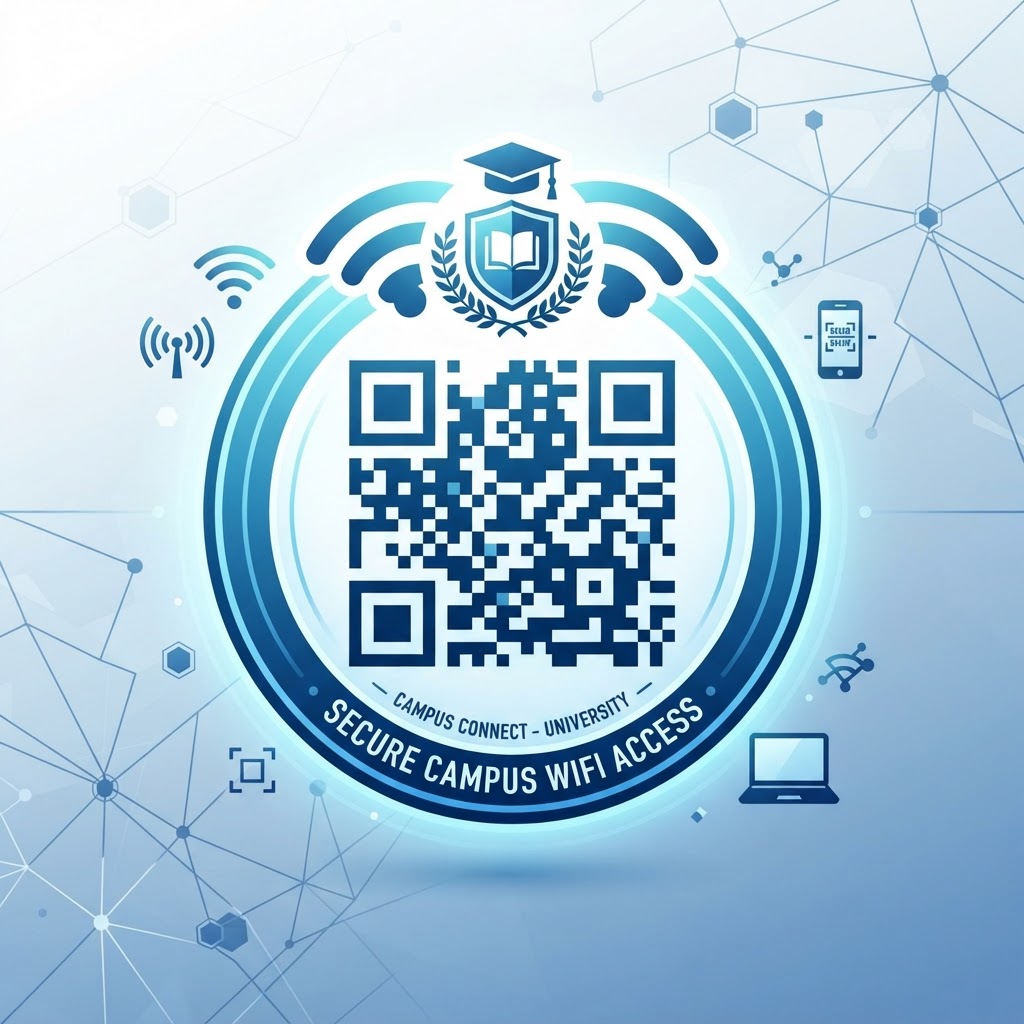
Why a wifi qr code for university connectivity matters
In a large academic environment, manual password entry is a significant friction point that disrupts productivity and security. When hundreds of guests or students attempt to join a network simultaneously, IT staff often face a bottleneck of support tickets just for basic connectivity.
By deploying a dedicated QR code in key areas like the admissions office, library, or guest lecture halls, you allow users to self-serve their connection. You can use Blue QR Code Generator's WiFi QR codes tool to print these codes on posters or digital displays, effectively removing the need for staff intervention.
What you need before you start
Before you jump into the generation process, ensure you have your network credentials clearly defined. You will need your exact network SSID (the network name) and your current password.
- Network Credentials: Double-check the exact spelling and capitalization of your SSID.
- Security Protocol: Identify if your network uses WPA, WPA2, or WPA3 encryption.
- Administrative Access: Ensure your IT policy permits sharing the password in this format for guest networks.
How to create your code — step by step
Follow these steps to generate a functional code for your campus using our free WiFi QR Code Generator.
Try it now: Generate a free Wifi Qr Code For University →
- Access the Generator: Open your browser and navigate to our free WiFi QR Code Generator to begin.
- Input SSID: Type your exact network name (SSID) into the designated field.
- Enter Password: Carefully input the password associated with your guest network.
- Select Encryption: Choose the correct security type; most modern campus networks use WPA/WPA2.
- Customize Design: Select your preferred colors or patterns if you wish to match your university branding.
- Download: Click the generation button to render your file, then download the image in a high-resolution format like PNG or SVG.
How to test and deploy it
After you generate the file, perform a live test with at least three different mobile devices—both Android and iOS. Scan the code in the exact lighting conditions where it will be placed to ensure the sensor reads it immediately without struggling.
100% Free — No signup required
Create your Wifi Qr Code For University in seconds
Create Free QR Code →For permanent placement, use non-glare protective covers or print on matte cardstock. Blue QR Code Generator ensures your codes are crisp and high-contrast, which helps scanners work instantly even in high-traffic hallways or busy department offices.
Common mistakes that ruin results
- Wrong Encryption Settings: If the security type (WPA2 vs WPA) does not match your router, the device will fail to connect.
- Typos in SSID: A single missing character or mismatched capital letter prevents the device from finding your network.
- Poor Contrast: Using light-colored QR codes against light backgrounds makes it impossible for scanners to detect the pattern.
- Over-Complicated Designs: While customization is nice, overly complex patterns or low-resolution exports will cause scanning errors.
Real examples of deployment
Consider placing codes at the visitor welcome desk. Instead of writing the password on a whiteboard, a simple frame with a QR code allows visitors to join the 'University-Guest' network in seconds.
In student centers, you can print the code on the back of cafeteria menus or digital signage near study zones. It is a proactive approach to student services that reduces technical overhead. You can generate yours in seconds to start saving time for your IT department today.
No watermark · No expiry · Works on all phones
Your QR code is ready in under 30 seconds.
Generate Free QR Code →