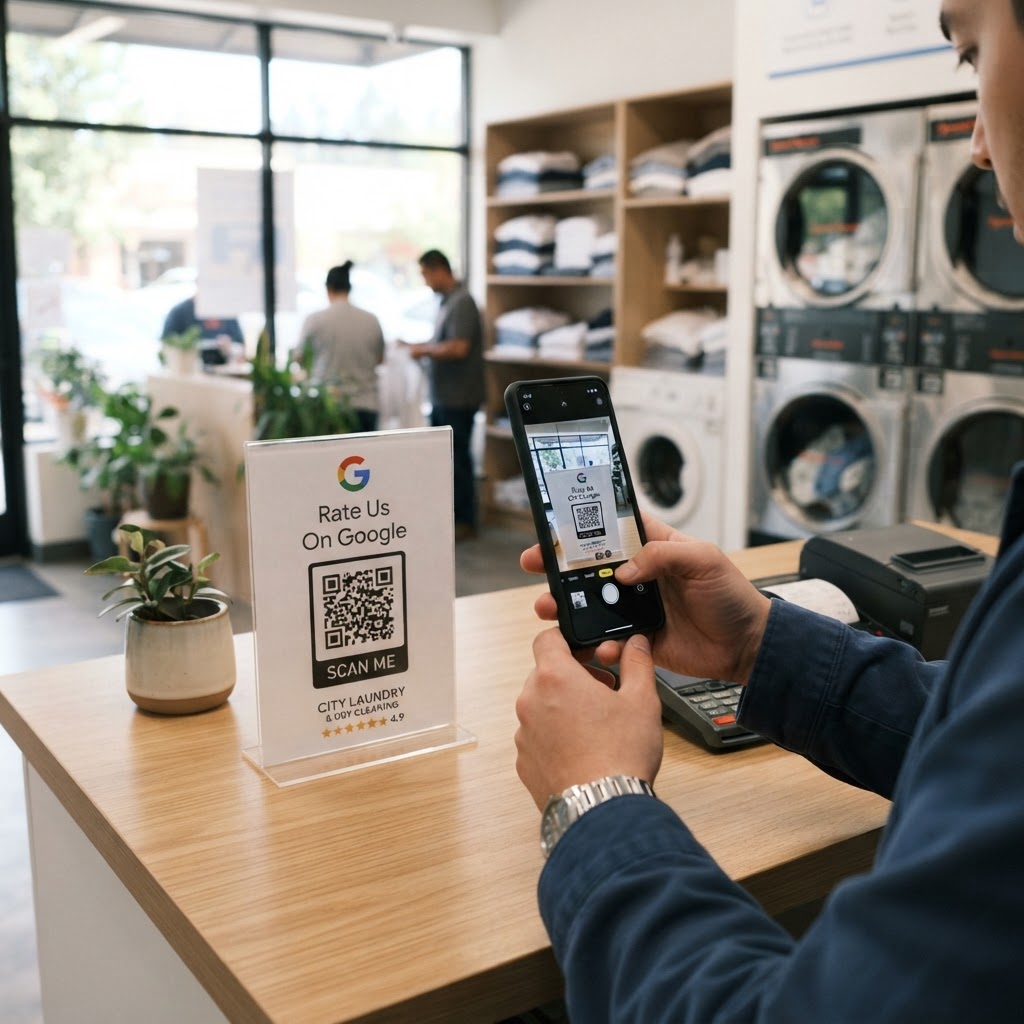
Why a Google review QR code for laundry service matters
In the competitive world of local dry cleaning and wash-and-fold services, trust is your most valuable asset. When a new customer sees dozens of positive reviews highlighting your punctuality, clothing care, or friendly service, they are far more likely to choose you over a generic chain. If you are also managing other local ventures, you might find it useful to check our guide on how to create a Google Review QR Code for a landscaper to maintain consistency across your brands.
A physical QR code places the link to your review page directly into the customer's hand. Instead of asking them to search for your business later, you prompt them while they are already thinking about their fresh, clean clothes. This immediacy increases your review conversion rate significantly.
What you need before you start
Before you begin the setup process, ensure you have your Google Business Profile set up and verified. You need access to the Google account associated with your shop to extract the correct URL for new reviews.
You will also need a high-resolution logo or a professional photo of your storefront if you plan to customize the code. Finally, make sure you have a reliable way to print these codes, whether on stickers, counter signs, or even directly on your customer invoices.
How to create your code — step by step
Follow these steps to generate yours in seconds and start capturing customer feedback effectively.
- Log into your Google Business account: Search for your business on Google Maps or via the Google Business dashboard to find your unique 'Review' link.
- Copy the direct URL: Ensure you copy the link that opens directly to the five-star rating prompt, as this minimizes friction for the user.
- Access the tool: Visit our free Google Review QR Code Generator to begin the creation process.
- Paste your link: Paste the copied URL into the designated field on the Blue QR Code Generator interface.
- Customize the design: Adjust the colors or frame style to match your laundry shop’s branding, keeping the QR code readable and professional.
- Download your file: Save the final QR code as a high-quality PNG or SVG file, which allows you to resize it without losing clarity for signage.
How to test and deploy it
Before you print fifty copies of your QR code, test it with multiple devices, including both iPhones and Androids. Open your camera app, scan the code, and ensure it directs you exactly to the review input screen, not just your Google Business homepage.
Strategic placement is key to success. Use Blue QR Code Generator's Google review QR codes tool to create print-ready graphics for your front desk counter or the area where you hand over finished laundry bags. You can even include a small, printed instruction like 'Love your fresh clothes? Scan to let us know!' to encourage more interaction.
Common mistakes that ruin results
- Printing too small: If the QR code is smaller than one inch, modern phone cameras may struggle to focus and scan the pattern correctly.
- Lacking a call-to-action: A lone QR code on a wall often gets ignored; add a sign that tells customers exactly why they should scan it.
- Using a low-contrast design: Ensure your QR code has a dark pattern on a light background, as inverted colors or low-contrast designs often fail to scan.
- Linking to the wrong page: Avoid linking to your generic website home page; always link directly to the review submission popup to save your customer time.
Real examples
A neighborhood wash-and-fold shop in Chicago placed a small acrylic sign with a QR code at their checkout register. By simply asking 'How did we do today?' when handing back a receipt, they increased their monthly review count by 40% within the first sixty days.
Another dry cleaner added the QR code directly to the bottom of their printed invoices. This approach captured feedback from busy professionals who rarely stood at the counter, showing that a QR code is a versatile tool for any laundry business model.
Ready to improve your online presence? It is time to generate yours here and start growing your business today.