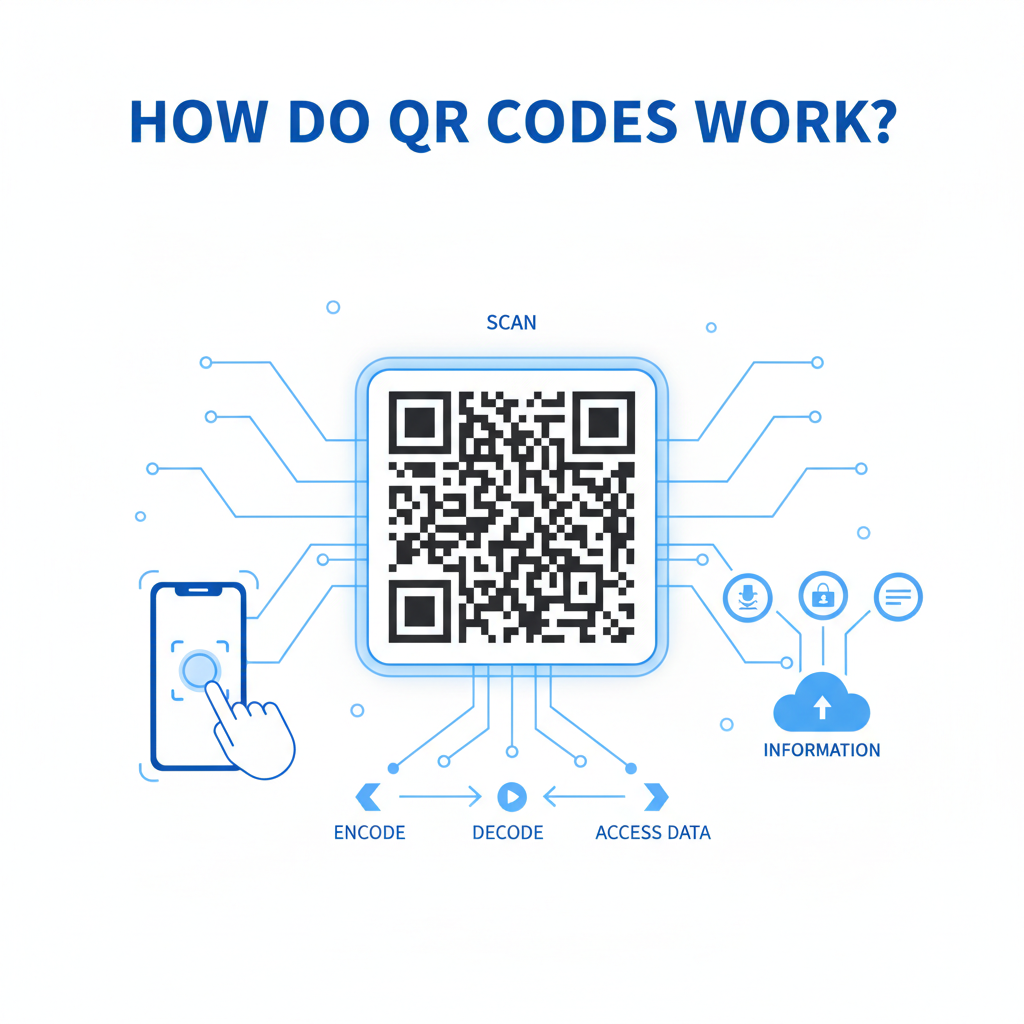
Why QR Codes Matter
Consider this common scenario: a customer sees a promotional poster for your business at a local event. They’re intrigued by your offer but have no way to access more information or grab a discount without your website link. This is where QR codes come into play. A QR code scans and redirects users to digital content quickly, providing instant access to additional information, promotions, or services. By integrating QR codes in your marketing, you create a seamless transition from the physical to digital, enhancing customer engagement.
What You Need Before You Start
- A smartphone or tablet: Ensure it has a camera and scanning capability.
- Access to a QR code generator: We recommend the Blue QR Code Generator, which is free and easy to use.
- Content to link: Prepare the URL or information you want the QR code to direct to.
How to Generate a QR Code — Step by Step
- Step 1: Visit the QR Code Generator - Go to the Blue QR Code Generator to start creating your code.
- Step 2: Choose the type of QR code - Select what kind of data you want the QR to hold (URL, text, contact, etc.).
- Step 3: Enter your information - Fill in the required fields, such as the URL or any text that you want users to see.
- Step 4: Customize your QR code - Optionally, you can adjust the color and design to match your brand.
- Step 5: Generate the QR code - Click on the 'Generate' button to create your QR code.
- Step 6: Download and test - Download your QR code and make sure to test it with a scanner to ensure it redirects correctly.
How to Test and Deploy It
Once you've generated your QR code, it’s crucial to ensure it's working correctly. Use multiple devices to test scanning the QR code and ensure that it directs to the expected content. After thorough testing, you can deploy it on your marketing materials, business cards, or products. Utilize tracking services to monitor how often the code is scanned for deeper insights into customer engagement.
Common Mistakes That Ruin Results
- Poor design: Using overly complex designs can make scanning difficult. Keep it simple.
- Non-functional links: Ensure the URL works before generating the QR code to avoid directing customers to a dead link.
- Inaccessible content: If the content linked to is behind a paywall or requires sign-in, users may not engage with it.
- Neglecting to test: Failing to test the QR code can lead to serious engagement issues. Always test on multiple devices.
Real Examples
Many businesses are successfully using QR codes to enhance customer experiences. For instance, restaurants have adopted QR codes on menus allowing customers to view dishes online and order directly. Retail stores often use QR codes on billboards to lead customers directly to special promotions or online shops. Moreover, event organizers may use QR codes for easy RSVP processes, streamlining the ticketing experience. With the Blue QR Code Generator, creating these impactful links is easy and free.
Step-by-Step Guide: How to Create a how do qr codes work on BlueQRCode
Creating a QR code that explains or links to content about "how do qr codes work" is fast on BlueQRCode. Follow these five clear steps to generate a scanner-ready code you can use online or in print.
Step 1 — Choose the right QR type
Start by selecting the QR type that best matches your "how do qr codes work" content. For a simple explainer page or blog post, choose the URL QR type. If you want to embed text directly that explains how QR codes work, choose the Plain Text type. BlueQRCode offers 13 QR types, so pick the one designed for the content format you plan to share.
Step 2 — Enter the content or link
Paste the full URL to your "how do qr codes work" article or paste the text explanation directly into the generator. When you enter a URL, the QR will encode that web address into the standard QR binary pattern. This is the step where the data is converted from human-readable form into the bitstream that becomes the visible QR grid.
Step 3 — Customize appearance and error correction
Adjust the appearance if you like — but remember how QR codes work: scanners rely on contrast and the quiet zone around the code. Keep high foreground-to-background contrast and avoid overdecorating the code. BlueQRCode lets you select an error correction level (L, M, Q, H). Higher levels allow the code to remain readable even if partially damaged, which can be useful for printed materials or outdoor uses.
Step 4 — Test the QR code on multiple devices
Before finalizing, scan the generated code with several devices and apps to confirm it resolves correctly. Testing verifies that the encoded data (the URL or text that explains "how do qr codes work") decodes reliably and that link targets load quickly. If you used a long URL, consider using a short link to reduce code complexity and improve scan speed.
Step 5 — Download and deploy
Once you’re satisfied, download the QR code (PNG, SVG, or other supported formats) and add it to your posters, slides, handouts, or website. BlueQRCode provides downloadable files with no watermark and no sign-up required, and your codes never expire. Place the code where lighting, distance, and size will allow easy scanning — the better the placement, the clearer the demonstration of how QR codes work to your audience.
Best Practices for how do qr codes work
- Maintain strong contrast: Use dark foreground colors on a light background (black on white is ideal). This ensures scanners can detect the modules and alignment patterns that make decoding how QR codes work possible.
- Size appropriately: For print, aim for at least 2 x 2 cm (0.8 x 0.8 in) on handouts, larger for posters and billboards. The more data you encode about how QR codes work, the larger the code should be to remain scannable.
- Choose the right error correction: Use higher error correction (Q or H) for outdoor or high-wear uses. This demonstrates a practical aspect of how QR codes work by allowing recovery from damage or obscuring.
- Simplify the payload: Shorter URLs and concise text reduce the QR data density, making codes faster to scan and more resilient — an important point when showing others how QR codes work in real situations.
- Always test before mass printing: Scan with several smartphone models and QR apps to confirm consistent decoding. This helps you catch issues that might obscure the practical demonstration of how QR codes work.
Common Mistakes to Avoid
- Over-customization that breaks readability: Adding logos in the center, extreme color gradients, or fancy shapes can interfere with the finder patterns and timing patterns. This can prevent scanners from understanding how QR codes work and decoding the data.
- Using tiny sizes or too much data: Packing lengthy text or long URLs into a small QR raises complexity and lowers scan reliability. If you need to share a long "how do qr codes work" article, use a short link and keep the visual code size adequate.
- Poor placement and lighting: Printing the code on a shiny surface, placing it too close to edges, or putting it where glare or shadows occur will reduce scanner success. Good placement reinforces the user’s understanding of how QR codes work practically.
- Link rot and broken targets: A QR code that points to a removed or moved page frustrates users. Even though BlueQRCode codes never expire, the content they point to must remain available for demonstrations of how QR codes work to remain useful.
Related guides
Real-World Use Cases
Below are practical examples showing how "how do qr codes work" can be used across industries to educate users, simplify processes, or provide instant access to resources.
Retail: Product information and tutorials
Brands can add a QR labeled "how do qr codes work" next to technical products that link to videos or pages explaining setup steps. Scanning gives customers instant access to assembly guides, warranty registration, or troubleshooting tips without cluttering packaging.
Restaurants and Hospitality: Contactless menus and explanations
Restaurants commonly use QR codes to load digital menus. Adding a small QR linking to a "how do qr codes work" primer helps less tech-savvy customers understand why scanning is safe and how to do it, improving adoption and reducing staff questions.
Events and Museums: Interactive education
Event organizers and museum curators can place QR codes next to exhibits that link to deeper content about the exhibit and a short primer on how QR codes work for visitors unfamiliar with them. This creates a seamless mix of tech and learning without printed guides.
Education and Training: Quick access to resources
Teachers can include QR codes on handouts or classroom posters linking to lessons or a "how do qr codes work" explainer. Students can scan to instantly retrieve multimedia content, demonstrating both the technology and the concept in one step.
Create Your Free how do qr codes work
No sign-up. No watermark. Never expires.
Generate Free QR Code →