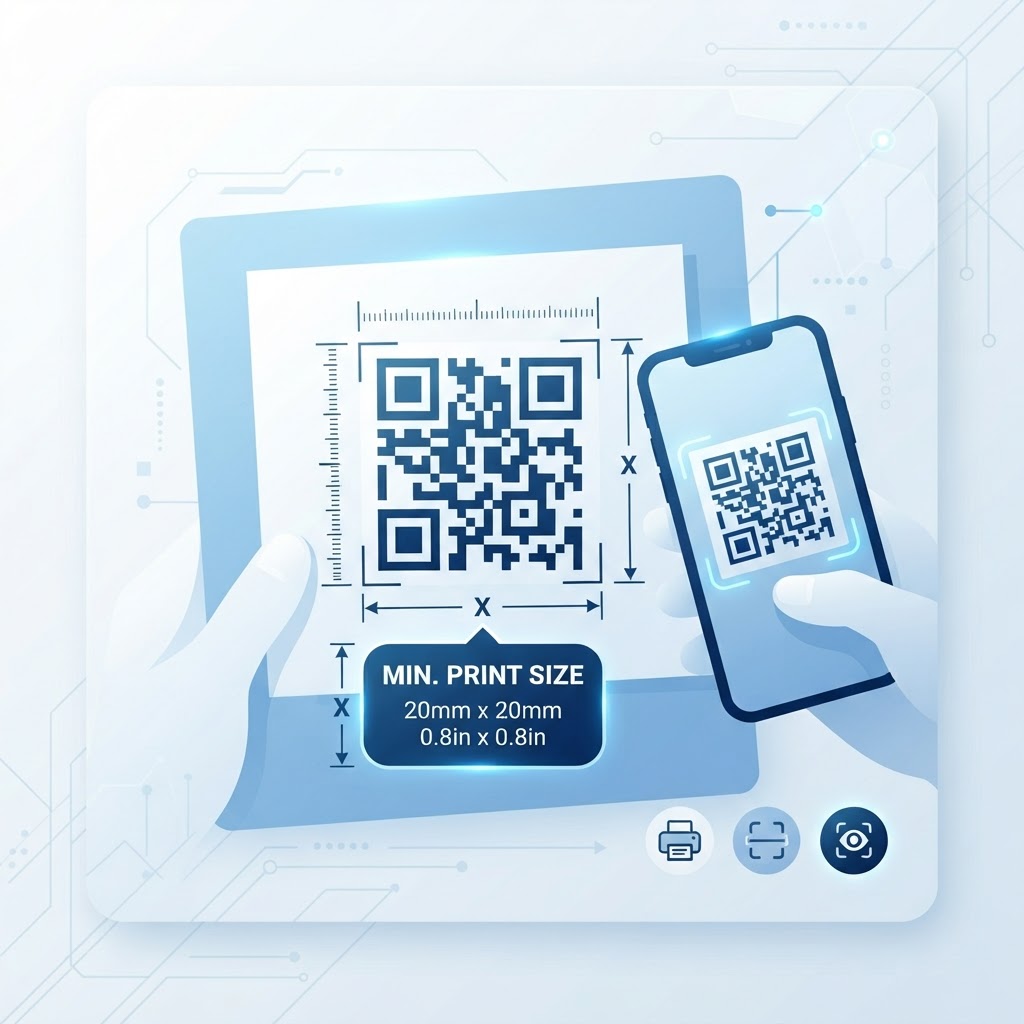
Why the minimum QR code size for printing matters
Imagine a customer standing in a busy retail aisle, ready to scan your product packaging for a discount. If your code is too small, their phone camera struggles to find the focal point, causing frustration and a lost sale. You can avoid these issues by using our free QR Code Generator to ensure your assets are print-ready.
A code that is properly sized ensures the scanner can instantly interpret the data patterns. By adhering to industry standards for the minimum qr code size for printing, you guarantee a seamless user experience across all devices.
What you need before you start
Before you commit to a design, ensure you have your digital assets ready and a reliable generation tool. You will need a high-resolution vector image, a clear understanding of your print material texture, and a fast, reliable tool like our free QR Code Generator to produce your file.
Always verify the URL or content destination is active before you generate. Using our tool allows you to create high-quality files that remain sharp at any scale. Before you finalize your layout, be sure to read our guide on Essential QR Code Design Tips for Better Scans to improve your conversion rates.
How to determine the right size — step by step
- Assess your physical space: Measure the specific area where the code will be placed on your printed material.
- Calculate the distance: Determine how far the user will be from the code, as the minimum qr code size for printing increases with distance.
- Choose your generation tool: Navigate to our free QR Code Generator to begin your project.
- Set the size parameters: Use a minimum of 2cm x 2cm (roughly 0.8 inches) for business cards or close-range flyers.
- Test at scale: Export your image in SVG or high-resolution PNG format to prevent loss of detail.
- Final print verification: Print a test page at actual size to ensure the physical code maintains its integrity before running a large batch.
How to test and deploy it
Once you generate your code, don't rely solely on your own phone. Test the code using different devices and operating systems, as some cameras handle low-light or small-scale codes better than others.
100% Free — No signup required
Create your Minimum Qr Code Size For Printing in seconds
Create Free QR Code →Place your code on a flat, non-reflective surface to ensure the best scan results. If you are ready to produce your own, visit the Blue QR Code Generator site to generate yours in seconds and ensure your project launches with confidence.
Common mistakes that ruin results
- Insufficient contrast: Placing a dark code on a dark background makes it impossible for the camera to distinguish the modules.
- Excessive complexity: Adding too much data to a small space forces the QR pattern to become too dense to scan easily.
- Ignoring the quiet zone: Failing to leave a white margin around the code prevents the scanner from isolating the pattern correctly.
- Low resolution images: Using a compressed JPG instead of a vector format leads to blurry edges that cause scanning failures.
Real examples
For a standard business card, keeping the code at 2cm is ideal because the user is holding it close. However, for a billboard, the size must be scaled up significantly—often to several feet—to account for the distance of the average viewer.
If you use Blue QR Code Generator's QR codes tool for restaurant menus on tables, 3cm is a safe bet that balances space efficiency with high scannability. Always adjust your expectations based on the environment and viewer distance to ensure your code is always accessible.
No watermark · No expiry · Works on all phones
Your QR code is ready in under 30 seconds.
Generate Free QR Code →