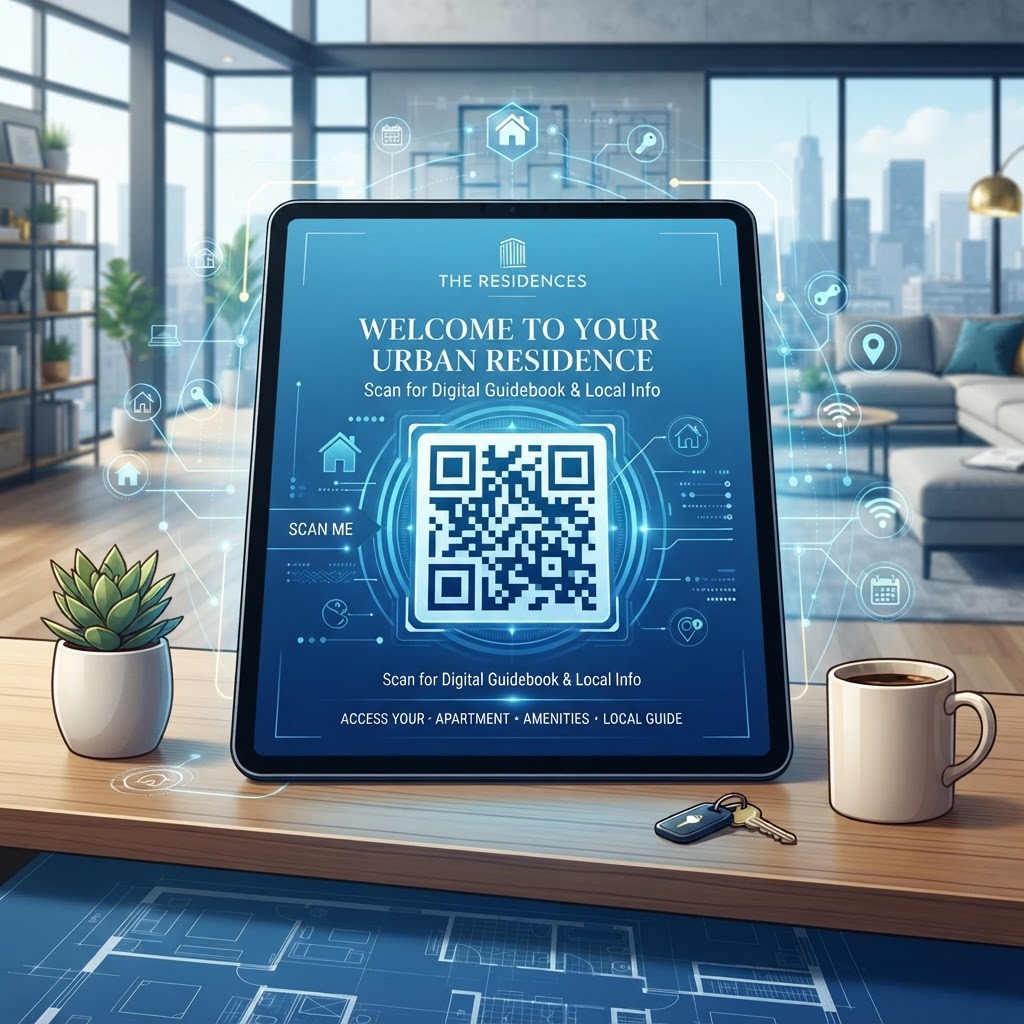
Why Integrating QR Codes for Welcome Books Matters in 2026
As we navigate through 2026, the expectations for short-term rentals and managed apartment communities have reached an all-time high. Guests now anticipate a level of digital integration that mirrors the seamlessness of their everyday smartphone habits. Physical welcome books are often static, quickly becoming outdated as local restaurant recommendations change, house rules are updated, or WiFi passwords require resetting. By utilizing a QR code for an apartment welcome book, property managers gain the significant advantage of dynamic agility. You can modify your digital PDF or landing page in real-time, ensuring that every guest is viewing the most accurate and current information without the need to reprint a single page of text.
Furthermore, the sustainability angle cannot be overstated. Reducing reliance on paper-based materials aligns with the growing trend of eco-conscious travel and management practices. Many businesses are pivoting toward digital-first strategies to reduce their physical carbon footprint. This transition is not merely about aesthetics; it is about providing high-value, instant access to information that prevents common guest queries. When guests can scan a QR code upon entry, they instantly receive details on garbage disposal, appliance operation, and local emergency contacts. This reduces the administrative burden on hosts and property managers, who frequently find themselves answering the same repetitive questions regarding check-out procedures or parking regulations. By leveraging tools found at free-qr-code-generator-no-sign-up-no-watermark, you empower your guests with self-service solutions that improve their overall stay experience, directly correlating to higher ratings and better guest retention, which are essential metrics for any competitive property management venture in the current economic climate.
How QR Codes Work Technically in Property Management
The underlying technology of a QR code is relatively straightforward yet remarkably robust. A QR code, short for Quick Response code, is a two-dimensional barcode that stores information in a grid of black and white pixels. When a guest points their smartphone camera at this grid, the device's internal software interprets the pattern and converts it into a machine-readable URL or data string. For an apartment welcome book, the most effective approach is to link the code to a secure, hosted PDF file or a responsive landing page. This allows the guest to be redirected to a rich content environment containing text, images, interactive maps, and even video tutorials on how to operate complex amenities like smart thermostats or kitchen appliances.
From a technical implementation standpoint, the QR code functions as a gateway. It does not store the data itself; rather, it stores the path (the URL) to where your data resides. This is a critical distinction for property managers who need to keep their information secure. You can update the hosted document without ever changing the physical printed QR code. This decoupling of the physical asset (the code on the wall) from the digital asset (the document) is what makes the system so powerful. Many experts suggest reviewing qr-code-placement-best-practices to ensure your technical deployment is optimized for varying lighting conditions and camera angles. If you are handling sensitive information, ensure your hosting environment has proper access controls, though for a welcome book, a public-facing, password-protected page is often sufficient. This digital bridge minimizes the friction between a guest’s arrival and their comfort, ensuring they feel settled in immediately without waiting for host intervention.
Step-by-Step Guide to Using blueqrcode.com
Getting started with the best-in-class tools at blueqrcode.com is a seamless process designed for efficiency. First, you must prepare your content. Compile all your essential property data—including instructions for appliances, neighborhood guides, and house rules—into a professional PDF or a cloud-hosted document. Once your document is ready, copy the direct URL or public link to that file. Next, head over to the platform and select the appropriate QR code type. For most welcome books, a URL-based code is the standard. Paste your link into the designated field, and the generator will immediately produce a high-quality graphic representation of your link.
Customization is a significant benefit of the platform. You can adjust colors, add a frame, or even incorporate a logo to ensure the QR code aligns with your brand identity. This level of personalization helps build trust with guests, as it signals a professional and thoughtful host. Before you proceed to mass-print your codes, it is vital to test the scanability across multiple devices. You might want to refer to our guide on how-to-make-a-qr-code-for-wifi if you intend to bundle your connectivity information within the same digital welcome package. After verifying that the scan leads directly to the correct document, download your QR code in a high-resolution format like PNG or SVG. This ensures that when you print the code for a frame or a welcome card, the lines remain crisp and the scan remains reliable for every guest. By following these steps, you eliminate the guesswork and create a scalable system for all your properties.
Best Practices for Deployment, Size, and Placement
The physical deployment of your QR code is just as critical as the digital content it points to. Many businesses fail because they place codes in obscure locations where they are easily missed or difficult to scan. For an apartment welcome book, the optimal placement is at the point of entry—such as a welcome card placed on the kitchen counter or a framed print near the front door. Ensure the code is printed at a minimum size of 1x1 inch to account for varying camera quality in different guest smartphones. The surface should be flat and non-reflective; glossy laminates can sometimes create glare that disrupts the scanner's ability to interpret the black-and-white grid patterns correctly.
Furthermore, consider the context of the environment. If the apartment is dimly lit, make sure your QR code placement is near a light source. You should also provide a brief call to action (CTA) next to the code. Simply putting a code on a table might be ignored, but adding a printed label such as "Scan for WiFi, House Rules, and Local Tips" provides the necessary incentive for the guest to engage with the technology. This strategy also helps if the guest is experiencing a moment of stress, such as when they are having trouble connecting to the internet or operating the shower. Clear, instructional text builds confidence. We recommend keeping the frame simple and uncluttered. Avoid surrounding the code with busy patterns or other printed advertisements that might distract the guest or confuse the smartphone's image recognition software. By adhering to these physical design standards, you ensure that the technology remains a helpful tool rather than an obstacle to your guests' convenience.
100% Free — No signup required
Create your QR Code for Apartment Welcome Book in seconds
Create Free QR Code →Common Mistakes to Avoid During Implementation
One of the most frequent pitfalls we observe is the use of non-responsive digital documents. If your welcome book PDF is formatted strictly for a desktop computer monitor, it will likely be unreadable on a smartphone screen. Ensure your hosted content uses a mobile-first layout with large fonts and clear, scrollable sections. Another common mistake is failing to verify the accessibility of the hosting link. If you change the URL of your document, the QR code will break, and guests will encounter a 404 error. To prevent this, always use a reliable, persistent cloud storage solution for your files. If you find yourself needing to update links frequently, consider using a platform that supports dynamic QR code redirects, which allow you to change the target URL without re-generating the image.
Another issue is underestimating the need for a fallback. While most smartphones are incredibly capable, some guests might have older devices or restricted camera settings. It is always a good practice to include a short, human-readable URL right below the QR code (e.g., bit.ly/your-property-name). This provides a safety net for those rare instances where scanning might fail. Additionally, avoid over-complicating the welcome page with too much information. Instead of one massive 50-page document, break your content into smaller, logical sections such as "Appliances," "Emergency Contacts," and "Things to Do." This cognitive offloading makes it easier for guests to find exactly what they need. Avoiding these common errors will help you maintain a reputation for excellence, ensuring that your digital tools are consistently viewed as assets, not as technical hurdles for your visiting guests.
Concrete Use Cases by Industry and Sector
The application of QR codes for information distribution extends far beyond residential apartments. In the boutique hotel sector, managers use these codes to provide guests with instant access to room service menus, spa schedules, and check-out instructions, significantly reducing the demand on front desk staff. For professional property management agencies overseeing multiple high-end vacation rentals, a QR code acts as a standardized digital concierge. This ensures that the "brand experience" is consistent across all listings, regardless of the property's location. Whether it is a luxury beach villa or a city-center studio, the digital welcome experience remains uniform and professional.
In the corporate housing market, where business travelers stay for extended periods, QR codes are indispensable. These guests often require rapid access to building amenities, laundry facility schedules, and local co-working spaces. By placing a QR code on the welcome binder, you provide them with a centralized hub for all their specific professional needs. Furthermore, in the niche of medical housing or travel nursing accommodations, clarity is paramount. Having a QR code that leads to clear building security protocols, quiet-hour rules, and local pharmacy contacts provides peace of mind to guests who are often in town for high-stress, critical work. In each of these sectors, the ability to rapidly update information—such as notifying a guest about building maintenance or a sudden change in local parking regulations—proves that the digital welcome book is not just a novelty, but a functional necessity for modern hospitality operations. By digitizing these processes, you streamline operations, reduce physical waste, and elevate the standard of service provided across your entire portfolio of properties.
Summary and Next Steps for Property Managers
As we have explored, the transition to a digital welcome experience is a vital step for any property manager looking to thrive in 2026. By utilizing a QR code for your apartment welcome book, you are not only streamlining the guest experience but also positioning your operations for greater efficiency and flexibility. We have covered the technical foundations, the deployment strategies, and the common mistakes that can derail an otherwise solid implementation plan. The process of generating your own code is simple, and the benefits of providing instant, mobile-optimized information to your guests are immediate and measurable. High-quality communication sets the tone for a guest's entire stay; when that communication is digital, fast, and easily accessible, the guest feels supported and informed from the moment they walk through the door.
Your next steps should be immediate and practical. Start by auditing your current physical welcome binder. Identify the sections that remain static and those that require frequent updates. Once you have your content finalized, upload it to a reliable host and use the tools at blueqrcode.com to generate a professional, high-resolution QR code. Test the code in the actual environment of your apartment, ensure the CTA is clear, and monitor how your guests engage with the digital resource. By embracing this technology now, you move your business away from outdated paper reliance and into the future of hospitality management. Continue to monitor your processes and look for new ways to integrate mobile solutions, ensuring your property remains at the forefront of guest satisfaction and operational excellence in this increasingly digitized world.
No watermark · No expiry · Works on all phones
Your QR code is ready in under 30 seconds.
Generate Free QR Code →