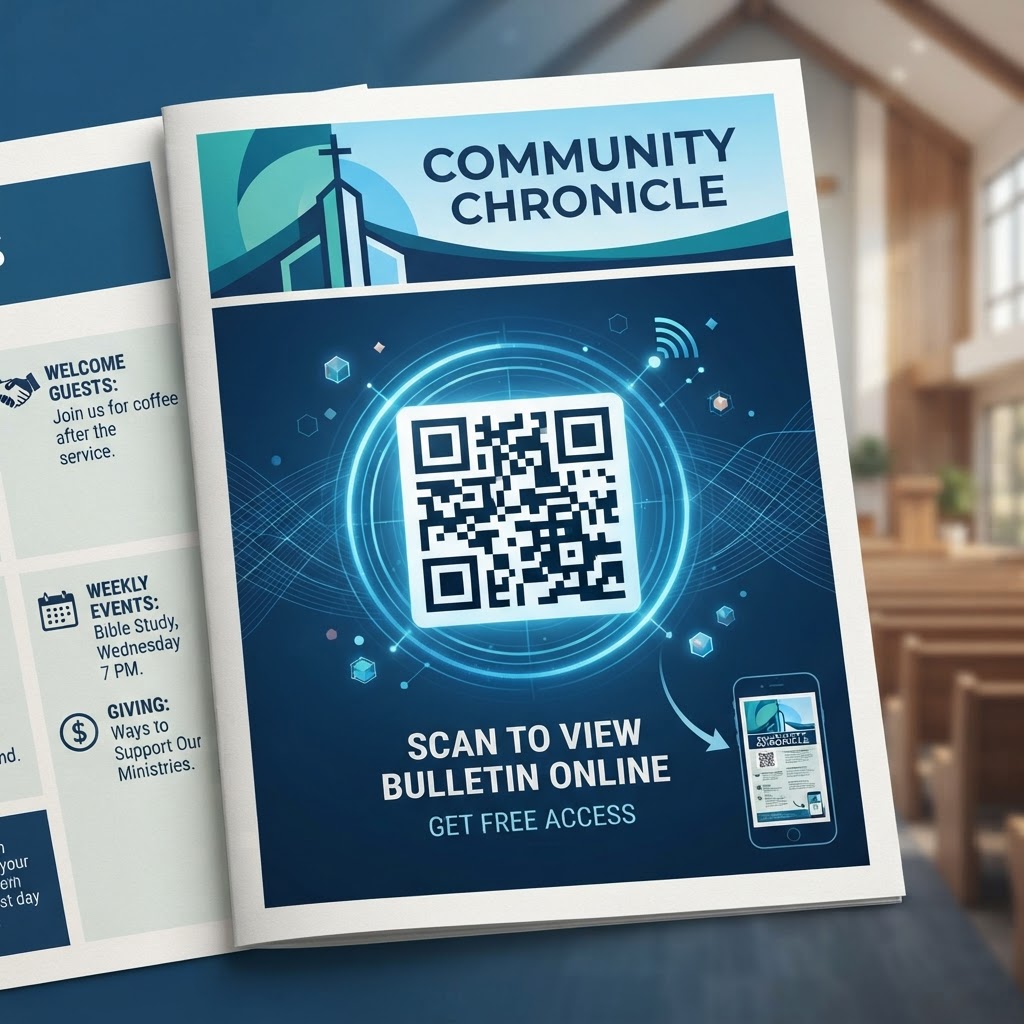
Why Adopting QR Codes Matters for Churches in 2026
As we navigate through 2026, the expectation for instant access to information has permeated every facet of daily life, including church life. Congregants now carry the world in their pockets via their smartphones, and they expect their places of worship to be as connected as the rest of their world.
Implementing a QR code for church bulletins is not merely about looking modern; it is about accessibility, efficiency, and environmental stewardship. By using a tool like blueqrcode.com, churches can update digital links in real-time so parishioners always have the latest information.
Key Points
- QR codes reduce paper waste and keep information current.
- Younger congregants often prefer digital interaction for events and giving.
- Digital links enable basic engagement tracking to inform ministry decisions.
How QR Code Technology Works Behind the Scenes
At its core, a QR code is a two-dimensional barcode that stores data in a matrix of squares. When a smartphone camera detects this pattern, the device interprets the arrangement and can, for URL-based codes, open the phone’s browser to the specified address.
The robustness of a QR code depends on its error correction level, which allows the code to remain readable even if partially damaged. For most ministry needs, a URL-based code remains easy for modern smartphone cameras to interpret.
- Stores URLs, vCards, SMS triggers, or small text snippets
- Error correction reconstructs data if the code is smudged or partially obscured
- Simpler URLs produce cleaner, more scan-friendly patterns
Step-by-Step Guide to Creating Your QR Code at blueqrcode.com
Creating your QR code for a church bulletin is straightforward and requires no specialized technical knowledge.
- Step 1: Visit blueqrcode.com and select the URL option, then paste the destination link (homepage, signup form, donation page, or digital bulletin).
- Step 2: Generate the code and customize its appearance if desired, then download the file in PNG or SVG for high-resolution printing.
- Step 3: Insert the image into your bulletin, size it appropriately (test with multiple phones), and verify the link before printing your full run.
100% Free — No signup required
Create your Qr Code For Church Bulletin Free in seconds
Create Free QR Code →Best Practices for Deployment: Size, Placement, and Format
Successfully deploying a QR code requires strategic thinking about scanability and user experience. Physical size, contrast, and placement determine how easily congregants can scan the code.
- Use a minimum size of about 1.25 inches by 1.25 inches for printed bulletins.
- Ensure high contrast between the code and its background; avoid dark or textured paper.
- Place codes in prominent areas (e.g., front page bottom or beside announcements) with a clear call to action.
Common Mistakes to Avoid in Church Bulletin Design
Keep destination pages mobile-optimized and simple to prevent frustration. A code that points to a hard-to-read PDF or a page requiring login will reduce engagement.
- Linking to non-mobile-friendly pages — ensure mobile responsiveness
- Failing to test across different devices and browsers
- Using codes that lead to dead links or pages requiring logins for public content
- Crowding a page with too many QR codes, causing visual clutter
- Compressing or stretching the code image and distorting its geometry
Concrete Use Cases by Sector and Ministry
The applications for a QR code for church bulletins are broad and practical across ministries. Codes can simplify registration, provide worship resources, and streamline giving.
- Sunday school: registration forms and weekly updates for parents
- Worship ministries: links to song lyrics or a digital welcome packet for visitors
- Giving: direct links to secure online donation platforms
- Small groups: sign-up sheets and private group messaging links
- Community outreach: schedules for food drives or shelter services
Summary and Next Steps: Transforming Your Ministry
Incorporating a QR code into your church bulletin is a simple step toward digital transformation that enhances accessibility and administrative efficiency. By following the guidelines above—ensuring proper sizing, contrast, and mobile-friendly destinations—you can improve engagement across demographics.
Audit your current bulletin, identify one place to add a digital link, generate your first code, and solicit feedback from your ministry team. We encourage you to visit blueqrcode.com today to generate your first code and begin bridging your church's physical materials with the modern digital world.
No watermark · No expiry · Works on all phones
Your QR code is ready in under 30 seconds.
Generate Free QR Code →Step-by-Step Guide: How to Create a qr code for church bulletin free on BlueQRCode
Step 1 — Choose the URL QR code option
Go to BlueQRCode and select the URL (link) QR code type. For most church bulletins you will be linking to your church website, a sermon page, an online giving form, or an event registration page. Choosing the URL option ensures the QR code will open a web address when scanned — the ideal choice for a "qr code for church bulletin free."
Step 2 — Enter the exact link and add tracking if needed
Paste the full, live URL you want people to visit. To measure engagement from your bulletin, append UTM parameters (e.g., ?utm_source=bulletin&utm_medium=qr&utm_campaign=sunday) so visits are tracked in Google Analytics or other analytics tools. This step turns a simple "qr code for church bulletin free" into a sourceable, measurable outreach tool.
Step 3 — Customize appearance for readability
BlueQRCode lets you adjust size, error correction level, and color. For print bulletins, choose high contrast (dark code on a light background) and a medium-to-high error correction level so the code remains scannable even if the paper is creased. Keep customization subtle — decorative elements can be nice, but clarity is the top priority when creating a "qr code for church bulletin free."
Step 4 — Test across devices and download
Before finalizing your bulletin layout, scan the generated QR code with several different smartphones and camera apps to confirm it opens the correct page. Once verified, download the code in the recommended format (PNG or SVG for print). Because BlueQRCode provides codes that never expire and adds no watermark, you can download and reuse the file with confidence for future bulletins.
Step 5 — Place and print smartly
Insert the downloaded QR code into your bulletin design. Place it where people naturally look — near the announcements, next to the offering section for giving links, or alongside the sermon summary. Add a brief call-to-action (e.g., "Scan to view sermon notes" or "Scan to give securely"). When setting print size, a minimum of 2 x 2 cm (0.8 x 0.8 in) is recommended for most smartphone cameras, but larger is safer for older devices or low-light conditions.
Best Practices for qr code for church bulletin free
- Use a clear call-to-action: Tell people exactly what they will get by scanning (e.g., "Scan for today's message notes" or "Scan to register for fall small groups"). A short phrase increases scan rates.
- Ensure high contrast and quiet zone: Place the dark QR code on a plain, light background and leave ample white space (quiet zone) around it. Avoid placing over images or patterned backgrounds.
- Add tracking parameters: Use UTM or other tagging to track which bulletin placements and services generate the most engagement. This helps you fine-tune future uses of a "qr code for church bulletin free."
- Provide an alternate short link: Not everyone scans QR codes. Include a short, easy-to-type URL beneath the code so people without smartphones or with restricted camera apps can still access the content.
- Test after printing: Print a proof and scan the physical copy under the lighting your congregation will likely have. Paper sheen, fold lines, and printer ink saturation can affect scannability.
Common Mistakes to Avoid
- Making the code too small: Tiny QR codes often fail to scan, especially from a distance. Don't reduce the code to fit a cramped layout — resize the surrounding elements instead.
- Poor contrast or busy backgrounds: Decorative backgrounds and low-contrast colors may look nice but can render the code unreadable. Always prioritize function over form for a "qr code for church bulletin free."
- Linking to a fragile or long URL without redirects: Linking directly to a temporary event page or an unstable file can lead to broken scans. Use permanent pages or short redirects that you can update if needed.
- Skipping user instructions: Assuming everyone knows how to scan a QR code can lose engagement. A one-line instruction like "Open your camera and point it at the code" helps first-time users.
Real-World Use Cases
- Sermon Notes and Media — Place a "qr code for church bulletin free" next to the sermon title so attendees can instantly access sermon notes, Bible passages, audio recordings, or a YouTube sermon video after service.
- Digital Giving — Link the QR code to your church's secure giving page. Placing the code near the offering announcement or on the back page of the bulletin makes donation quick and contactless.
- Event Registration and RSVPs — Use a QR code in your bulletin to register people for potlucks, retreats, volunteer sign-ups, or children's ministry events. A scanned link speeds up sign-up and reduces manual data entry.
- Welcome & Visitor Info — Include a QR code on the welcome section that leads to a "New Here" page with church service times, childcare info, staff bios, and a digital connection card for first-time guests.
Create Your Free qr code for church bulletin free
No sign-up. No watermark. Never expires.
Generate Free QR Code →