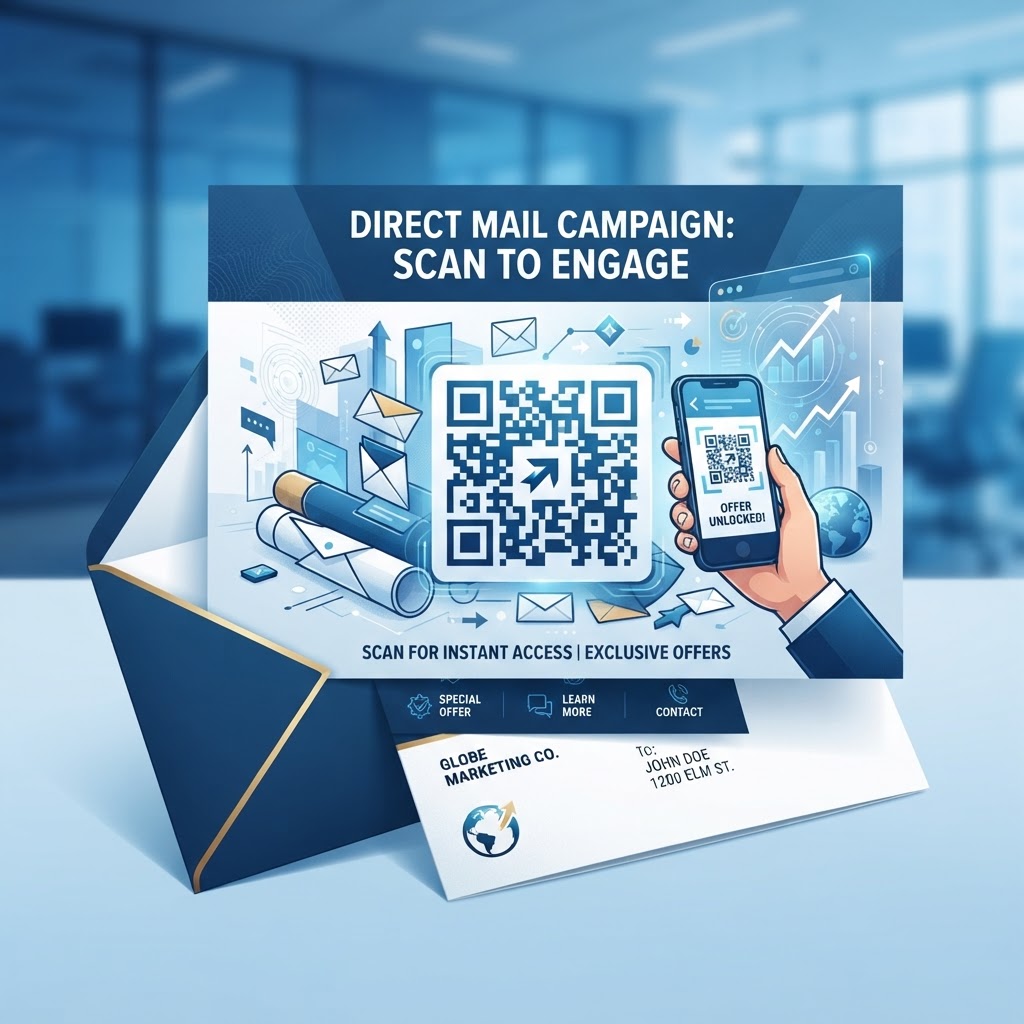
Why Integrating QR Technology Matters in 2026
As we navigate deeper into 2026, the reliance on smartphones as the primary interface for daily life is absolute. Most smartphones now come equipped with native QR scanning capabilities, meaning the barrier to entry for a consumer interacting with a QR code has vanished entirely. For direct mail, this shift is revolutionary. Traditionally, physical mailers required a user to manually type a long, complex URL into a browser, a process fraught with high friction and frequent abandonment. By embedding a QR code directly onto a postcard or brochure, you eliminate the need for manual data entry, providing a frictionless transition from the mailbox to your digital platform.
The strategic value of this integration lies in the immediate availability of information. Modern consumers expect instant gratification. When they receive a mailer, they are often in a mindset of exploration but are limited by the static nature of the medium. A QR code transforms that static document into a portal. Whether it is a link to a landing page, a contact form, or a specialized digital brochure, the QR code makes the interaction instantaneous. Furthermore, the aesthetic integration of these codes has improved significantly, allowing for high-contrast, clean designs that do not disrupt the visual flow of professional mailers. Many businesses have found that including a visual cue—a prompt that encourages the scan—significantly increases the likelihood of engagement compared to a simple, unadorned mailer. This shift represents a transition toward a more integrated, omnichannel marketing approach where physical presence provides the introduction, and digital resources provide the conversion, all powered by the simple utility of the QR code.
How QR Code Technology Works Technically in Direct Mail
To understand why QR codes are so effective for print marketing, one must look at the underlying technical architecture. A QR code is essentially a two-dimensional matrix barcode that stores information in a grid of black and white modules. Unlike a traditional linear barcode which holds a limited amount of string data, a QR code can store alphanumeric characters, URLs, and specialized data strings with high reliability. When a phone's camera identifies the distinct alignment patterns in the corners of the code, it decodes the matrix into the underlying data—most commonly a standard URL. This process is handled locally by the mobile operating system, ensuring that the connection is initiated by the device's hardware, which is both secure and instantaneous.
In the context of direct mail, the physical print quality is the primary technical consideration. The code must be generated with sufficient error correction capability to ensure that even if the paper is slightly creased or the printing ink smudges, the scanner can reconstruct the missing information. When you use how to make a QR code for a product through our generator, the output is a high-resolution image file. This file acts as a static representation of your chosen destination. Because it is static, the data is hard-coded into the image itself, making it incredibly robust and reliable for high-volume print runs. There is no dependency on external servers or database lookups once the code is printed. This technical stability is crucial for direct mail, as these campaigns often involve sending thousands of pieces of mail simultaneously. You need the assurance that the code will function exactly as expected the moment the recipient scans it, regardless of when or where the scanning occurs.
Step-by-Step Guide to Generating Your Mailer QR Code
Creating your QR code for a direct mail campaign using BlueQRCode is a straightforward, three-step process designed to prioritize ease of use. First, navigate to the BlueQRCode platform. You will see a clear interface where you can input the destination you wish your mail recipients to visit. This could be your homepage, a specific product landing page, or a digital catalog. Ensure that the URL is fully qualified, meaning it includes the 'https://' prefix, as this ensures the recipient's browser will open the page correctly without errors or security warnings. It is best practice to test your URL in a browser before generating the code to verify that it loads quickly and displays correctly on mobile devices.
Second, once the information is entered, use our generation tool to create the image. You will have options to adjust the size and resolution of the resulting QR code image to ensure it meets your printer’s requirements. High-resolution files are essential for professional printing; anything less than 300 DPI can lead to blurry edges, which can confuse or fail the scanning process. Finally, download the generated image and integrate it into your mailer design. If you are preparing collateral for specific needs, such as a professional portfolio or a contact card, you might also be interested in our guides like PDF QR Code for Portfolio Step by Step or QR Code vCard Business Card Digital to expand the functionality of your campaign. By keeping the design clean and maintaining high contrast—using black modules on a white background—you ensure the highest possible scan success rate. Always perform a test scan on multiple different phone models before sending the file to your print provider to guarantee universal accessibility.
Best Practices for Deployment: Size, Placement, and Format
Successful deployment of a QR code in direct mail is not just about functionality; it is about human behavior. The placement of the code must be deliberate. It should not be relegated to the bottom corner of a back panel where it might be obscured by address labels or postage marks. Instead, place the QR code in a central, visible location that is easy for the recipient to access without folding or bending the mailer. A good rule of thumb is to place the code in a 'scanning zone'—a clear, white-space-surrounded area that allows the phone camera to focus immediately without interference from complex background images or heavy text blocks.
Size is another critical factor. A QR code that is too small will be difficult for a camera to resolve, while one that is unnecessarily large may detract from the overall aesthetic of the piece. A size of approximately 1.5 inches by 1.5 inches is generally ideal for standard postcards. However, if the mailer is a larger catalog or brochure, you can scale the code appropriately. It is also vital to include a 'call to action' near the code. A simple line of text such as 'Scan to learn more' or 'Scan to view our latest collection' provides the necessary context for the user to understand why they should bother scanning. Without this prompt, the code becomes an abstract graphic that the user may ignore. Remember that the goal is to make the experience feel like a natural part of the mailer, not an intrusive tech element. By adhering to these design constraints, you ensure that your direct mail campaign feels polished, professional, and accessible to everyone, regardless of their technical proficiency.
100% Free — No signup required
Create your QR Code for Direct Mail Campaigns in seconds
Create Free QR Code →Common Mistakes to Avoid in Direct Mail Campaigns
The most common mistake businesses make when implementing QR codes in direct mail is failing to provide a clear incentive for the user to scan. A QR code is not a magic marketing solution; it is a tool. If the destination URL is not optimized for mobile, or if the content on the other side of the scan is not valuable, the campaign will fail to yield results. Avoid sending users to a desktop-only page that requires pinching and zooming to read. Every destination linked to a QR code must be mobile-responsive, loading quickly and presenting information in a clear, vertical format that is easy for a mobile user to consume on the go.
Another significant oversight is the lack of testing. We often see campaigns printed in the thousands where the QR code points to a broken link or a misspelled domain. Before committing to a print run, test your code under various lighting conditions. Does the printer ink bleed into the white space between the code modules? If the 'quiet zone' (the white margin around the QR code) is violated by nearby text or design elements, the scanner may fail to recognize the code. Additionally, avoid using inverted colors or low-contrast combinations. While a red QR code on a black background might look artistic, it will likely be invisible to standard smartphone cameras. Stick to the classic black-on-white format to ensure universal compatibility. By meticulously checking these technical details and ensuring the landing page is genuinely useful to the recipient, you avoid the common pitfalls that render QR campaigns ineffective and frustrating for the end user.
Concrete Use Cases by Industry
In the real estate sector, direct mail remains a primary way to announce new property listings. A realtor can include a QR code on a 'Just Listed' postcard that takes potential buyers directly to a virtual tour or a photo gallery of the interior. This allows the physical mailer to act as a teaser, while the QR code handles the heavy lifting of showing the property details. This strategy is far more effective than forcing the recipient to search for the address manually. Similarly, for restaurants, a QR code printed on a direct mail flyer can lead customers directly to a reservation page or an online menu, making it easier than ever for local patrons to plan their next dining experience. By using simple solutions like a reservation-linked code, you remove the effort required to make a decision.
For local service businesses like accountants or small consulting firms, a QR code can lead to a vCard download, allowing the recipient to save the business contact information directly to their smartphone address book with a single scan. This turns a piece of paper that might otherwise end up in the trash into a permanent connection in the customer’s phone. Clothing boutiques can use QR codes in their seasonal mailers to provide a direct link to an online store's 'New Arrivals' section, allowing for a seamless transition from browsing a catalog to making a purchase. In every instance, the common thread is the reduction of effort. The QR code provides a direct, one-tap solution for the recipient to take the next logical step in the customer journey, regardless of the industry or the specific goal of the campaign.
Summary and Next Steps
Integrating a QR code into your direct mail strategy is a powerful way to modernize your physical marketing collateral. By focusing on mobile-friendly destinations, clear calls to action, and high-quality design, you can significantly enhance the engagement levels of your mailers. We have covered the technical necessity of using high-resolution images, the importance of mobile-optimized landing pages, and the practical application across diverse industries. As we move through 2026, the businesses that succeed will be those that effectively blend the physical trust of direct mail with the digital speed of online access.
Your next step is to evaluate your current marketing materials. Identify where you can add value by linking to more information or simplifying a user’s next action. Use the BlueQRCode generator to create your first set of codes, ensuring that each one is tested thoroughly before printing. Remember that a QR code is only as useful as the destination it serves, so prioritize creating content that provides a genuinely helpful experience for your customers. By making the switch to an integrated direct mail approach today, you place your business at the forefront of modern marketing, providing a seamless, convenient bridge for your audience to reach your brand. Stay consistent with your branding, keep your design clean, and always provide a clear reason for the recipient to scan. With these tools, you are well-equipped to execute campaigns that resonate and convert effectively.
No watermark · No expiry · Works on all phones
Your QR code is ready in under 30 seconds.
Generate Free QR Code →