Why This Topic Matters
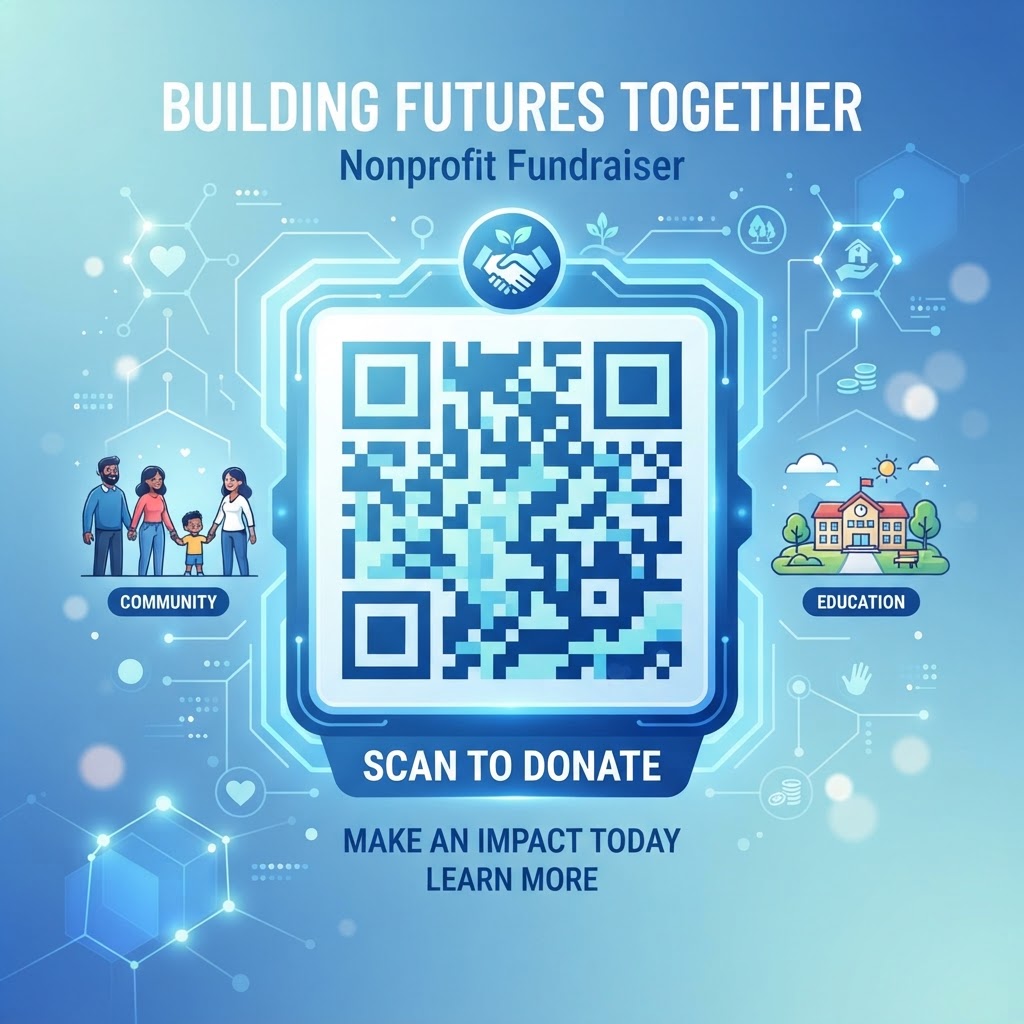
The landscape of charitable giving has shifted significantly over the past decade, and donors now expect a seamless online experience. A qr code for nonprofit fundraiser serves as the critical link between the physical world and your digital donation page.
This immediacy is vital because every extra step increases abandonment risk. By using a reliable generator like blueqrcode.com, you can create a frictionless pathway from a poster or flyer to a payment gateway in seconds.
Key Points
- QR codes bridge physical materials and mobile donation experiences instantly
- They are low-cost and highly versatile for many campaign uses
- Dynamic codes provide analytics to optimize future fundraising
Step-by-Step Guide
Use this concise roadmap to deploy QR codes effectively for your campaign.
- Step 1: Define the donor destination and ensure the landing page is mobile-optimized so donors can complete contributions without friction.
- Step 2: Generate a customizable QR code (for example at blueqrcode.com), matching branding while keeping contrast high for scannability.
- Step 3: Test on devices and printed materials, deploy in high-visibility locations, and track scans to iterate on placement and messaging.
Step-by-Step Guide to Implementing QR Codes
Implementing a QR code for a nonprofit fundraiser is straightforward when you use a reliable generator like blueqrcode.com. Follow these detailed steps to ensure professional results.
- Define Your Objective: Determine where you want the donor to go. Is it a general donation page, a specific project crowdfunding page, or a video that tells your organization's story?
- Create the URL: Ensure your destination URL is mobile-optimized. A poor mobile experience is the fastest way to lose a potential contribution.
- Generate the Code: Visit blueqrcode.com and select the URL option. Paste your link and customize the code to match your branding.
- Test Thoroughly: Before printing, scan the code with several different types of smartphones to ensure it loads quickly and displays correctly on various screen sizes.
- Deploy Strategically: Place your QR code in high-traffic areas, such as event entryways, program covers, or at the bottom of printed brochures.
Best Practices
Design and placement determine whether donors will scan your code. A clear CTA and proper size are essential.
- Include a clear call to action so users know what to expect
- Maintain high contrast and simple branding to preserve scannability
- Test prints on the actual material and choose visible, reachable placements
Best Practices for QR Code Design and Placement
A code that is too small, placed in a crowded area, or lacking a clear CTA will likely be ignored. Always include CTAs such as "Scan to Support Our Mission" or "Donate in Seconds."
Design matters: keep contrast high and avoid internal images that interfere with scanning. Functionality should come before aesthetic adjustments.
Try it now: Generate a free Qr Code For Nonprofit Fundraiser →
100% Free — No signup required
Common Mistakes to Avoid
Avoid common pitfalls that reduce scan rates and conversion. Testing and analytics are crucial to prevent wasted spend and missed donations.
- Using a static, non-mobile-responsive destination — donors may abandon if the page is hard to use
- Failing to track performance — dynamic codes provide scan data that informs future strategy
- Not test-printing on final materials — ink bleed or texture can break scanning
- Placing codes where there is poor cellular reception or no Wi‑Fi
Common Mistakes to Avoid
One frequent error is linking to a page that is not mobile-responsive. If donors must pinch and zoom to find the donate button, they will likely leave.
Also, avoid skipping performance tracking and test prints. Use dynamic QR codes and sample prints on the exact material to catch issues early.
Real-World Application Examples
A local food bank placing QR codes on collection bins can capture donations from attendees who didn't bring items. This allows immediate giving on the spot.
An animal shelter might place QR codes on cages linking to a video story of each pet, personalizing the interaction and encouraging donations for medical care.
Measuring Success and Optimizing Performance
Once QR codes are live, use analytics to monitor scan rates and compare placements. Look for patterns in time of day, location, and CTA effectiveness.
Use the analytics dashboard at blueqrcode.com to iterate on placement and messaging. Continuous optimization builds trust and sustained support.
No watermark · No expiry · Works on all phones
Your QR code is ready in under 30 seconds.
Conclusion
QR codes remove friction and enable immediate giving when designed and placed thoughtfully. Track results and iterate to maximize fundraising success.
Step-by-Step Guide: How to Create a qr code for nonprofit fundraiser on BlueQRCode
Step 1 — Prepare your campaign URL and tracking
Before creating a qr code for nonprofit fundraiser, decide on the exact destination. Use a campaign-specific landing page that explains the fundraiser, shows suggested donation amounts, and offers a clear donate button. Add UTM parameters (utm_source=qr, utm_medium=print, utm_campaign=summer_drive) so you can track traffic in Google Analytics or your CRM. Short, mobile-optimized URLs work best because donors will scan on phones.
Step 2 — Open BlueQRCode and select the URL QR type
On BlueQRCode, choose the URL (link) QR option — this is the most direct way to send donors to your donation page, volunteer sign-up, or event RSVP. BlueQRCode is free and requires no sign-up, so you can create and download your qr code for nonprofit fundraiser immediately. Enter your full campaign URL into the input field.
Step 3 — Customize appearance for trust and brand recognition
Customize the QR design to match your nonprofit’s visual identity. Add your organization’s logo, choose brand colors, and pick a frame or call-to-action label such as “Scan to Donate.” A familiar logo increases trust and scan rates. Keep contrast high (dark code on a light background) so scanners can read the QR reliably.
Step 4 — Choose format, size, and download
Select the file format that fits your needs (PNG for web and quick print, SVG for scalable prints and banners). Make sure you download a high-resolution version for printed materials. For posters and banners, larger physical sizes are required — test minimum dimensions and scanning distance: the bigger the placement, the larger the code should be.
Step 5 — Test across devices and deploy
Test the qr code for nonprofit fundraiser with multiple phones and apps (iOS, Android, default camera apps and third-party scanners). Confirm the landing page loads fast, the donation flow works on mobile, and analytics parameters register visits. Then add the QR to print materials, email footers, event signage, and social graphics. Monitor results and iterate on design or landing page content if needed.
Best Practices for qr code for nonprofit fundraiser
- Use a dedicated campaign landing page: Direct donors to a page focused on the specific fundraiser with clear purpose, suggested amounts, and a short form to minimize friction.
- Add tracking parameters: Append UTM tags to the URL so you can measure which QR placements drive the most donations and refine future outreach.
- Include a clear call-to-action: Add short text near the QR such as “Scan to donate $10” or “Scan to give monthly” to set expectations and increase conversion.
- Optimize for mobile: Ensure the donation form is mobile-friendly, loads quickly, and supports common payment methods (cards, Apple/Google Pay, PayPal).
- Provide contrast and quiet zone: Keep the QR on a plain background with adequate margin so scanners can read it — avoid busy patterns behind the code.
Common Mistakes to Avoid
- Linking to a generic homepage: Sending scanners to your homepage makes it harder for donors to find the donation flow. Always link to a campaign-specific landing page.
- Not testing the QR everywhere: Failing to test on different devices, print materials, or under poor lighting can lead to unreadable codes and lost donations.
- Insufficient call-to-action or context: A QR without context may be ignored. Always include a short reason to scan and what the donor will be asked to do.
- Poor placement or too small size: Placing QR codes on moving vehicles, highly reflective surfaces, or making them too small for the expected scanning distance reduces scan rates.
Real-World Use Cases
- Event Fundraisers: At galas, walkathons, or concerts, place qr codes for nonprofit fundraiser on table tents, wristbands, or stage backdrops so attendees can quickly contribute or pledge recurring donations.
- Direct Mail Campaigns: Include a QR on appeal letters and newsletters linking to a pre-filled donation page. Donors can scan and give instantly without typing long URLs or donation codes.
- Community Outreach and Street Drives: Volunteers carrying clipboards can display a QR code on posters or handheld signs to accept contactless, on-the-spot donations from passersby.
- Grant and Sponsor Collateral: Add a branded qr code for nonprofit fundraiser to printed sponsorship proposals and donor reports so potential supporters can review campaign impact or submit sponsorship forms online.
Create Your Free qr code for nonprofit fundraiser
No sign-up. No watermark. Never expires.
Generate Free QR Code →