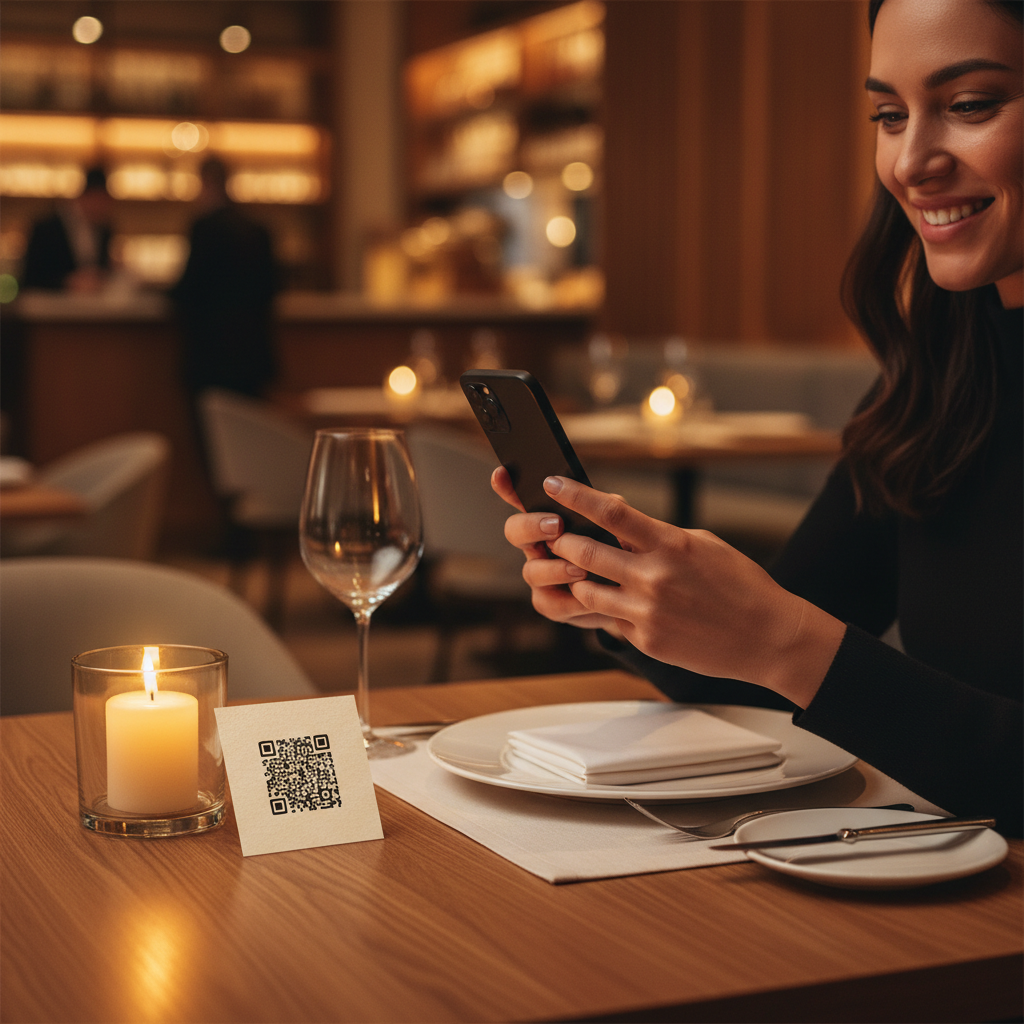
What Is QR Code For Restaurant Menu and Why It Matters in 2026
A QR code for restaurant menu is a scannable, machine-readable square barcode that, when captured by a smartphone camera, instantly directs a customer to a digital version of your restaurant's menu.
Instead of handing guests a laminated card or a printed booklet, you place a small code on the table, at the entrance, or on a takeaway bag — and within seconds, the full menu appears on their personal screen. It is one of the simplest, most impactful upgrades a food-service establishment can make in 2026. To get started, you can use our free URL QR Code Generator to create your code easily.
Key Points
- Provides instant, contactless access to your menu on customers' devices
- Makes menu updates immediate and avoids costly reprints
- Improves hygiene perception and signals modernity
How QR Code For Restaurant Menu Works — The Technical Foundation
Understanding the mechanics behind a QR code for restaurant menu helps you deploy it with confidence and troubleshoot any issues that arise.
At its core, a QR (Quick Response) code is a two-dimensional matrix barcode that stores data in a grid of black and white modules. A QR code can store a full web address, which is exactly what makes it ideal for linking to a hosted menu page.
When a customer opens their smartphone camera and points it at the code, the device decodes the stored URL and launches the browser automatically. No dedicated app is required on most modern devices. blueqrcode.com generates codes compatible with 95%+ of modern smartphones released from 2020 onward.
One important technical property is error correction. blueqrcode.com applies up to 30% error correction (Level H), so the code remains scannable even if part of it is obscured or damaged. For a restaurant environment this provides a meaningful safety net.
The QR codes generated on blueqrcode.com for menu purposes are static codes. Static codes never expire because the URL is encoded directly into the code at creation. This makes them suitable for long-lived print placements without subscription or renewal fees.
For format, blueqrcode.com offers PNG for print and SVG for scalable digital use. SVG scales without pixelation; PNG is the go-to for standard print. The recommended minimum print size is 2.5 cm × 2.5 cm.
Step-by-Step: Create Your QR Code For Restaurant Menu on blueqrcode.com
Creating a QR code for restaurant menu on blueqrcode.com takes only a few minutes and requires no account or subscription.
Try it now: Generate a free Qr Code For Restaurant Menu →
- Step 1: Host your digital menu at a publicly accessible URL (upload a PDF to Google Drive/Dropbox or use a web page). Test the link in a private browser to confirm no login is required.
- Step 2: Visit blueqrcode.com's free URL QR code generator, the correct tool for linking a QR code to any web address.
- Step 3: Paste the full menu URL into the input field and confirm it includes the https:// prefix. A broken link is the most common cause of a non-functional menu QR code.
- Step 4: Click generate and preview the code. Scan it with your smartphone to confirm it opens the correct page before downloading.
- Step 5: Download the PNG for table tents and printed cards, or SVG if you need scalable vector output for large prints.
- Step 6: Import the file into your design software, add a brief instruction such as "Scan to view our menu", and print at least 2.5 cm × 2.5 cm for reliable scanning.
The entire process is free — no watermark, no account required, and no expiration date to worry about.
Deployment Best Practices for QR Code For Restaurant Menu
Generating the code is only half the job. Smart placement and presentation determine whether it genuinely serves customers or becomes a frustration.
- Choose high-visibility placement (table surfaces, table tents, host stand, takeaway packaging)
- Always include simple human instruction such as "Point your camera here to view our menu" to reduce missed scans
- Optimize the destination for mobile: ensure PDFs render on small screens or use a responsive web page
- Print at or above the 2.5 cm × 2.5 cm minimum; larger sizes (4–5 cm) help in dim lighting
- Maintain adequate contrast (dark code on light background) and test colored or branded codes before mass printing
- Test after every content update to ensure printed codes still resolve correctly
Common Mistakes to Avoid With QR Code For Restaurant Menu
Even well-intentioned deployments can fall short when avoidable mistakes go unchecked. Being aware of common errors saves time and reprinting costs.
- Linking to a menu that requires a login: If the hosted file is restricted, customers will hit a login screen instead of your menu. Set sharing to "Anyone with the link can view" and test from a signed-out device.
- Printing the code too small: Anything below 2.5 cm × 2.5 cm risks scan failures, especially in low light. When in doubt, print larger.
- Using a low-resolution PNG at large sizes: Stretching a raster PNG for large-format prints can pixelate the code. Use SVG format for large applications.
- Forgetting to update the destination: An outdated menu with old prices or discontinued dishes reflects poorly. Review and update the digital menu regularly.
- Low contrast design choices: Light-colored codes on light backgrounds or codes placed over busy graphics reduce scan reliability. Keep a clear quiet zone around the code.
- Providing no fallback for older devices: Include a short printed URL beneath the code for guests whose devices do not auto-detect QR codes.
Real-World Use Cases: QR Code For Restaurant Menu Across Industries
The QR code for restaurant menu concept extends beyond sit-down dining into many food-service formats. Different venues apply the same basic approach to fit their operational needs.
100% Free — No signup required
Create your Qr Code For Restaurant Menu in seconds
Create Free QR Code →- Full-service restaurants: Printed QR codes on each table replace or supplement physical menus and enable frequent updates for drink or dessert offerings.
- Fast-casual and counter-service venues: A code at the ordering point lets customers browse while queuing, speeding decisions at the counter.
- Food trucks and pop-up kitchens: A single laminated code on the counter or window gives customers full access without large printed menus.
- Cafés and coffee shops: QR menus help during morning rushes and can be added to loyalty cards to highlight new items.
- Hotel dining and room service: Codes placed in rooms or on in-room dining cards deliver menus with allergen details without needing staff delivery.
- Catering and events: Table placards with codes point guests to event-specific digital menus that match event branding.
- Breweries and wineries: Taprooms update draft lists frequently; a QR code on the bar or tasting mat keeps patrons informed with minimal staff intervention.
Frequently Asked Questions
Will my QR code for restaurant menu ever stop working?
No. QR codes generated on blueqrcode.com are static codes that never expire. The code encodes your menu URL directly and permanently, so the code continues to work as long as the URL remains active and accessible.
The only scenario in which the code would stop working is if the destination URL is deleted, moved, or made private, which is why choosing a stable hosting location is important.
What format should I download for printing on table tents and cards?
For standard print sizes download the PNG format; for large-scale printing choose SVG format. SVG is vector-based and scales without pixelation. Always ensure the final printed size is at least 2.5 cm × 2.5 cm.
Do my customers need a special app to scan the menu QR code?
No dedicated app is required. The native camera on most modern smartphones auto-detects and reads QR codes. blueqrcode.com generates codes compatible with 95%+ of modern smartphones manufactured from 2020 onward.
For a small number of older devices that lack native QR reading, include a short printed URL beneath the code as a simple backup.
Can I use one QR code for multiple menu versions, such as a lunch menu and a dinner menu?
A single static QR code encodes one specific URL. To serve different menu versions from one code, host a landing page that you update by time or schedule while keeping the same URL.
Alternatively, generate separate QR codes for each menu version on blueqrcode.com at no cost and place them in the appropriate context.
Is there a cost to generating a QR code for my restaurant menu on blueqrcode.com?
No. blueqrcode.com is entirely free to use. There is no account registration required, no subscription fee, and no watermark applied to the downloaded code.
You can generate as many QR codes as needed — for main menus, drinks, seasonal specials, allergen pages, or any other content — without charge.
Ready? Generate free at blueqrcode.com — no account, no watermark.
Conclusion
A QR code for restaurant menu is a low-cost, high-impact tool that simplifies menu updates, improves hygiene perception, and meets modern customer expectations.
Using blueqrcode.com you can create free, static codes in PNG or SVG and deploy them across your venue with minimal effort.
```No watermark · No expiry · Works on all phones
Your QR code is ready in under 30 seconds.
Generate Free QR Code →