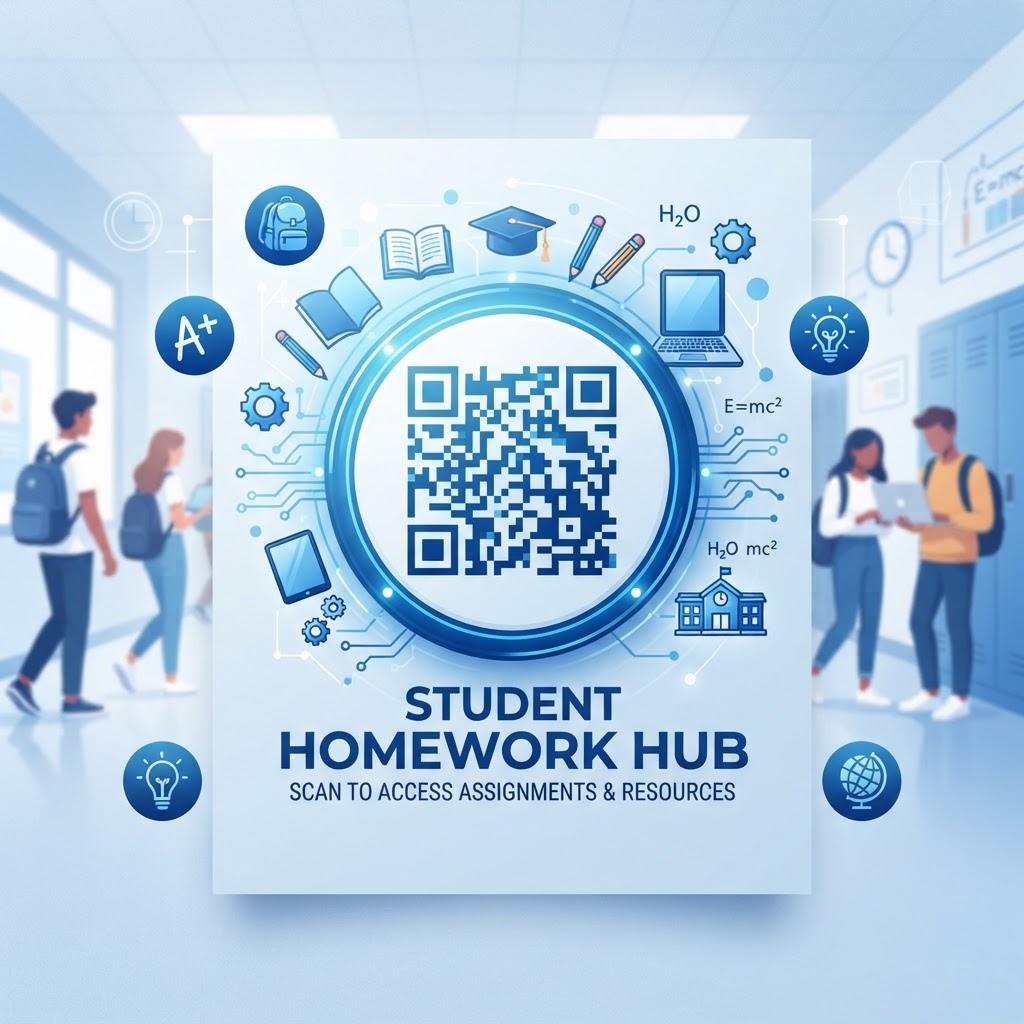
Why Implementing a QR Code for School Homework Matters in 2026
As we move deeper into the digital age, the integration of technology into K-12 and university-level education has become a necessity rather than a luxury. By 2026, the reliance on paper-only homework assignments is decreasing in favor of hybrid learning models that prioritize speed, accessibility, and interactivity. Using a QR code for school homework offers a straightforward solution to the friction often encountered when students must manually type long, complex URLs into a browser. Manually entering a URL frequently leads to typos, broken links, and immense frustration for younger students who may not yet possess advanced digital literacy skills. When a teacher prints a simple, clear code at the top of a worksheet, they eliminate this hurdle entirely, ensuring that students reach the intended educational destination instantly. This efficiency allows students to focus their cognitive energy on the actual assignment rather than troubleshooting technology.
Furthermore, the ubiquity of smartphone and tablet usage among students—and their parents—makes QR codes a highly inclusive tool for home-based learning. In households where traditional computer access might be limited, mobile-responsive links via QR codes ensure that educational parity is maintained. Teachers can easily connect a worksheet to a video tutorial, a digital textbook, or an interactive quiz, effectively turning a static document into a dynamic portal of information. This methodology aligns with modern pedagogical goals that encourage self-directed learning and the use of diverse media to explain difficult concepts. As more educational institutions move toward digital-first policies, the ability to generate and manage these codes becomes a core competency for educators. By leveraging resources found on platforms like Free QR Code Generator No Sign Up No Watermark, teachers can provide high-quality, static codes that remain reliable throughout the academic year. This fosters an environment where technology acts as an enabler of knowledge rather than a barrier, keeping students engaged with their tasks while supporting diverse learning styles that benefit from visual and auditory digital resources.
How It Works Technically: Understanding the QR Code Mechanism
At its core, a QR code is a two-dimensional matrix barcode that stores information in a grid of black squares on a white background. When a student points their smartphone camera at this pattern, the device's image processing software decodes the position of these squares to extract the embedded data. In the context of education, this data is almost exclusively a URL—a web address pointing to specific homework material. Unlike legacy barcodes that only hold numerical data, QR codes are capable of encoding vast amounts of alphanumeric information, which makes them ideal for directing users to specific online destinations, such as cloud-hosted files or specialized learning management system pages. The process is entirely passive on the side of the student; they simply need to be within the camera's focus range, and the device handles the translation of the visual pattern into an actionable link.
The technical architecture of static QR codes is intentionally simple, which is what makes them so durable and reliable for school settings. Because static codes store the destination URL directly within the pattern of the code itself, they do not require an active backend server to redirect traffic, making them incredibly stable. Once generated at QR Code Generator Google, the pattern is permanent; as long as the destination URL remains active on the school's server, the code will continue to function flawlessly. This stability is critical for homework assignments that might be printed in large batches or kept in student binders for weeks at a time. Teachers do not need to worry about the codes "expiring" or losing functionality due to subscription lapses. Furthermore, the size of the QR code pattern can be adjusted depending on the amount of data; however, for basic homework links, low-density codes are preferred as they are easier for standard mobile cameras to read, even under sub-optimal lighting conditions found in a student's bedroom or a library.
Try it now: Generate a free QR Code for School Homework →
Step-by-Step Guide to Generating Your Homework Codes
Creating a QR code for your school homework is a straightforward process that requires no specialized technical training. To get started, you first need to ensure that the content you want to share—such as a PDF document, an instructional video, or a list of interactive prompts—is hosted at a stable, publicly accessible URL. Once your content is online, visit blueqrcode.com to begin the generation process. Upon arriving at the platform, select the appropriate option for the type of content you are sharing. For example, if you are providing a direct link to a supplemental learning resource, simply copy the URL from your browser’s address bar and paste it into the designated input field on the generator. The system will then instantly translate this URL into a unique QR code pattern that you can save directly to your device.
After you have generated the code, it is vital to perform a test scan to ensure that the link redirects correctly to your target content. Using your personal mobile phone, scan the newly created image to verify that it loads the intended resource. This practice acts as a final safeguard against errors such as copy-pasting an incorrect link or including extraneous characters that might break the address. Once the test is successful, you can download the code as an image file—typically in a standard format like PNG—which allows for easy insertion into documents such as Microsoft Word, Google Docs, or Canva layouts. Placing the code on your homework sheet is as simple as inserting an image. Ensure that you leave enough white space around the perimeter of the code, commonly referred to as the 'quiet zone,' which is necessary for the scanner to accurately identify the code's boundaries. By following this methodical approach, you can quickly build a library of digital-ready homework resources that enhance the overall learning experience for your students.
Best Practices for Deployment: Size, Placement, and Format
Effective deployment of a QR code for school homework depends heavily on its visual presentation and location. First and foremost, size matters significantly. A QR code that is too small may become pixelated when printed, making it unreadable by standard student smartphones. As a general rule, the code should be at least one inch by one inch (2.5 cm by 2.5 cm) on a standard 8.5 by 11-inch worksheet to ensure reliable scanning from a distance of several inches. If the code is meant to be scanned from a classroom wall, such as a poster-sized homework assignment, the dimensions must be increased proportionally to account for the scanning distance. Placement should also be strategic; the code should be positioned in a clear, uncluttered section of the page, such as the top right corner or the bottom footer, where it will not interfere with the text of the assignment or lead to accidental damage during handling.
The physical quality of the print also plays a major role in the code's effectiveness. Avoid printing QR codes on textured or overly glossy paper, as glare from overhead lighting can reflect off the surface and prevent the mobile camera from focusing on the high-contrast pixels. Matte paper is generally the best choice for handouts. Furthermore, maintain the integrity of the code by avoiding unnecessary background patterns or overlapping text. The contrast must remain sharp: black squares on a white background are the gold standard for readability. If you are using a colored background, ensure that the foreground pattern is significantly darker, though sticking to black and white is recommended for maximum compatibility across all devices. When creating these codes for different subjects, consider using consistent placement throughout the curriculum so that students develop an intuitive sense of where to look for digital resources. For more detailed insights on effective layout strategies, refer to QR Code Placement Best Practices to ensure your materials are always accessible and professional.
100% Free — No signup required
Create your QR Code for School Homework in seconds
Create Free QR Code →Common Mistakes to Avoid When Using QR Codes
Even with the most sophisticated tools, mistakes can occur if the generator is not used with proper foresight. One of the most common pitfalls is linking to a document that requires specific permissions, such as a private Google Drive file that is not set to 'Anyone with the link can view.' If a student scans the code only to be met with an 'Access Denied' message, the instructional flow is broken and the homework cannot be completed. Always double-check your permission settings before finalizing the URL. Another frequent error is the inclusion of unnecessary clutter or decorative elements within the QR code area. Some users attempt to place logos or artistic designs in the center of the code; while this is sometimes possible, it often compromises the error correction capabilities of the code, leading to failed scans in low-light environments. Stick to clean, simple designs to guarantee universal functionality for all students, regardless of their phone model.
Additionally, avoid the mistake of assuming all students have unlimited high-speed data. While most smartphones can handle web content with ease, large files or media-heavy pages can take a significant amount of time to load, leading to frustration. Optimize your content for mobile devices—keep videos short, compress large image files, and ensure your landing page is formatted for vertical scrolling. If you find yourself frequently using codes for various classroom needs, you might be tempted to use different generators for different tasks; however, sticking to one reliable platform like blueqrcode.com ensures a consistent experience and reduces the likelihood of encountering errors across different formats. Never bury the QR code in the middle of a dense paragraph of text; always isolate it so that the student has a clear target for their camera. Finally, always provide a backup URL printed in text format below the code. This 'fail-safe' approach ensures that if a student is unable to scan the code due to technical issues or damaged hardware, they can still access the homework by manually visiting the address.
Concrete Use Cases by Sector: From K-12 to University
The applications for QR codes in education are vast and vary significantly depending on the age group and subject matter. In K-12 primary education, teachers often use QR codes to provide audio support for emerging readers. By linking a code on a worksheet to an audio file of the teacher reading the instructions or a story aloud, educators can support auditory learners and provide necessary guidance for independent study time. In this context, the QR code acts as an on-demand tutor, allowing the student to replay instructions as many times as needed without interrupting the teacher. This is particularly effective for literacy development and foreign language practice, where listening to proper pronunciation and cadence is vital to the learning process. The simplicity of scanning a code makes it an ideal interface for young children who might struggle with complex software.
At the secondary school level, the focus shifts toward research and supplemental depth. A history teacher might include a QR code on a homework assignment that leads students to a virtual exhibit, an archival video, or an interactive map, thereby transforming a simple reading assignment into an immersive historical inquiry. Similarly, in mathematics, a QR code can link to a brief step-by-step video solution for a particularly challenging set of problems. This empowers the student to work through the assignment at home while having a 'safety net' for when they get stuck. Finally, at the university level, instructors use QR codes to distribute dense supplemental readings or datasets for lab reports. By placing a QR code on the syllabus or the weekly assignment sheet, students are directed to cloud-based repositories of research articles or raw data sets. This encourages self-sufficiency and models the professional use of digital resources. Whether in a elementary classroom or a college lecture hall, the consistent application of QR technology streamlines the administrative burden for teachers while providing students with the instant digital support they need to succeed academically.
Summary and Next Steps: Transforming Homework into Digital Engagement
Integrating a QR code for school homework is a small administrative change that yields substantial pedagogical benefits. As we have explored, the primary advantage lies in the reduction of friction between the physical assignment and the digital resources that enhance it. By removing the need for manual URL entry, educators ensure that students spend more time engaging with the actual content and less time troubleshooting technical issues. The technical foundation of these codes is robust and reliable, providing a permanent bridge to your chosen online destinations. When implemented with careful attention to size, placement, and content accessibility, QR codes become an invisible yet powerful part of the classroom environment. They bridge the gap between traditional learning materials and the modern, mobile-centric lives that students lead, creating a seamless and efficient educational flow that benefits everyone involved.
If you are ready to modernize your teaching materials, the next steps are simple. Begin by identifying one recurring area of your homework assignments that could be improved with digital support—such as an instructional video, a set of practice exercises, or a supplemental reading. Visit blueqrcode.com to generate your first set of codes, keeping in mind the best practices discussed in this article. Remember to test your links thoroughly, ensure your privacy settings are configured for public access, and choose a clean, high-contrast printing method. As you become more comfortable with this process, you will likely find new and creative ways to incorporate digital resources into your curriculum, further boosting student interest and achievement. The digital transformation of education does not need to be expensive or overly complex. By starting with something as fundamental as a QR code, you can take a meaningful step toward a more integrated, responsive, and engaging classroom. Start experimenting with your own codes today and observe the positive impact on student participation and independent study efficiency.
No watermark · No expiry · Works on all phones
Your QR code is ready in under 30 seconds.
Generate Free QR Code →