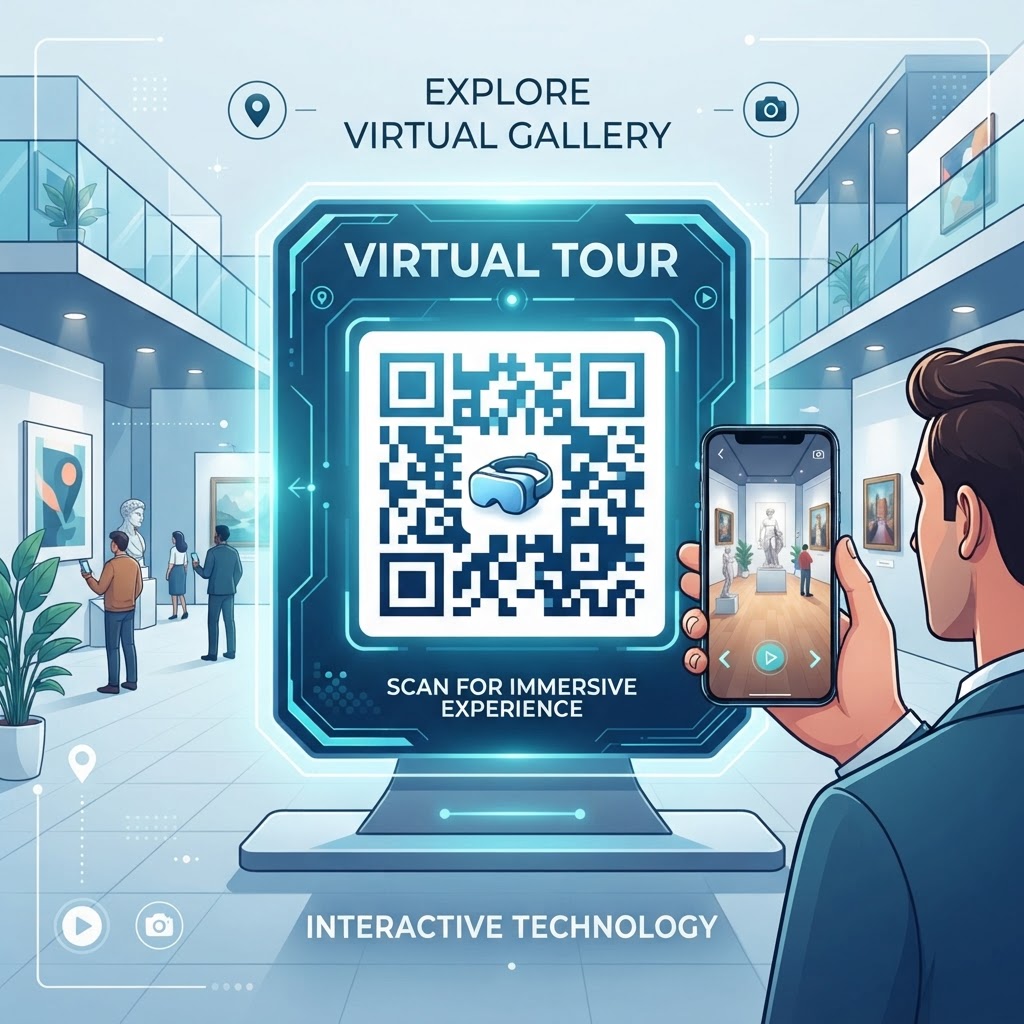
Why This Matters in 2026
As we navigate further into 2026, the intersection of physical presence and digital utility has become the primary battleground for customer engagement. The reliance on static signage or brochures has diminished significantly in favor of interactive, on-demand digital experiences. When you utilize a QR code for a virtual tour, you are not merely sharing a link; you are providing an immersive entry point that is inherently mobile-friendly. Most smartphones are now equipped with native camera-based QR scanners, removing the barrier to entry that existed years ago. This seamless interaction is crucial for businesses that want to capture interest at the exact moment a prospect is physically present at their location or browsing their print collateral.
Furthermore, the expectation for instant gratification has reached an all-time high. Consumers no longer wish to type in complex URLs or search through website navigation to find a virtual tour. The QR code satisfies this need for speed, allowing users to experience an environment without waiting. In sectors like real estate, tourism, and education, the ability to launch a tour instantly can significantly increase the time spent interacting with a brand. Beyond convenience, using these codes allows for sophisticated tracking capabilities. Many businesses utilize these tools to understand where their physical traffic is coming from and how effectively a specific location converts visitors into virtual tour users. By integrating professional tools like those found at QR Code Placement Best Practices, you ensure that your deployment is not just aesthetic, but highly functional, providing data-driven insights into audience behavior. This level of connectivity is no longer optional; it is the infrastructure upon which modern customer relationships are built.
How It Works Technically
Technically, a QR code serves as an encoded matrix that stores a specific URL—in this case, the address of your virtual tour hosting platform. When a user scans the code with their mobile device, the device's camera firmware decodes the pattern of squares (the modules) and translates it back into the alphanumeric string of your URL. This string is then passed to the device’s web browser, which triggers an automatic navigation request. From the server's perspective, this is a standard incoming web traffic request, meaning the transition is nearly instantaneous. The beauty of this process lies in its universal compatibility; because it relies on standard web protocols (HTTP/HTTPS), the virtual tour opens in the device's default browser without requiring the user to install any additional software, which is a major pain point for older, more cumbersome technologies.
Behind the scenes, the virtual tour platform itself handles the heavy lifting, serving the 360-degree assets or high-resolution walkthroughs. The QR code acts purely as a conduit. For complex tours that involve significant data transfer, the use of modern mobile browsers ensures that the tour loads progressively, optimizing for the user's connection speed. Furthermore, modern QR codes can be generated with "dynamic" properties, meaning the destination URL can be updated later without changing the physical QR code printed on posters, signs, or postcards. This technical flexibility is a lifesaver for businesses that frequently update their tour offerings. To understand the comparison between different generation methods, you might find it useful to look at QR Code Monkey vs Blue QR Code for a better grasp of how these tools manage your data. The integrity of the link is maintained by the underlying database, ensuring that even if you change your hosting provider, your physical signage remains valid and fully functional for your audience.
Try it now: Generate a free QR Code for Virtual Tour →
Step-by-Step Guide Using BlueQRCode.com
Creating a professional QR code for your virtual tour is a straightforward process when using the intuitive interface at blueqrcode.com. First, ensure your virtual tour is published and that the URL is publicly accessible. Copy this destination link, ensuring there are no typos, as even a small error will break the redirection. Navigate to the website and select the URL QR code generation option. You will be prompted to paste your link into the designated field. This is the foundation of your QR code; the generator will immediately analyze the length of your URL and adjust the QR code's density to ensure it remains scannable even at smaller sizes. For those who want to integrate deeper features, you might check out Free QR Code Generator No Sign Up No Watermark to streamline your workflow without unnecessary barriers.
Once the base code is generated, the platform allows for deep customization. You can choose colors that match your brand identity, integrate your business logo into the center of the code, and modify the "eyes" or frame style of the pattern. This customization is not just for aesthetics; it helps build trust with users who might be wary of unknown QR codes. After customizing, perform a series of tests using various devices, including both high-end and older models, to ensure the code triggers the tour reliably. Once satisfied, download the code in a high-resolution format—such as SVG or high-DPI PNG—to ensure it remains crisp when printed on large banners or small business cards. The platform keeps your work organized, allowing you to easily manage multiple codes if you are hosting different tours for various properties or projects. This systematic approach ensures that you are deploying the highest quality asset possible, minimizing the risk of scanning failures in the field.
Best Practices for Deployment (Size, Placement, Format)
The success of your virtual tour QR code depends heavily on how it is deployed in the physical world. Placement is arguably the most critical factor; the code must be located in an area that is comfortable for users to stand and scan without obstructing traffic flow or feeling awkward. For example, placing a code on a sign near a building entrance is ideal. Regarding size, there is a common misconception that larger is always better. While size matters, the contrast between the code and the background is what truly dictates readability. Always ensure the QR code has a quiet zone—a clear, empty buffer area—around it to prevent other graphical elements from interfering with the scanner. As a rule of thumb, the code should be at least two inches by two inches for most print materials viewed at arm's length.
Format choice is also vital. When printing, choose matte finishes over glossy ones to reduce glare, which can significantly hinder camera sensors. If your QR code will be placed outdoors, consider weather-resistant materials or laminations. Furthermore, you must ensure that the virtual tour itself is responsive. A beautiful 360-degree tour is useless if the mobile version is not optimized for touch-based navigation. If you are also interested in creating other collateral like contact details or social profiles to accompany your tour signage, consider reviewing QR Code vCard Business Card Digital to keep your visitor engagement tools consistent. Finally, always provide a small text instruction near the code, such as "Scan to View Virtual Tour," as this simple directive increases engagement rates significantly compared to displaying the code alone without any context for the user to understand what happens upon scanning.
Common Mistakes to Avoid
One of the most frequent mistakes businesses make is creating a QR code that leads to a non-mobile-optimized page. If the user scans a code only to find a desktop-only virtual tour that requires a mouse to pan or click, they will abandon the experience almost immediately. Always verify that your tour platform automatically detects mobile devices and switches to a touch-friendly interface. Another significant error is the lack of testing. Many marketing teams print thousands of brochures or large window stickers without testing the code across multiple mobile platforms. A code that scans perfectly on a high-end smartphone might fail on a device with a lower-resolution camera or a specific browser configuration. Always test on both iOS and Android platforms to ensure broad accessibility for all your potential visitors.
Another common pitfall is ignoring the "Dynamic vs. Static" distinction. Creating a static QR code means that if your tour URL changes, you must reprint every single marketing asset. In a professional environment, this is a costly and preventable error. By using dynamic QR codes, you allow yourself the flexibility to update the destination URL at any time without needing to replace the printed media. Furthermore, avoid overloading the QR code with unnecessary artistic filters that break the standard patterns. While it is tempting to make the code look like a piece of abstract art, the scanner needs distinct contrasts to function properly. Finally, avoid placing codes in areas with poor lighting or where they are physically inaccessible, such as behind glass that reflects light, or in areas without cell service or public Wi-Fi access. If you are hosting the tour in a remote location, clearly indicate if Wi-Fi is available for their use.
3-4 Concrete Use Cases by Industry/Sector
In the real estate sector, a QR code for a virtual tour is indispensable. By placing these codes on "For Sale" signs or on the storefront window, agents allow potential buyers to take an immediate, immersive look inside a property, even outside of business hours. This serves as a 24/7 digital open house that significantly filters leads, as those who engage with the virtual tour are typically higher-intent buyers. In the education sector, universities utilize these codes on campus map kiosks or tour brochures. Prospective students can scan a code to see the inside of classrooms, laboratories, or dormitories, providing a sense of scale and atmosphere that photos simply cannot convey. This is particularly useful for international students who cannot visit the campus in person.
Museums and galleries are also finding immense value in this technology. By placing QR codes next to specific exhibits, curators provide a deeper, virtual exploration of the history or construction of an artifact. It turns a static viewing experience into an interactive educational journey, where users can see restoration processes or find hidden details that are not visible to the naked eye. Finally, the hospitality and events industry leverages this for venue showcases. Event planners can place a QR code at a wedding venue or a conference center to allow potential clients to walk through various room configurations, from banquet setups to theater-style seating. This level of transparency builds enormous trust with clients, as they can envision their event in the space before they even sign a contract. In every one of these sectors, the QR code acts as the bridge that turns physical interest into digital action, facilitating decisions and fostering engagement in a way that traditional media simply cannot match.
Summary and Next Steps
Using a QR code for your virtual tour is a sophisticated, efficient, and cost-effective way to modernize your physical-to-digital engagement strategy. Throughout this guide, we have explored the technical mechanisms behind these codes, the importance of mobile-first optimization, and the critical role of thoughtful placement and testing. By moving away from static links and adopting the dynamic QR code approach, you ensure your business remains agile in an ever-evolving digital marketplace. The ability to guide your audience from the sidewalk directly into an immersive 360-degree environment is a powerful competitive advantage that enhances your professional image and significantly improves user experience.
The next steps are clear: start by ensuring your virtual tour is fully optimized for mobile devices. Once your digital assets are ready, visit blueqrcode.com to generate your dynamic QR code, customizing it to reflect your brand's unique personality. Conduct rigorous testing across multiple devices and ensure your physical deployment strategy—whether it be on print media, window displays, or kiosks—is optimized for accessibility and user ease. Remember that your QR code is the front door to your virtual experience; make it inviting, make it functional, and keep it updated. As you implement these strategies, track your engagement metrics to see how much your audience values the ability to explore your environment digitally. With these tools and practices, you are well-equipped to bridge the gap between physical and digital, providing an exceptional experience that your audience will appreciate and remember long after they have moved on from your physical location.
No watermark · No expiry · Works on all phones
Your QR code is ready in under 30 seconds.
Generate Free QR Code →