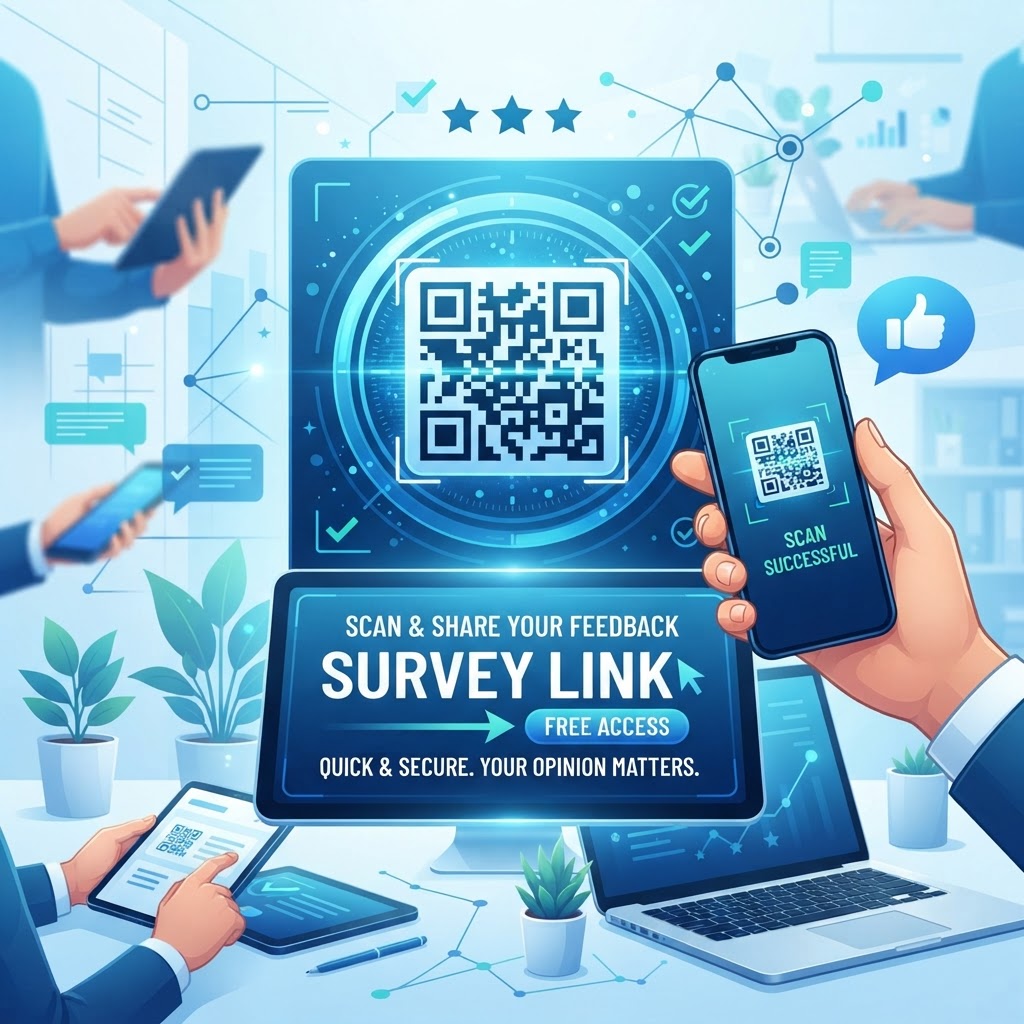
Why QR Codes Are the Future of Feedback Collection
Customer engagement is evolving rapidly. In previous years, businesses relied on email campaigns or paper forms, which often suffered from low completion rates.
Today, the immediacy of a QR code survey link allows you to capture customer sentiment at the exact moment of interaction. Whether you are in retail, hospitality, or service-based industries, meeting the customer where they are—at your storefront or service desk—is critical.
When you use a tool like BlueQRCode to generate a survey QR code, you eliminate the friction of typing URLs. Many businesses have found that customers are far more likely to participate in a survey if they only need to point their camera at a code rather than navigating a complex web address.
Key Points
- QR codes enable immediate, in-the-moment feedback collection
- They reduce friction compared to email or paper forms
- Dynamic QR codes let you update survey destinations without reprinting
How It Works: Connecting Physical Spaces to Digital Surveys
The mechanism behind a QR code survey link is deceptively simple. At its core, the QR code acts as a visual shortcut to a URL.
When a device scans the pattern, it decodes the information, redirects the browser, and opens the specific landing page of your survey. This process is seamless and occurs in milliseconds.
Because the code is just a redirect, you can update the underlying URL of your survey without needing to reprint your marketing collateral (if using dynamic QR codes). This flexibility makes it an essential tool for long-term marketing campaigns where survey questions or landing pages might need to be refreshed periodically to keep data relevant.
Try it now: Generate a free Qr Code Survey Link Free →
Step-by-Step Guide to Creating Your Free QR Code
Generating your code is straightforward. Follow these steps to ensure your feedback system is set up correctly:
- Choose Your Survey Platform: Ensure your survey link is public-facing and mobile-optimized.
- Copy Your URL: Highlight and copy the direct link to your survey form.
- Visit BlueQRCode: Navigate to the BlueQRCode generator portal.
- Select URL Mode: Choose the option to generate a QR code from a URL.
- Paste and Generate: Paste your copied link into the designated field.
- Customize: Adjust the design, color, or logo placement to match your branding.
- Test: Always scan the code with your own device to verify it leads to the correct page.
- Download and Deploy: Save the file in a high-resolution format for your print materials.
Best Practices for High Scan Rates
Even the most advanced technology needs a strategy behind it to be effective. A QR code placed in a dark corner will never yield the data you need.
Consider these points to maximize your response rate:
- Provide Context: Always display a brief call-to-action near the code, such as "Scan to tell us how we did."
- High Contrast: Ensure the QR code has high contrast (usually black on white) for easy scanning by all camera sensors.
- Strategic Placement: Place codes at eye level or at points where the user is likely to be waiting or taking a break.
- Mobile Optimization: Ensure your survey loads quickly on mobile devices and uses responsive design principles.
- Incentivize: Consider offering a small discount or entry into a giveaway for customers who complete the survey.
Common Mistakes to Avoid
Many businesses fall into traps that hinder their data collection efforts. One common mistake is creating a code that is too small.
If the print size is less than 2cm x 2cm, older devices may struggle to resolve the pattern. Another pitfall is the "dead link" syndrome—always verify your target URL works before mass-printing codes.
- Too Small: Codes printed smaller than the recommended size can be unreadable on older devices.
- Dead Link: A broken or private URL will render the campaign useless once printed.
Additionally, avoid cluttering the area around the QR code with too much information. If the branding or background imagery interferes with the QR code's pattern, the error correction level might be exceeded, making the code unreadable.
Real-World Examples of QR Survey Applications
The applications for QR survey links are vast. In the retail sector, placing a QR code on a receipt allows customers to provide feedback immediately after a purchase.
In the restaurant industry, table tents featuring a QR code invite diners to rate their meal experience before they leave. Service companies can place these codes on technician invoices to ensure high-quality post-service reporting.
Survey Length and Design
- Keep surveys very short—ideally under three questions—to maintain high conversion rates.
- Design for mobile first so respondents have a smooth experience on smartphones.
Scaling Your Data Collection Over Time
As you begin to rely more on digital feedback, you will likely start to manage multiple QR codes for different departments or locations. It is vital to maintain a naming convention for your files so you know exactly which QR code leads to which survey.
For instance, store your downloaded images in folders named by location (e.g., "Downtown-Store-Survey-QR"). Periodically review your survey landing page and refresh questions as customer needs change.
By using free resources available at BlueQRCode, you can replace the survey content while keeping the physical code the same, provided you use the correct dynamic settings.
Conclusion
QR codes are a simple, flexible way to collect timely customer feedback across industries. Use BlueQRCode to generate a qr code survey link free and deploy it across your touchpoints to gather actionable insights quickly.
Step-by-Step Guide: How to Create a qr code survey link free on BlueQRCode
Creating a qr code survey link free on BlueQRCode is fast and simple. Below are five clear steps that walk you through from survey creation to printing or sharing your QR code so respondents can start giving feedback immediately.
-
Step 1 — Create or locate your survey URL
Build your survey on any platform such as Google Forms, SurveyMonkey, Typeform, Microsoft Forms, or your own web page. Once the survey is ready, copy the shareable URL. If your survey platform offers a mobile-friendly preview or a shortened link, use it — short URLs reduce the chance of QR scanning issues and improve load speed on mobile devices.
-
Step 2 — Open BlueQRCode and choose URL QR code
Navigate to BlueQRCode and select the URL QR code option. BlueQRCode specializes in URL QR codes, making it ideal for linking directly to any survey page. You’ll be using the "qr code survey link free" workflow by pasting the survey URL into the URL field.
-
Step 3 — Paste your survey link and customize
Paste the survey URL into the generator. Customize appearance if needed — choose color contrast, add a small logo or frame (if the tool offers it), and pick a format (PNG, SVG, etc.). Keep the design readable: high contrast and sufficient quiet zone (white space) around the code improve scan success.
-
Step 4 — Test the QR code across devices
Before downloading, scan the code with multiple devices and apps to ensure it opens your survey URL exactly as expected. Test on different phones (iOS and Android), and try scanning from various distances and at different sizes to confirm reliability. This testing step guarantees that your qr code survey link free functions for real respondents.
-
Step 5 — Download, distribute, and monitor responses
Download the QR code in the format that fits your needs and distribute it on printed materials, digital screens, receipts, emails, or social posts. Encourage scanning with a short call-to-action near the code. Once deployed, monitor survey responses on your survey platform and adjust placement or design if response rates are low.
Best Practices for qr code survey link free
- Use a clear call-to-action: Add short text like “Scan to give feedback” or “Take our 2-minute survey” near the QR code to increase scan intent.
- Optimize for mobile: Ensure your survey is mobile-responsive and loads quickly. Long desktop-only forms lead to high abandonment after scanning.
- Choose the right size and placement: Keep printed QR codes at least 2 x 2 inches (5 x 5 cm) for average viewing distances. Place codes at eye level or on high-traffic touchpoints like checkout counters, posters, and menus.
- Maintain contrast and quiet zone: Use high-contrast colors and leave adequate white space around the QR code so scanners can detect it easily, especially on patterned backgrounds.
- Shorten and track links when possible: Use a short URL or UTM parameters for analytics. While BlueQRCode provides free URL QR codes, adding UTM tags to your survey link enables campaign tracking in analytics tools.
Common Mistakes to Avoid
- Linking to non-mobile-friendly surveys: If the target survey isn’t optimized for phones, users will abandon it. Always test the survey experience on mobile before creating your qr code survey link free.
- Using tiny or low-contrast QR codes: Small, poorly contrasted codes fail to scan. Avoid placing codes on textured or reflective surfaces that interfere with scanners.
- Forgetting to test the final code: Skipping multi-device testing leads to unexpected redirects or errors. Test with different phones and browser settings to confirm compatibility.
- Overcomplicating the destination: Sending users directly to a long, multi-page sign-up before the survey can reduce completion rates. Keep the path to the survey as short and simple as possible.
Real-World Use Cases
Using a qr code survey link free opens many practical opportunities across industries. Here are a few examples of how organizations use survey QR codes to gather real-time feedback.
- Retail and Hospitality: Print QR codes on receipts, table tents, or in dressing rooms so customers can quickly rate their experience. A short “rate your visit” survey captured by a QR code increases response rates because customers can complete it on the spot.
- Events and Conferences: Place QR codes at session exits or on event badges to collect session evaluations and speaker feedback. Attendees appreciate the convenience of scanning a code rather than filling out paper forms.
- Healthcare and Clinics: Add QR codes to after-visit summaries or waiting room posters to capture patient satisfaction and follow-up needs. A QR-scannable survey makes it easier for patients to provide feedback when it’s most relevant.
- Education and Training: Teachers and trainers can include QR codes on course materials or slides to collect immediate course feedback. Quick surveys after a module help instructors iterate on content effectively.
Create Your Free qr code survey link free
No sign-up. No watermark. Never expires.
Generate Free QR Code →