Why a WhatsApp QR code for event planner efficiency matters
When you are managing vendor timelines, guest lists, and venue logistics, your phone is your lifeline. A potential client at a wedding expo or a corporate showcase wants to ask a quick question, but they may hesitate to start a formal email thread. By using our free WhatsApp QR Code Generator, you provide an instant bridge from an initial meeting to a direct, personalized conversation.
This tool eliminates the friction of manual data entry. Instead of handing out business cards that get lost in the shuffle, you provide a scannable solution that immediately opens a pre-filled chat window with your business account. This is the professional standard for modern event planning, similar to how professionals in other sectors use WhatsApp QR codes for dry cleaning services to streamline their customer intake.
What you need before you start
Before you dive into the setup process, ensure you have your business information organized for a smooth transition. You only need a few simple components to create a successful link:
- A valid business phone number: Ensure the number is linked to a WhatsApp Business account to maintain professional boundaries.
- Your pre-drafted welcome message: Prepare a short, welcoming template like, "Hi, I saw your booth at the wedding expo and would love to discuss planning services."
- The Blue QR Code Generator: Access our free tool to generate yours in seconds without any complex configuration.
How to create your code — step by step
Follow these steps to generate a professional QR code that helps you capture leads on the go. You can use Blue QR Code Generator's WhatsApp QR codes tool to get started immediately.
- Open the generator: Navigate to the official WhatsApp QR Code Generator to begin the setup process.
- Enter your phone number: Input your business WhatsApp number, including the country code, to ensure international compatibility if your clients travel.
- Customize your message: Type a default message for your clients so they know exactly what they are inquiring about when the chat opens.
- Apply your branding: If you use the Blue QR Code Generator, you can adjust the look of your code to match your event agency's color palette.
- Generate the code: Click the button to render the final image, which creates a unique, scannable asset for your marketing materials.
- Download the file: Save your QR code in a high-resolution format like PNG or SVG, which keeps it crisp for large banner prints.
How to test and deploy it
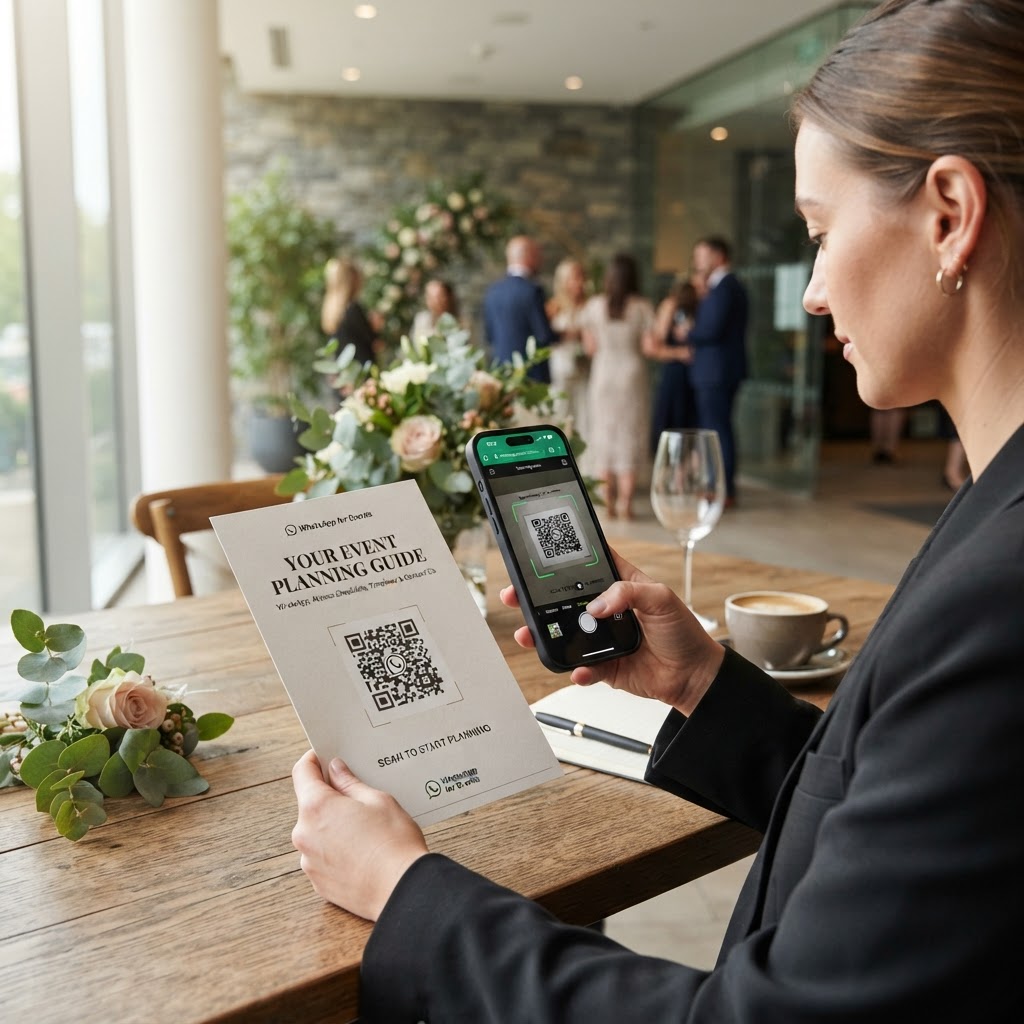
Never print a large batch of marketing materials without verifying the link first. Take your personal smartphone, open the camera app, and scan the code you just generated to ensure it triggers the correct WhatsApp chat window.
Once verified, place the QR code in high-traffic areas where your target audience congregates. Think beyond paper flyers; place the code on retractable banners, digital presentation slides during speeches, or even printed name tags for your staff at industry events. This approach ensures your WhatsApp QR code for event planner lead generation works 24/7.
Common mistakes that ruin results
- Using low-resolution images: A blurry code is a non-scannable code; always use vector formats when printing on large displays.
- Ignoring contrast: Dark codes on dark backgrounds often fail to scan, so keep the color scheme high-contrast for reliability.
- Lack of clear instructions: Do not just print the code; add a small text prompt like "Scan to chat about your next event" to encourage interaction.
- Neglecting mobile optimization: Ensure your phone's auto-reply settings are active so you do not leave clients waiting for an answer.
Real examples of usage
Consider placing your code on the back of your business cards as a "Fast Track to Planning" offer. This encourages prospects to click through immediately after your conversation ends, keeping you at the top of their mind. Another effective strategy is to display the code on a booth screen during bridal shows, allowing visitors to download your PDF brochure directly via a WhatsApp attachment. If you are ready to modernize your client intake process, you should generate yours here to create a custom asset today.