Why a WiFi QR Code for Motel Matters
Imagine it is 11 PM and a tired traveler just pulled off the highway. Instead of squinting at a handwritten note on the front desk or bothering your staff for the twentieth time that night, they simply scan a QR code placed on the room mirror to get online instantly.
Using a dedicated wifi qr code for motel connectivity eliminates manual entry errors and builds a professional impression. By automating this task, your staff can focus on higher-value service interactions rather than IT support. If you are ready to modernize your guest experience, you can generate yours here in seconds.
What You Need Before You Start
Before you jump into the tool, gather your network details to ensure your code works on the first try. You will need your exact network name, which is technically called an SSID.
Additionally, have your network password handy and know the encryption type, which is usually WPA or WPA2 for most standard routers. Using Blue QR Code Generator ensures these details are encoded securely without saving your credentials on our servers.
How to Create Your QR Code — Step by Step
- Access the Tool: Navigate to our free WiFi QR Code Generator to begin the setup process.
- Enter Network Name: Input your motel's WiFi name exactly as it appears in the device settings, including capitalization and special characters.
- Input Password: Carefully type the security key associated with your network.
- Select Encryption: Choose the security type, typically WPA/WPA2, from the dropdown menu to match your router settings.
- Customize Design: Use the Blue QR Code Generator features to adjust the color or size if you want it to match your motel's branding.
- Download Image: Click the generate button and save the image file to your device so you can print it for your guest rooms or lobby.
How to Test and Deploy It
Never place a code in a guest room without testing it first. Use a mobile device to scan the code to ensure it connects automatically without asking for the password again.
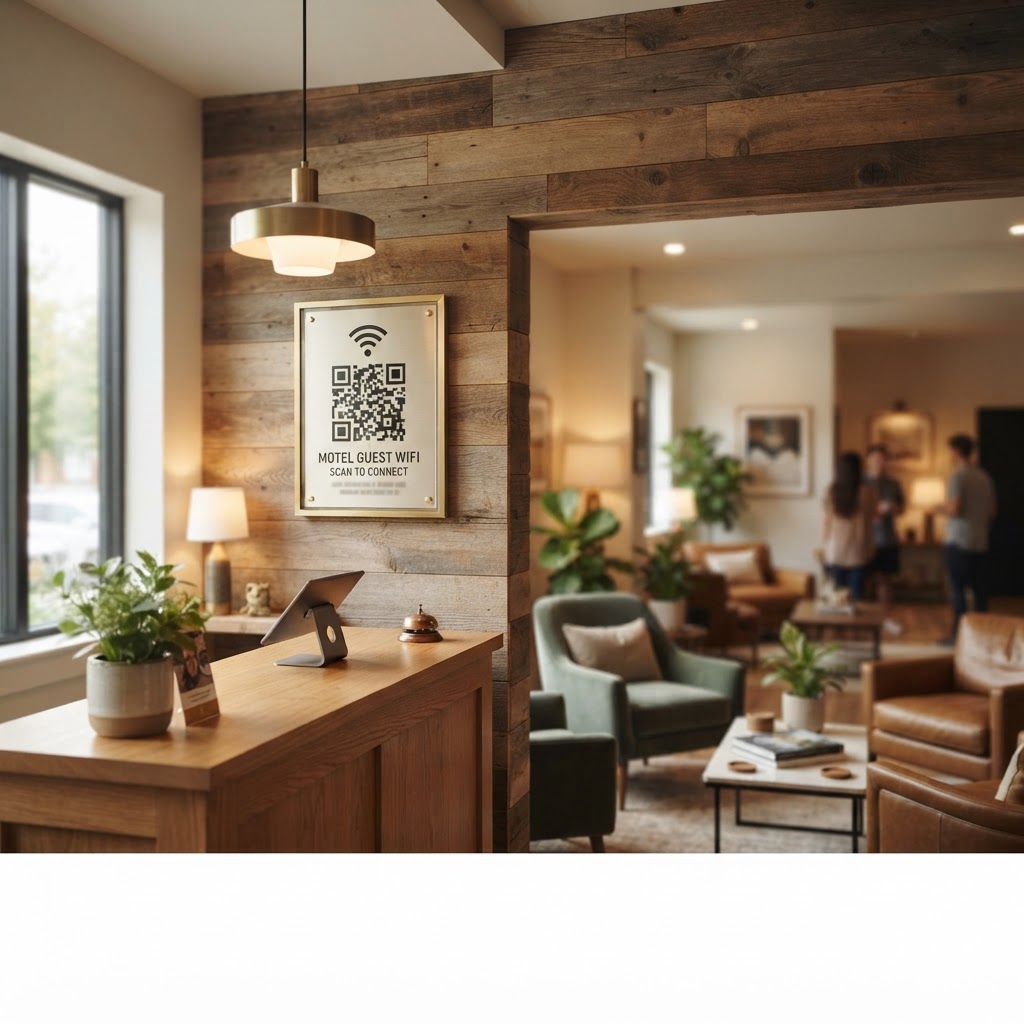
Place your finished QR codes in high-visibility areas like the back of room doors, the bedside table, or framed at the reception desk. You can use Blue QR Code Generator's WiFi QR codes tool to print multiple stickers for different suites simultaneously.
Common Mistakes That Ruin Results
- Incorrect SSID: Even a single missing space or incorrect capital letter will cause the connection attempt to fail for guests.
- Low Print Quality: If you print a small, blurry image, guest smartphone cameras will struggle to focus and scan the code.
- Poor Placement: Putting the code where lighting is dim makes it difficult for devices to capture the pattern clearly.
- Hidden Passwords: Do not change your actual network password without regenerating the QR code immediately afterward.
Real Examples
A classic motel might place a QR code on a card titled "Guest WiFi Access" located right next to the landline phone. This provides instant value the moment the guest sets their luggage down. Similar strategies are also highly effective if you operate a bed and breakfast where personal touches define the guest experience.
Alternatively, if you run a boutique motel, you might frame the QR code inside a decorative acrylic stand on the nightstand. This provides a clean, clutter-free look while still offering the convenience of instant high-speed internet access.