Why This Matters in 2026
In the evolving ecosystem of short-term rentals, the primary goal for any host is to provide a five-star experience while minimizing operational friction. As we move further into 2026, travelers expect immediate, self-service access to information. If a guest arrives after a long flight and cannot quickly locate the WiFi password or the gate code, the frustration is immediate. Using a QR code for Airbnb host management allows you to consolidate all vital information into one easily scannable location. Many businesses have found that digitizing house manuals reduces the frequency of repetitive guest questions, freeing up valuable time for the host. When you implement a how-to-make-a-qr-code-for-wifi guide, you are essentially providing a frictionless onboarding experience that starts the moment the guest walks through the door. Furthermore, the aesthetic appeal of a clean, minimalist QR code on a printed card far outweighs the clutter of binders and outdated brochures. This digital shift supports sustainability efforts by reducing paper waste, a value highly appreciated by modern eco-conscious travelers. Beyond simple logistics, QR codes provide a gateway to upselling local experiences, connecting guests with preferred tour operators, or simplifying the checkout process. By adopting this technology, you are signaling to guests that your property is modern, well-maintained, and prepared for their arrival. As guest expectations continue to shift toward high-tech, low-contact interactions, the ability to control the information flow via a simple scan ensures that you stay ahead of the competition and maintain top-tier ratings consistently across all hosting platforms.
How It Works Technically
At its core, a QR code functions as a two-dimensional barcode that stores data—typically a URL—that is interpreted by the camera software on most smartphones. When an Airbnb guest scans the code, their phone’s browser automatically redirects them to the specific destination you have designated, such as a cloud-based house manual, a PDF file, or a direct messaging link. The technical brilliance lies in the dynamic nature of these codes when generated through sophisticated platforms like BlueQR. Unlike a static image, a dynamic QR code allows you to update the underlying destination URL at any time without needing to reprint the physical QR code. This is particularly useful for Airbnb hosts who may change their WiFi password, update local restaurant recommendations, or modify checkout procedures frequently. The backend process is seamless: you create the destination content online, input the URL into the QR code generator, and the platform produces a unique high-resolution graphic. When the guest points their phone at the printed card or digital screen, the software parses the data, triggering the device to open the web link. This process requires no special app installation by the guest, as virtually all modern mobile devices come with native QR scanning functionality built directly into the camera software. The stability of this technology in 2026 means that connectivity is rarely an issue, and the speed at which the information loads is dependent only on the quality of your internet connection or the guest’s cellular data. By understanding the link between the encoded URL and the guest's mobile browser, you gain complete control over the guest experience, ensuring they always have the most accurate and up-to-date information at their fingertips during their entire stay.
Try it now: Generate a free QR Code for Airbnb Host Guide →
Step-by-Step Guide Using BlueQR
Creating a professional QR code for your Airbnb property is a straightforward process when you utilize the tools available at blueqrcode.com. First, begin by organizing the information you wish to share. Many hosts create a centralized Google Doc, a PDF house manual, or a dedicated webpage containing arrival instructions, local tips, and safety protocols. Once your content is ready and hosted online, copy the URL of that document. Next, navigate to the generator tool on our website. You will be prompted to enter the destination link. It is highly recommended to use dynamic QR codes so you can change the underlying content without changing the QR code itself. You can then customize the appearance of the code to match your branding, choosing colors and patterns that integrate well with your welcome materials. Before finalizing, always verify your design. It is standard practice to test-qr-code functionality on multiple devices to ensure compatibility across different screen sizes and operating systems. Once satisfied, download the code in a high-resolution format, such as PNG or SVG, which ensures clarity when printed. When incorporating your code into physical welcome packets, consider using a qr-code-placement-best-practices strategy to ensure it is in a high-visibility area. If you need to manage multiple properties, our platform provides a dashboard to track scans and manage different codes from a single interface. The entire process takes less than ten minutes but provides long-term value by automating the distribution of your house rules. Remember to save your generated designs in a secure folder so you can quickly print new copies if a frame breaks or a card goes missing during a guest turnover.
Best Practices for Deployment
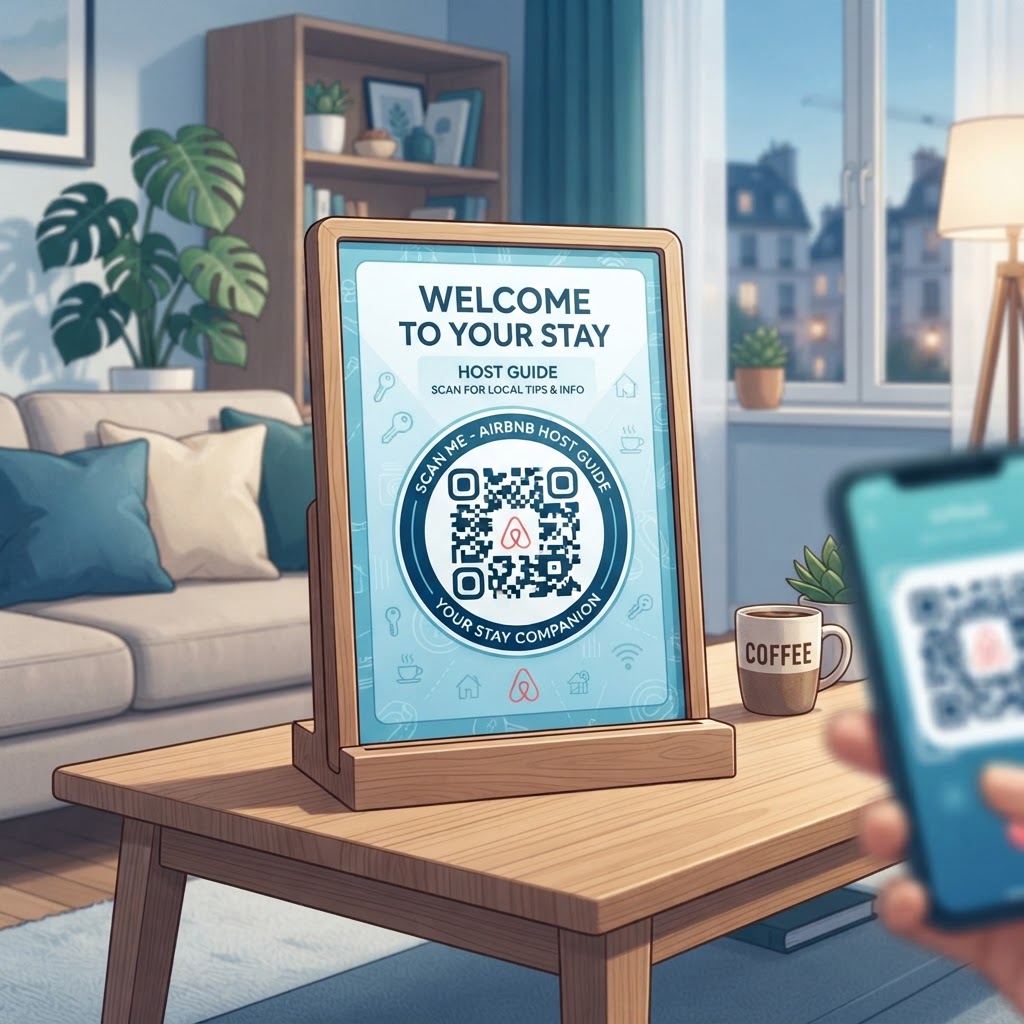
Deployment of your QR code is just as critical as its creation. If the code is not accessible, the functionality is lost. Start by placing the QR code in high-traffic areas, such as the entryway table, the kitchen counter, or near the bedside table. Avoid placing the code in areas with poor lighting or behind reflective glass, as this can impede the smartphone's ability to scan the code effectively. The size of the printout should be at least two inches by two inches; anything smaller may cause scanning issues for guests with older smartphones or those with less steady hands. Furthermore, provide a clear "Call to Action" (CTA) next to the code. A simple label such as "Scan for House Manual & WiFi" or "Scan for Local Recommendations" removes any ambiguity and encourages the guest to interact with your digital resource. It is also beneficial to provide a printed backup of the most critical information—such as the WiFi password or emergency numbers—just in case a guest experiences a technical difficulty. When designing the display, keep the surrounding area uncluttered. If you choose to frame the code, use a matte finish to prevent glare from overhead lights. For properties with multiple units, consider color-coding the physical cards to match the specific unit number or theme. By treating your QR code as a professional element of your interior design rather than a utility, you elevate the perceived value of your property. Remember that high-quality paper or professional mounting will reflect the attention to detail that guests associate with your hosting quality, ultimately contributing to better reviews.
100% Free — No signup required
Create your QR Code for Airbnb Host Guide in seconds
Create Free QR Code →Common Mistakes to Avoid
The most frequent error hosts make is using a static QR code for information that changes. If you print a code on a high-quality acrylic stand and then change your internet provider or house rules, the static code becomes obsolete, forcing you to reprint the entire display. Always opt for dynamic codes to maintain flexibility. Another common mistake is over-complicating the destination link. If your QR code leads to a landing page that requires the guest to log in or create an account, the conversion rate will plummet. Ensure that the information is publicly accessible and mobile-optimized; a non-responsive webpage that requires side-scrolling will frustrate guests instantly. Avoid burying important information under layers of menus. The information linked to the QR code should be readily available on the first landing page. Furthermore, failing to provide context is a major oversight. A lone QR code on a wall looks suspicious and often goes ignored by guests who are uncertain about its purpose. Always include a short, welcoming instruction. Additionally, ignore the temptation to make the QR code overly elaborate with colors or custom patterns that reduce contrast; standard black-and-white or high-contrast designs remain the most reliable for scanning across various lighting conditions. Finally, neglect to monitor your link. If your document is stored on a cloud drive, ensure that the sharing permissions are set to 'Anyone with the link can view' to prevent a 'permission denied' error when your guests attempt to access your carefully curated house manual during their stay.
3-4 Concrete Use Cases
The utility of QR codes in the Airbnb market extends far beyond simple WiFi access. One primary use case is the 'Digital Concierge' guide. Many hosts curate a list of local hidden gems, coffee shops, and restaurant recommendations. By using a QR code, you can link to an interactive map that guides guests directly to these locations. Another powerful use case is the 'Checkout Checklist.' Instead of leaving a paper list on the fridge that guests might ignore, provide a QR code that leads to a simple, visual checklist of things to do before leaving, such as 'empty the trash' or 'turn off the A/C.' This simplifies the process and ensures your property is left in better condition. A third use case is a 'Safety and Emergency' portal. This can link to a document containing the exact address for emergency services, the nearest urgent care center, and contact information for the property manager or maintenance team. This is particularly valuable in foreign countries where the guest may not know how to describe the property location to emergency dispatchers. Finally, hosts managing multiple properties can use QR codes to facilitate feedback. By linking to a survey or a direct message platform, you can encourage guests to report issues immediately rather than waiting until the end of their stay to mention a problem in a public review. Each of these use cases serves to professionalize the guest experience while providing you with more oversight over the property’s daily operations.
Summary and Next Steps
Integrating a QR code strategy into your Airbnb hosting workflow is an investment in both your efficiency and your guest's comfort. By utilizing the professional, dynamic tools provided by blueqrcode.com, you are positioning your property as a modern, guest-centric rental that values clarity and convenience. Throughout this guide, we have explored the technical foundation, the importance of strategic placement, and the various ways you can automate your communication through digital touchpoints. As we move through 2026, the hosts who thrive will be those who master the blend of hospitality and technology. Your next steps are simple: audit the information you currently provide to your guests, consolidate that information into a mobile-friendly digital format, and generate your dynamic QR codes today. Once created, print and display them thoughtfully within your property, keeping in mind the best practices for placement and clarity. Remember that this is a living system; monitor your guest feedback and update your linked content as needed to reflect new rules, local events, or property upgrades. If you have questions about specific features or want to explore more advanced uses of QR codes, our extensive blog library offers insights for various sectors. By taking this action now, you move beyond the traditional 'paper manual' era and provide a service level that justifies your nightly rates and encourages glowing five-star reviews. Start your journey toward a more streamlined hosting business by visiting our site and generating your first, custom-branded QR code this afternoon.
No watermark · No expiry · Works on all phones
Your QR code is ready in under 30 seconds.
Generate Free QR Code →