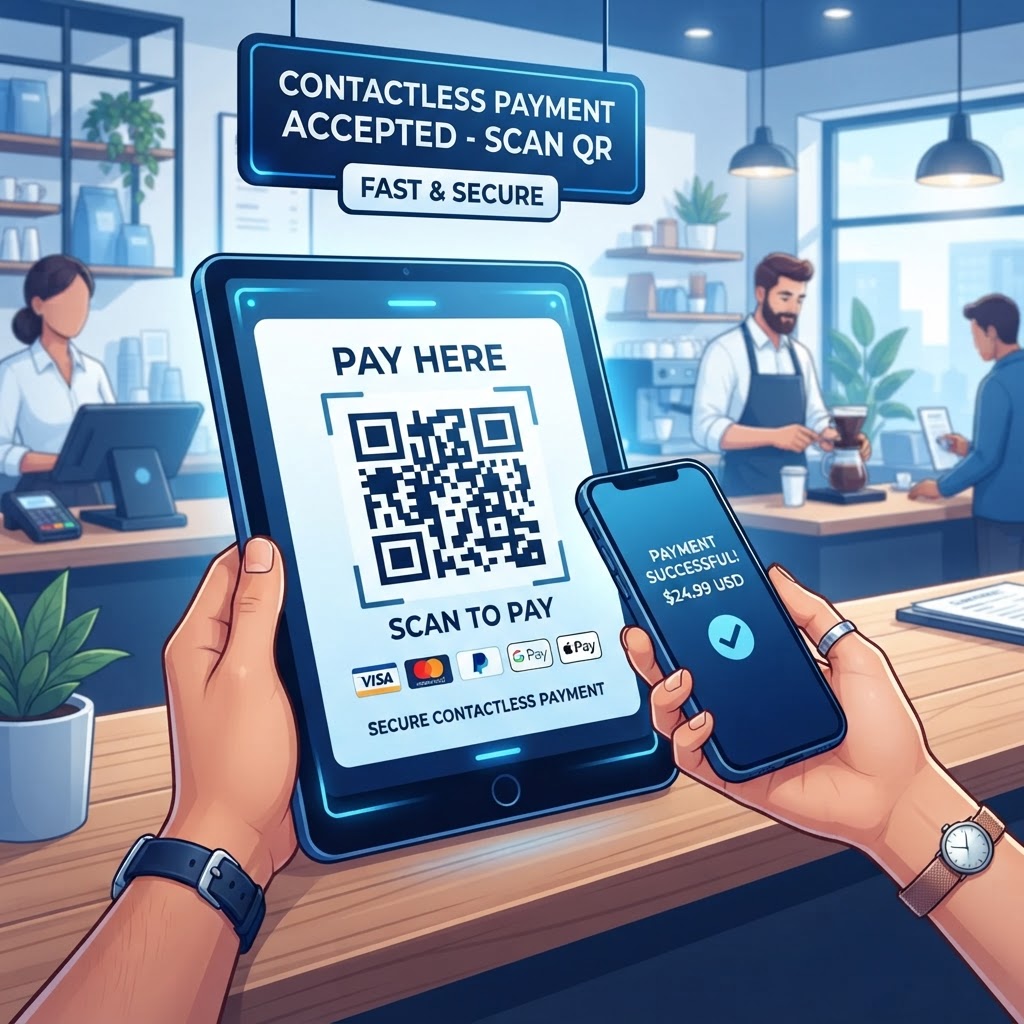
Why Contactless QR Payment Matters in 2026
The landscape of commerce in 2026 is defined by a shift toward frictionless interactions, where the complexity of traditional card terminals is increasingly viewed as an unnecessary barrier. A QR code for contactless payment acts as a bridge, stripping away the friction of physical exchange and digitizing the checkout process. Many businesses have found that by placing a simple, static QR code at the register or on an invoice, they can empower customers to finalize payments using their personal devices instantly. This democratization of payment technology is significant because it eliminates the high cost of maintenance associated with dedicated payment hardware, making it a sustainable choice for small-scale retail and service-oriented enterprises alike.
Furthermore, the ubiquity of smartphone technology ensures that almost every customer possesses the necessary hardware to participate in a QR-based transaction. This accessibility is a game-changer for businesses operating in transient spaces, such as craft markets, outdoor festivals, or temporary pop-up shops. Instead of worrying about connectivity issues with portable card readers or battery life on specialized equipment, merchants can rely on a printed QR code that is always active and ready. This level of reliability encourages higher throughput during peak hours, as customers can settle their bills while waiting in line, effectively reducing queue times and enhancing the overall customer experience. As digital wallets become the standard for most smartphones, the integration of QR payments into daily routines has become seamless. By adopting this technology, businesses signal a commitment to modern, convenient service that aligns with the expectations of the contemporary shopper. Providing a qr-code-for-stripe-payment-link allows for a direct path to a secure checkout experience that requires no additional app installation or registration, ensuring the highest possible conversion rate for your business.
How QR Contactless Payment Works Technically
Technically, a QR code for contactless payment functions as a visual container for a specific Uniform Resource Locator (URL). When a customer directs their smartphone camera at the code, the device interprets the pixel pattern and resolves the URL, which points directly to a pre-configured payment processing page or a specific invoice URL. The process is entirely server-side in its authentication; the device itself does not store or transmit financial information through the code. Instead, the code simply acts as a shortcut, providing the customer's browser with the exact destination required to complete a transaction. Because the technology relies on the standard web browser installed on most smartphones, there is no need for the user to download a proprietary app, which significantly reduces the friction typically found in new payment adoption cycles.
Once the scan occurs, the customer is directed to a secure, encrypted webpage provided by your payment processor. Here, the customer inputs their payment details—or uses a stored digital wallet—to complete the transaction. The security of this method is identical to that of an e-commerce website; because the payment happens within an HTTPS-secured browser environment, the data is encrypted during transmission. The simplicity of this system is its greatest strength, as it minimizes the attack surface often associated with complex POS hardware. For business owners, the technical setup involves securing a static payment URL from a gateway and embedding that link into a QR code using tools like blueqrcode.com. This creates a permanent, unchangeable anchor point for payments. Unlike NFC technology which requires close proximity and specialized readers, QR codes work across distances and through various light levels, provided the printed code remains clear and undamaged. This technical robustness allows it to be used in various environments, from high-traffic urban storefronts to quiet, professional office settings where invoices are paid upon receipt.
Step-by-Step Guide Using BlueQRCode.com
Generating a reliable QR code for contactless payment is a straightforward process that requires minimal technical knowledge. To get started, you first need to obtain the direct payment link from your chosen payment service provider. This URL should point directly to your business’s payment checkout page where a customer can enter the amount or pay a fixed invoice. Once you have this URL, navigate to blueqrcode.com, a platform dedicated to generating professional, static QR codes without the need for complex registrations or hidden costs. By focusing on static generation, you ensure that your payment link remains consistent and permanent, which is essential for printed materials that cannot be updated once they are in the hands of customers.
On the blueqrcode.com dashboard, select the 'URL' option as your data type. Paste the payment link precisely into the input field; it is crucial to double-check the URL for any typos, as a single missing character will render the code non-functional. After entering the link, you have the option to customize the visual appearance of your QR code. While advanced customization is available, the most effective codes for payment are those with high contrast—specifically, a dark code on a light background. Once you are satisfied with the design, click the generate button to create your image. Download the code in a high-resolution format, such as PNG or SVG, to ensure it remains legible when printed on signs, placards, or invoices. Before widespread deployment, always perform a 'real-world' test. Open the camera app on a few different smartphone models to confirm that the QR code leads directly to the payment page without any friction or loading delays. This methodical approach ensures that you provide a consistent, professional experience for every customer every time they attempt to complete a transaction.
Best Practices for Deployment: Size, Placement, and Format
Deployment strategy is just as important as the code generation itself. If the QR code is inaccessible or difficult to scan, the convenience factor of contactless payment is entirely lost. For physical locations, the size of the QR code must be proportional to the distance from which the customer will scan it. For a tabletop display at a register, a two-inch square is generally sufficient. However, if the code is placed on a wall or a sign behind a counter, you must increase the size accordingly to ensure the smartphone’s auto-focus can lock onto the pattern. Always print your QR codes on matte-finish paper or non-reflective materials. Glossy surfaces can create glare under shop lights, which reflects light directly into the camera lens and prevents the sensor from reading the code correctly. This is a common but easily avoidable issue that frustrates users.
Placement should also prioritize natural flow. The code should be positioned in a location where a customer naturally lingers, such as the checkout counter or near the exit door. If you are using the code for invoices, print the QR code in a clear, highly visible area of the document, such as the top right corner or adjacent to the 'Total Due' amount. It is helpful to include a brief, clear call to action next to the code, such as 'Scan to Pay' or 'Pay Instantly with QR'. This removes any ambiguity regarding what the customer should do. Furthermore, maintain sufficient 'quiet zone' margins around the code. A QR code needs a border of white space to isolate it from surrounding text or graphics; if the design is too cramped, the scanner may struggle to interpret the data. By adhering to these physical design constraints, you ensure that your contactless payment system is as reliable and professional as a traditional credit card terminal, giving customers confidence in the security and speed of your business’s checkout process.
100% Free — No signup required
Create your QR Code for Contactless Payment in seconds
Create Free QR Code →Common Mistakes to Avoid
The most common mistake businesses make when implementing QR-based payments is failing to test the code across multiple devices and lighting conditions. While a code might scan perfectly on a high-end smartphone with a clean lens, older devices or those with lower-resolution cameras may struggle if the QR code is printed with low contrast or excessive image noise. Another frequent error is the inclusion of unnecessary branding or icons inside the QR code pattern itself. While visually appealing, large overlays can interfere with the data density of the code, making it unreadable for standard camera apps. If you must add branding, keep it minimal and away from the critical data zones of the code, or opt for a clean, black-and-white standard QR design that prioritizes functionality over aesthetics.
Another significant oversight is the failure to verify the payment link before printing physical assets. Because static QR codes cannot be edited, printing a batch of signage that leads to a broken or incorrect URL represents a total loss of time and materials. Always verify the link by scanning it from the final printed version, not just from the digital file on your screen, to account for potential printing errors or ink bleeding. Additionally, avoid placing QR codes in high-movement areas where the camera might struggle to capture the pattern, such as on moving doors or vibrating surfaces. Finally, do not leave the QR code unprotected in public, unattended spaces where unauthorized parties could potentially swap your sign for a malicious alternative. In retail environments, keeping the payment QR code behind the counter or integrated into a staff-monitored display provides a layer of physical security that reassures customers. By being aware of these common pitfalls, you can build a more resilient and trustworthy payment infrastructure for your business.
Concrete Use Cases by Industry
The versatility of a QR code for contactless payment allows it to serve diverse business models effectively. In the food and beverage industry, food trucks and farmers' market stalls represent prime examples. These businesses operate with limited counter space and require quick turnover. By placing a QR code on the side of the truck or at the edge of the service window, vendors allow patrons to pay while waiting for their order, drastically reducing transaction time during peak busy hours. Similarly, in the professional service sector, such as freelance consulting or private tutoring, QR codes on printed invoices allow clients to pay via a secure web portal the moment they receive their bill. This removes the need for manual bank transfers or check processing, accelerating cash flow for the individual professional.
Another sector seeing high adoption is the independent retail market, such as boutiques or specialty hobby shops. These stores often utilize limited, low-cost POS solutions, and a QR payment code acts as an excellent secondary or backup method for contactless checkout. For art galleries or pop-up exhibition spaces, a QR code placed on the wall next to a price list allows interested collectors to purchase items immediately, capturing the sale while the buyer is still engaged with the product. Even in the service industry, such as independent repair shops or grooming services, the QR code on a receipt or an invoice creates a modern, high-tech impression that enhances the customer’s perception of the business’s digital proficiency. By integrating these codes into existing workflows, businesses across all sectors can simplify their revenue collection, ensuring that they never lose a sale simply because the customer didn't have cash or a physical card on hand. This flexibility is the defining advantage of using static QR codes for payment.
Summary and Next Steps
Implementing a QR code for contactless payment is a strategic move that enhances efficiency, reduces hardware costs, and provides a modern experience that customers have come to expect. Throughout this guide, we have explored why this technology is essential in 2026, the technical mechanics behind the scan-to-pay process, and the practical steps needed to deploy these codes effectively. By using reliable tools like blueqrcode.com to generate your static codes, you ensure a permanent, secure, and professional link between your business and your customers. Remember that the success of this system depends on high-contrast printing, proper physical placement, and rigorous testing across multiple devices. As digital wallet usage continues to grow, your business stands to benefit significantly from a low-friction payment system that scales effortlessly regardless of your size or industry.
Your next step is to secure your payment URL from your chosen processor and generate your first test code today. Start by placing the code in a high-visibility, low-glare location at your primary point of sale and monitoring the process for a few days to gather feedback from your customers. If you find that the system works well, consider expanding its reach to your invoices, promotional displays, or even event materials. By moving away from bulky, expensive hardware and embracing the simplicity of a QR code, you position your business at the forefront of modern commerce, ready to handle transactions with speed and ease. Take the time to ensure your signage is clear and your links are secure, and you will find that contactless payments become a seamless part of your daily operations, providing long-term value and improved service for all your clients.
Related QR Code Guides
Continue exploring practical QR code guides from blueqrcode.com:
No watermark · No expiry · Works on all phones
Your QR code is ready in under 30 seconds.
Generate Free QR Code →