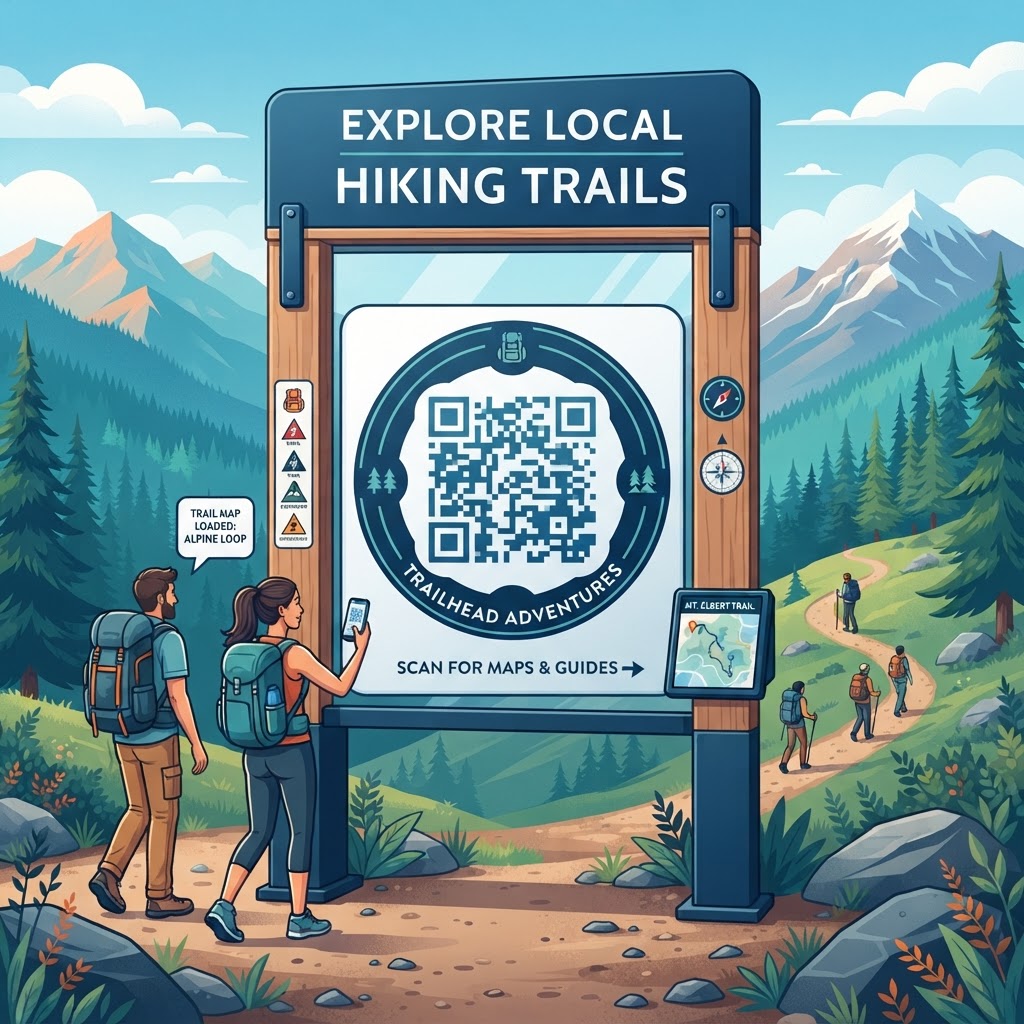
Why QR Codes for Hiking Trails Matter in 2026
As the digital landscape evolves, the expectation for instant, on-demand information has reached the outdoor recreation sector. In 2026, many hikers entering a state park or a wilderness preserve expect to use their smartphones not only for navigation but also for deeper engagement with their surroundings. A QR code for hiking trails serves as a vital touchpoint that connects the physical trail marker to a wealth of information, such as high-resolution maps, local flora and fauna guides, or safety alerts. This digital transformation is not merely about convenience; it is about providing a consistent information delivery system that works even in areas where traditional interpretive signage may be restricted due to environmental or aesthetic constraints. By embedding a QR code onto existing posts or information kiosks, land managers can provide a scalable solution that caters to the diverse needs of trail users, from casual walkers seeking easy paths to avid hikers looking for specific topographical data.
Furthermore, the reliance on printed materials at trailheads often leads to issues regarding physical waste and the rapid degradation of paper in unpredictable outdoor environments. A static QR code printed on weather-resistant materials provides a permanent digital entry point, meaning visitors no longer need to worry about missing flyers or unreadable maps. This methodology aligns with the Leave No Trace principles by reducing physical litter at the point of interest. Additionally, the universality of mobile hardware means that most smartphones can interpret these codes without special software, making it an inclusive technology. Whether you are managing a small community nature path or a large regional hiking network, the integration of QR codes allows for a cleaner, more organized, and highly efficient visitor information system that stands the test of time.
How QR Code Technology Works for Outdoor Navigation
At its core, a QR code functions as a visual representation of text-based data, structured in a two-dimensional grid of black and white squares. When a hiker scans this code using their mobile device, the built-in camera processor translates the geometric pattern into a specific URL. For the purpose of hiking trails, this URL directs the user to a static landing page or a digital document hosted on a secure web server. Unlike more complex digital systems, a static QR code is encoded with the direct path to the resource, ensuring that the link is stable and reliable for any visitor who initiates the scan. This process is entirely dependent on the hardware of the smartphone, which reads the contrast of the code to interpret the data instantly, making it an extremely robust method for information retrieval in varying lighting conditions found in forested areas.
The technical robustness of static QR codes is particularly suited for remote environments because they do not require an active backend service or a complex database to function. Once the image is generated, it is fixed to that specific address. This simplicity ensures that the code will work indefinitely as long as the destination URL remains active and accessible. Because the data is hard-coded into the image, there is no risk of software-driven errors or service timeouts associated with more complex platforms. For those looking to implement this, it is essential to ensure that your destination URL is optimized for mobile viewing, meaning the page loads quickly and is responsive to different screen sizes. By utilizing a service like QR Code Placement Best Practices, trail organizers can create a seamless experience where the physical signage effectively serves as an extension of the digital resource, providing a high level of reliability for all visitors regardless of their technical proficiency.
Try it now: Generate a free QR Code for Hiking Trails →
Step-by-Step Guide Using BlueQRCode.com
Creating a QR code for your hiking trail is a straightforward process that does not require specialized technical skills. To begin, first gather the specific URLs for the content you wish to share, such as a digital map, a trail guide, or a safety video. Navigate to blueqrcode.com and select the option to generate a URL-based code. Copy your desired web address and paste it directly into the generator input field. The platform will automatically process the link and generate a high-quality static image. It is important to remember that static codes are fixed; therefore, confirm that the URL is typed correctly and is formatted to be publicly accessible, as any typo will break the connection between the physical sign and the digital resource. Once the image appears, save it in a high-resolution format, such as PNG or SVG, to ensure it remains clear when printed.
After you have your file, consider the layout of your trailhead or information kiosk. If you are creating custom signage, ensure the QR code is placed on a clean background with a high contrast ratio to facilitate easy scanning by smartphone cameras. For those needing to link to specific documents, you can also look into how to manage your materials by referring to guides on How to Make a QR Code for a Product, which explains the preparation of digital assets. By following these steps, you create a professional, reliable, and free solution for your visitors. Before proceeding to mass printing or installation, always perform a test scan using different mobile operating systems and various lighting conditions to ensure that the code is readable from a reasonable distance. This step confirms the usability of the tool you have created for your public space.
Best Practices for Deployment: Size, Placement, and Format
Successful deployment of QR codes in outdoor settings relies heavily on the physical environment. Size is the first critical factor; while a code can be quite small, it must be large enough to be easily scanned by a smartphone camera from a distance that allows for a steady grip. Generally, a code that is at least two inches by two inches is sufficient for most signage, but you should increase this size if it is placed in an area where people are likely to be standing further back, such as a large trail map board. The positioning should also be at eye level, roughly 48 to 60 inches from the ground, to ensure that users do not have to crouch or reach awkwardly to initiate the scan. Furthermore, consider the materials used for the signage; glossy finishes can create glare in direct sunlight, which significantly interferes with the ability of a camera to read the code. Matte-finish weather-resistant coatings are highly recommended for outdoor installations.
Environmental factors must also be considered during deployment. If the QR code is attached to a wooden post or a metal sign, ensure that the substrate is level. A warped surface or a sign that is partially obstructed by vegetation will lead to failed scans, which can frustrate hikers. Additionally, ensure that the QR code is not placed in an area where it will be constantly covered in dirt, mud, or snow, as this will obscure the visual pattern. If you are applying these codes in high-traffic areas, check them periodically to ensure they remain clean and intact. Using durable materials like aluminum or treated composite boards will prevent the sign from fading or rotting over time. By carefully planning these physical aspects, you ensure that the QR code serves its intended purpose of providing instant, frustration-free access to information for your visitors throughout the year.
Common Mistakes to Avoid
One of the most common pitfalls when using QR codes on hiking trails is neglecting the destination environment of the linked content. Many operators fail to realize that hikers often access these links in areas with limited mobile signal. If the landing page is bloated with large, high-resolution imagery or complex scripts, it will fail to load, rendering the QR code useless. Always optimize your linked web pages to be lightweight, text-heavy, and efficient. Another significant mistake is failing to provide a call to action near the code. A QR code by itself might look like an abstract pattern to some users, especially those who are less tech-savvy. You should always include a simple label nearby, such as "Scan here for trail map" or "Scan for current safety alerts," to encourage interaction and manage expectations regarding what the user will find once they scan the image.
Furthermore, do not ignore the importance of color contrast. While it may be tempting to use colors that match the branding of your park or organization, high-contrast black and white or dark blue and white is the gold standard for scanability. Avoid using light colors, complex patterns in the background, or low-contrast combinations, as these often cause issues for mobile sensors. Another frequent error is forgetting to verify the longevity of the URL. If the webpage you are linking to is moved or deleted, the QR code effectively becomes a dead end. Since static codes cannot be redirected, ensure that you are linking to a permanent, stable URL that you have full control over. Avoiding these common mistakes ensures a high level of reliability and maintains the trust of your visitors, who rely on the information you provide for their own safety and enjoyment while navigating the trails.
Concrete Use Cases by Industry and Sector
The application of QR codes for trail navigation extends far beyond simple mapping. In the park management sector, QR codes are frequently used to provide information on local history or geology. For example, a trail that passes through an area of significant ecological interest can feature a series of QR codes on small stakes, each leading to an audio or text description of a specific plant or rock formation. This allows for a self-guided educational tour that enriches the hiking experience without cluttering the landscape with large, intrusive placards. In the outdoor tourism industry, hotels and resorts with private hiking paths use these codes to provide guests with safe, easy-to-follow routes that keep them oriented while highlighting the best scenic viewpoints on the property. This enhances guest engagement and encourages visitors to spend more time outdoors safely.
For non-profit conservation groups and land trusts, QR codes serve as an excellent way to communicate the importance of land stewardship and donation requests. By placing a code at the trailhead, organizations can lead users to a page explaining the history of the trail, the effort required to maintain it, and a way for users to provide support. In the municipal sector, local parks departments use these tools to share real-time alerts about trail closures due to weather or maintenance. This is a vital communication channel that keeps the public informed and safe, as hikers can scan the code at the entrance to learn about potential hazards on the path ahead. Each of these use cases demonstrates the versatility of static QR codes in providing value across different outdoor sectors while keeping the infrastructure cost-effective and easy to manage for the hosting organizations.
Summary and Next Steps
Implementing a QR code for hiking trails is a modern, efficient, and highly practical way to bridge the gap between physical outdoor spaces and digital information. Throughout this guide, we have examined why these tools are essential in 2026, the technical simplicity of how they function, and the steps required to implement them using the resources at blueqrcode.com. By focusing on high-contrast design, strategic placement, and mobile-optimized content, you can provide an invaluable service to hikers while maintaining the integrity and aesthetics of the natural environment. Avoiding common pitfalls like using complex, non-mobile-friendly pages or neglecting to include clear calls to action will further ensure that your deployment is successful and well-received by the public.
Your next steps should involve auditing your current trail signage and identifying key locations where digital information would enhance the visitor experience. Begin by drafting the content that your hikers need most, such as updated maps or safety tips, and ensure that these are hosted on stable, lightweight web pages. Once you have your links ready, use the tools provided by this platform to create your custom, static QR codes. Test them thoroughly in the field before final installation, and be sure to check them periodically for physical damage or wear. By taking these proactive measures, you contribute to a better-informed, more engaged, and safer hiking community, allowing everyone to focus on what truly matters: enjoying the beauty and tranquility of the great outdoors. Start your project today by generating your first set of codes and see how technology can effectively support your trail management goals.
Related QR Code Guides
Continue exploring practical QR code guides from blueqrcode.com:
No watermark · No expiry · Works on all phones
Your QR code is ready in under 30 seconds.
Generate Free QR Code →