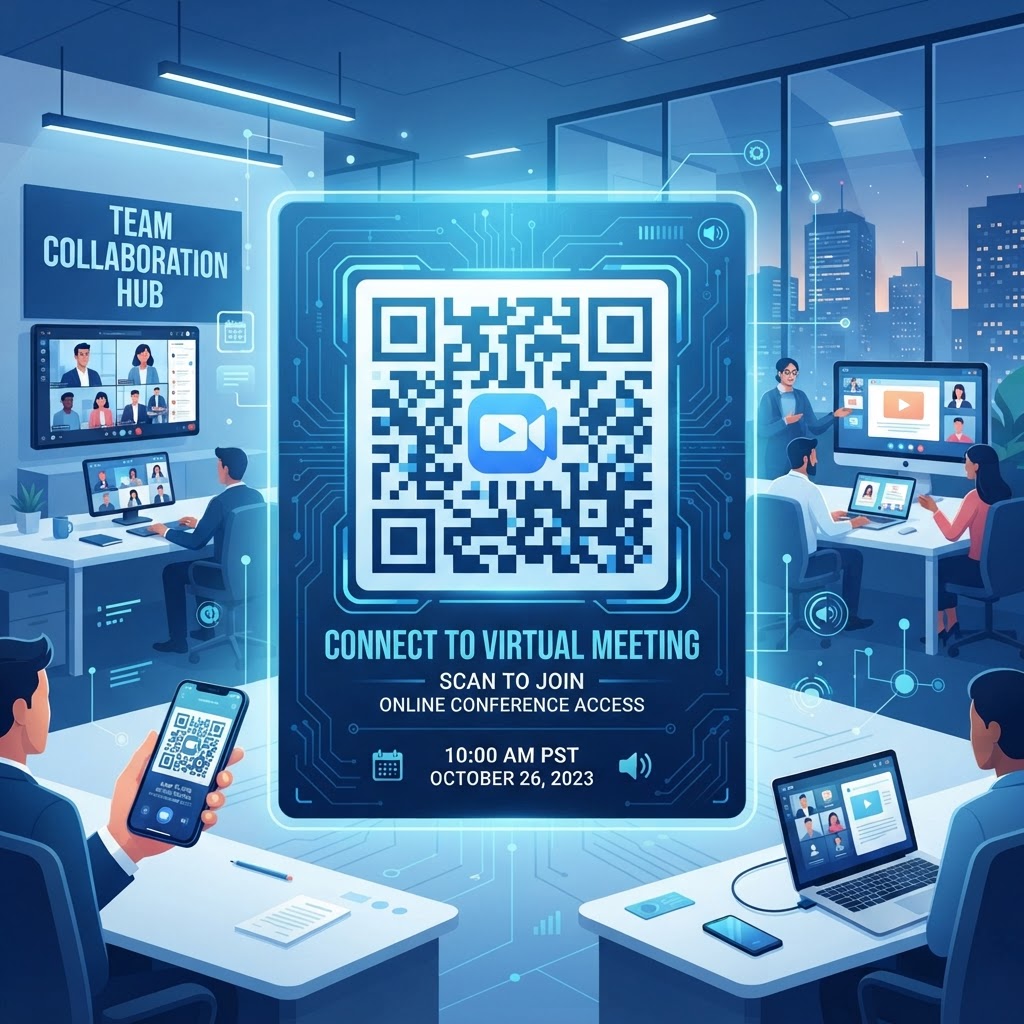
1. Why Using a QR Code for Online Meetings Matters in 2026
In the digital ecosystem of 2026, user attention spans are shorter than ever, and efficiency is the primary metric of organizational success. When participants are forced to copy and paste URLs from calendar invitations, they encounter several points of failure: broken links, incorrect character copying, and the sheer inconvenience of switching between email applications and conferencing platforms. A QR code for online meeting access changes this dynamic entirely. By placing a QR code on a shared physical or digital document, you reduce the 'time-to-connect' to a single, intuitive gesture: the scan. This approach is particularly transformative for hybrid environments where participants may be transitioning from a physical conference room to a virtual space.
Furthermore, the ubiquity of high-quality smartphone cameras means that virtually every attendee already possesses the hardware necessary to participate. Most smartphones now have native camera support for QR scanning, eliminating the need for additional app downloads. Many businesses have begun to realize that the visual nature of a QR code allows for greater integration into physical environments. Imagine a printed meeting agenda on a desk in a coworking space; instead of hunting for an email, a attendee simply points their camera at the agenda to launch the video call instantly. This reduces logistical bottlenecks significantly. Additionally, using professional tools like the Free QR Code Generator No Sign Up No Watermark ensures that your meeting access remains accessible without the barrier of intrusive registration or watermarks that clutter professional presentations. By lowering the barrier to entry, you ensure that every participant arrives at the meeting with less stress and more readiness to engage in the agenda, which ultimately drives better meeting outcomes and higher levels of collaborative participation across dispersed global teams.
2. How QR Code Technology Works for Video Conferencing
The technical foundation of a QR code for online meeting connectivity is grounded in the efficient encoding of alphanumeric data into a two-dimensional grid. Unlike traditional barcodes that hold data horizontally, QR codes leverage both vertical and horizontal dimensions to store large amounts of information—in this case, your specific meeting URL. When a user scans the code, their device’s optical sensor captures the pattern and translates the binary data back into a readable web link. This process is nearly instantaneous, allowing the device to trigger the associated application—such as your video conferencing software—directly on the phone or tablet. The underlying logic relies on a standardized encoding protocol that ensures compatibility across various mobile operating systems, including iOS and Android.
When you create a link for a meeting, you are essentially generating a URL that directs to a specific server endpoint. By embedding this URL into a QR code, you are not creating a new link, but rather a new 'carrier' for the existing link. This is why QR codes are so reliable; they do not alter the destination of your meeting, they merely serve as a shortcut to that destination. From a security perspective, this is a significant advantage, as it avoids complex redirection chains that might otherwise trigger security flags in corporate environments. You can easily test your setup by utilizing a Test QR Code before distributing your final material to ensure that the redirect points accurately to your specific meeting platform lobby. Understanding this technical architecture empowers administrators to deploy these codes with total confidence, knowing that the handshake between the physical printed material and the digital meeting room is handled by robust, time-tested encoding standards that have become the global benchmark for rapid data exchange.
Try it now: Generate a free QR Code for Online Meeting →
3. Step-by-Step Guide Using BlueQRCode.com
Creating a QR code for your next online meeting is a straightforward, three-minute process when you utilize the professional tools at blueqrcode.com. Start by ensuring you have your meeting link copied from your preferred conferencing platform, such as Zoom, Google Meet, or Microsoft Teams. First, navigate to the blueqrcode.com website and select the appropriate URL QR generator option. This platform is specifically designed to handle long, dynamic meeting links without breaking or compressing them in a way that renders them unreadable. Once you have identified the URL generator tool, paste your meeting link into the designated field. You will notice that the generator immediately creates a preview of your QR code on the right side of the screen. Next, focus on customization. While standard black-and-white codes work perfectly, you can enhance the user experience by matching the code to your company's brand identity. Many businesses prefer to adjust the foreground color or add a subtle logo to the center of the QR code, which helps users identify that the code is intended for a professional meeting. After you have finalized the aesthetics, choose the file format that suits your needs—typically PNG for digital distribution or SVG for high-resolution printing on flyers or conference signage. Finally, save the image to your device and distribute it within your digital calendar invites, physical agendas, or email newsletters. For those managing recurring series of meetings, the process is repeatable and efficient, ensuring that you never have to scramble to create access links again. It is a seamless way to professionalize your workflow while providing a massive convenience upgrade for all your meeting attendees.
4. Best Practices for Deployment: Size, Placement, and Format
Deploying a QR code effectively requires an understanding of physical ergonomics and digital accessibility. The golden rule for QR code placement is visibility and ease of access. If you are printing your QR code on a physical document, such as a conference handout or a sign in a lobby, ensure it is at least 2 inches by 2 inches. Smaller codes can be difficult for cameras to focus on, especially if the user is standing at a distance or if lighting conditions are suboptimal. Furthermore, always provide a 'clear zone'—a margin of empty space around the code—to ensure the software can distinguish the data pattern from surrounding text or graphics. Adhering to these QR Code Placement Best Practices is vital to ensure that your audience can scan with ease, regardless of the device quality they are using. Regarding format, consider the environment where the code will be viewed. If the code is for a digital document, such as a PDF brochure, use a high-resolution PNG file to maintain clarity. If the code will be printed on large banners for a hybrid event, opt for vector formats like SVG or EPS. Vector files maintain their crisp edges at any scale, preventing the blurriness that causes scanning errors. Finally, consider the context of the user; if the meeting is high-security, include a brief text prompt near the code, such as "Scan to Join Meeting." This provides immediate context for the user and encourages interaction. By treating your QR code as a critical design element rather than an afterthought, you improve your brand’s professional image and ensure that your attendees can join their meetings without technical delays.
100% Free — No signup required
Create your QR Code for Online Meeting in seconds
Create Free QR Code →5. Common Mistakes to Avoid
Even with advanced technology, certain errors can render your QR code useless. One of the most common pitfalls is neglecting to test the link destination after generating the code. Always ensure your meeting URL is public-facing or that permissions are set correctly; if the link requires a login that the user hasn't configured on their mobile device, the scan will lead to a 'permission denied' page, causing frustration. Another frequent mistake is 'over-customizing' the code. While adding colors and logos is useful for branding, adding too much clutter—such as complex gradients or excessively thin elements—can confuse the scanner. Always keep the contrast high, typically dark foreground against a light background. Another significant issue is failing to account for connectivity in the location where the code is displayed. If you are placing a QR code in a basement or a windowless conference room with poor cellular reception, the code will be effectively useless when users try to join. Always consider the physical environment's signal strength. Additionally, avoid placing the code on surfaces that are highly reflective, such as glass windows or glossy laminates, as the glare can make it impossible for a camera sensor to pick up the code. Finally, never change the destination URL once the code has been printed and distributed. If your meeting link changes, you must regenerate and redistribute the code. By avoiding these common errors, you protect your professional reputation and ensure that your technology serves as an enabler rather than an obstacle during your meetings.
6. Concrete Use Cases by Industry
Different sectors utilize QR codes for online meeting access in ways that reflect their unique workflows. In the healthcare sector, medical practices often use QR codes in waiting rooms to allow patients to join telehealth consultations via their own personal devices if they prefer not to use the clinic's provided tablet. This practice ensures privacy and hygiene. In the education sector, teachers and professors place QR codes on their physical syllabi or whiteboard presentations to allow students to instantly join virtual office hours or supplemental lectures. This is a game-changer for student engagement, as it removes the friction between a physical classroom and a digital learning environment. In the real estate industry, agents use QR codes on physical property flyers to lead potential buyers into a virtual open house meeting. This allows the agent to host a group tour while being physically present at the property, effectively managing multiple leads simultaneously. In the corporate world, IT departments often place QR codes on the undersides of conference room tables. If a user enters a room and finds that the internal equipment is malfunctioning, they can scan the code to immediately join an 'emergency help' meeting with the IT support team. These practical applications illustrate how the technology moves beyond simple links to become a robust tool for facility management, sales, and communication. Regardless of the sector, the core benefit remains the same: a faster, more reliable transition into a virtual space, ensuring that important discussions begin on time and with full participation from all stakeholders.
7. Summary and Next Steps for Your Organization
Implementing a QR code for your online meetings is one of the most effective ways to modernize your communication infrastructure in 2026. By reducing the reliance on manual URL entry, you minimize errors, save time, and present a professional, tech-forward image to your clients and colleagues. As explored in this article, the process is simple: secure your meeting link, use a reliable generator like blueqrcode.com to create your graphic, and follow established deployment best practices to ensure your audience can engage immediately. We have covered the importance of testing, the physical requirements for high-quality scanning, and the specific use cases that make this tool indispensable across various industries. Your next step is to audit your existing meeting workflows. Identify which recurring meetings currently struggle with late arrivals or 'link fatigue' and begin testing QR-based access for those sessions. Start small by adding a QR code to your next calendar invite or meeting agenda. You will quickly notice the positive feedback from participants who appreciate the ease of joining with a single tap. Once you are comfortable with the basics, consider standardizing the use of QR codes across all your company's communication materials. Remember that technology is only as effective as its implementation, so keep your codes clean, your links updated, and your users informed. With the tools available at blueqrcode.com, you are well-equipped to transform your digital meeting experience into a frictionless, efficient, and professional process that stands up to the demands of the modern workplace.
No watermark · No expiry · Works on all phones
Your QR code is ready in under 30 seconds.
Generate Free QR Code →