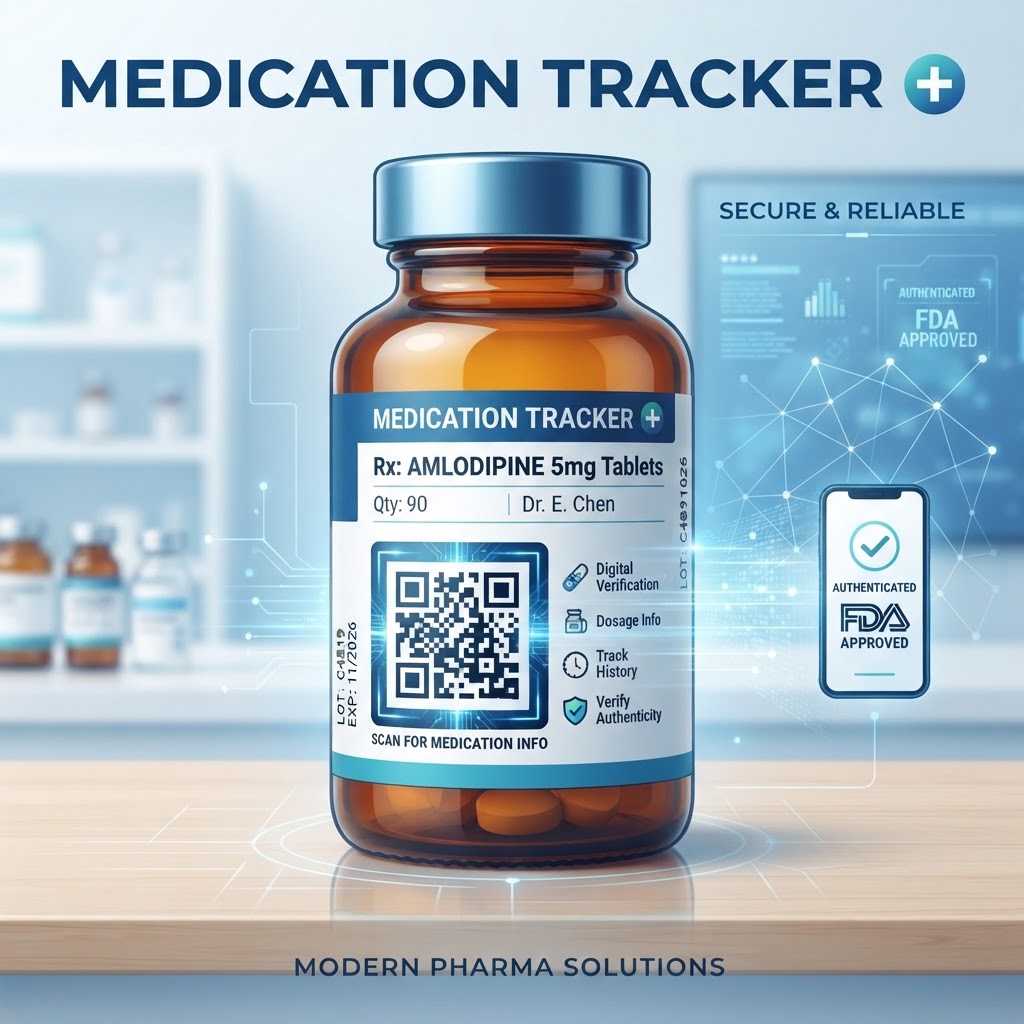
Why This Matters in 2026
In the current technological landscape of 2026, the necessity for clear communication on physical products has become a priority. Medication labels are notoriously small, often forcing producers to use tiny fonts that are difficult for the average person to read. By placing a QR code on a medication label, stakeholders can direct users to a pre-existing digital document, such as a PDF, that provides the necessary space for detailed information. This approach is highly effective because it respects the physical constraints of the label while providing an infinite digital workspace for the necessary instructions. Patients often struggle to find specific warnings or intake details in a rush; having a digital access point removes this barrier entirely. Furthermore, as most smartphones possess native, high-quality scanning software, the friction of access is virtually non-existent. When you use Free QR Code Generator No Sign Up No Watermark tools, you ensure that the patient experience remains free and seamless without requiring them to install third-party applications. This is vital in 2026, as users are increasingly protective of their privacy and device storage. By standardizing the use of these codes, organizations can improve the dissemination of critical product details. This shift toward digital integration reflects broader trends in accessibility and consumer transparency, where information is treated as an essential component of the product itself rather than an afterthought. When information is readily available, the likelihood of errors decreases, and the overall reliability of the product is bolstered significantly, fostering a sense of trust between the provider and the end user, which is foundational to any modern consumer engagement strategy.
How It Works Technically
Technically, a QR code functions as a two-dimensional matrix barcode that encodes specific alphanumeric data. When a user scans the code with their smartphone, the camera recognizes the pattern and executes the command embedded within, which usually involves opening a specific URL. For medication labels, this URL should point directly to an existing webpage or a hosted PDF containing relevant product information. Because static codes store the destination URL directly in the pattern, they are highly reliable and do not require external databases or server-side management after they are printed. The technical simplicity of static codes makes them ideal for physical labels that remain the same for long periods, as there is no risk of the destination changing or expiring. To ensure high scanability, the contrast between the dark elements of the code and the light background must be maintained, typically following a standard black-on-white configuration. The resolution of the printer must also be sufficient to keep the individual modules of the code distinct. If the printer is low-quality or the surface of the label is glossy, it can cause reflections that obscure the pattern for the scanner. Most smartphones can handle a variety of code sizes, but for medication packaging, maintaining a minimum size is key to ensuring that even older devices or those with lower-resolution cameras can successfully identify the pattern. Understanding this underlying architecture allows for better label design, as it clarifies that the QR code is essentially a gateway that converts a visual pattern into a digital instruction set for the user's mobile device.
Try it now: Generate a free QR Code on Medication Label →
Step-by-Step Guide Using blueqrcode.com
Creating a high-quality QR code using How to Make a QR Code for a Product is a straightforward process that begins with preparing your digital destination. First, ensure that the URL you intend to encode is live, stable, and mobile-friendly. You will want to visit blueqrcode.com, where you can select the URL option from the interface. Input the destination link precisely to avoid any broken pathways that could frustrate the end user. Once the link is entered, the generator will process the request and create a high-resolution image of the QR code. You can then download this code in a standard format like PNG or SVG, which are generally preferred for print applications due to their clarity. Before you send your labels to the printer, it is vital to test the code using a variety of devices, including different models of phones and tablets, to ensure the scan is instantaneous. You should also consider the orientation and layout on your label design. It is often best to keep the code in a clear, uncluttered area, away from creases or edges that might warp the image. By using a reputable generator, you avoid the common pitfalls of poor error correction levels, which would render the code unreadable if it became slightly damaged during handling. The platform ensures that the output is standard-compliant and easily interpreted by the standard scanning libraries present in almost all modern mobile operating systems in the 2026 landscape.
Best Practices for Deployment (Size, Placement, Format)
Deployment of a QR code on a medication label requires careful attention to physical constraints to ensure usability. The most critical factor is the size of the code relative to the label surface. While a code can be quite small, it must be at least 1.5cm by 1.5cm to be reliably scanned by most smartphones. Anything smaller may cause the device to struggle to focus, particularly if the lighting is dim or the label is curved around a small bottle. Regarding placement, the code should be positioned on a flat, non-reflective portion of the packaging. If the medication is stored in a cylindrical bottle, the code should be placed vertically along the side so it does not wrap around the curve and create distortion. Avoid placing the code over seams, folds, or perforations, as these areas are prone to tearing or shifting, which can destroy the integrity of the pattern. Furthermore, the format of the file is critical; always use vector files if your label designer requires scaling, or a high-dpi PNG if you are inserting it directly into your layout software. Referencing professional guidelines like QR Code Placement Best Practices can provide additional insights into maintaining design integrity. You must also ensure that there is a quiet zone, which is a small buffer of white space around the code, to prevent surrounding text or graphics from interfering with the scanner. By following these rules, you minimize the chance of user frustration and ensure the digital information is always available at a single scan.
100% Free — No signup required
Create your QR Code on Medication Label in seconds
Create Free QR Code →Common Mistakes to Avoid
One of the most frequent mistakes made when applying QR codes to medical products is the failure to maintain sufficient contrast. A QR code relies on the visual difference between the dark modules and the light background; if you use colors that are too similar, such as light blue on white or dark grey on black, the scanner will not be able to distinguish the pattern. Additionally, many people forget to test the code after the printing process is finished. A code that scans perfectly on your computer screen might become illegible when printed on a specific type of matte or glossy paper. You should always perform a test scan on the final printed label to be absolutely sure. Another common error is over-complicating the destination. If the QR code leads to a page that requires a login, a download of an app, or an extensive loading time, users will likely abandon the effort. The goal of a label-based QR code is immediate access. Never force the user to jump through hoops to see the information they need. Furthermore, some users make the mistake of using static codes when the information does not require an update, which can add unnecessary complexity. Sticking with static codes ensures that the destination remains permanent and reliable for the life of the product. Finally, ensure that the code is not placed under a shrink-wrap layer that is prone to wrinkling or glare, as this can easily block the scanning path of the user's device camera.
3-4 Concrete Use Cases by Industry/Sector
In the pharmacy sector, a QR code on a prescription bottle can provide patients with an easy way to view a full video demonstration on how to use a specific inhaler or eye drops, improving adherence and technique. For the over-the-counter supplement industry, codes placed on bottles allow brands to provide a digital list of all sourcing origins and third-party quality certifications without cluttering the small label space with walls of text. This builds significant brand authority and consumer confidence. Within the clinical research space, medication kits can be labeled with QR codes that lead to digital documentation regarding site-specific patient protocols, ensuring that study participants have the most accurate guidance at their fingertips. In the veterinary medicine field, QR codes on pet medication labels can direct pet owners to a simple, mobile-friendly guide on how to safely administer tablets to animals, complete with dosage reminders and emergency contact information for the clinic. Each of these use cases highlights how the integration of digital pathways empowers the end user. By facilitating these interactions, businesses in these sectors move beyond mere product distribution to providing a comprehensive support system that ensures the safety and satisfaction of the customer. The transition from physical information to digital, actionable content is a defining shift for these industries as they adopt more modern communication frameworks.
Summary and Next Steps
Incorporating a QR code on medication labels is an efficient, simple, and highly effective way to provide modern users with the transparency and guidance they expect in 2026. By choosing a reliable platform to generate your codes, you ensure that the technical foundation is solid and that the experience for the end user is as frictionless as possible. We have covered the technical requirements, the step-by-step creation process, the best practices for physical deployment, and common mistakes that could hinder your success. Implementing these strategies will not only streamline your information delivery but will also position your offerings as modern and user-centric. To get started, identify the most essential information that your customers currently struggle to find on your labels, such as detailed usage manuals or safety warnings. Prepare this content in a digital, mobile-optimized format, and then generate your QR code on blueqrcode.com. After you have generated and tested your codes, integrate them into your label designs with an eye toward the physical constraints we discussed, such as size, contrast, and placement. Finally, monitor your process to ensure that the printing quality remains high throughout the production run. By taking these methodical steps, you can successfully implement a digital bridge that enhances your product’s value and contributes to a better, more informed experience for everyone involved. The future of product labeling is digital-first, and your business is now prepared to lead the way with confidence and clarity.
No watermark · No expiry · Works on all phones
Your QR code is ready in under 30 seconds.
Generate Free QR Code →