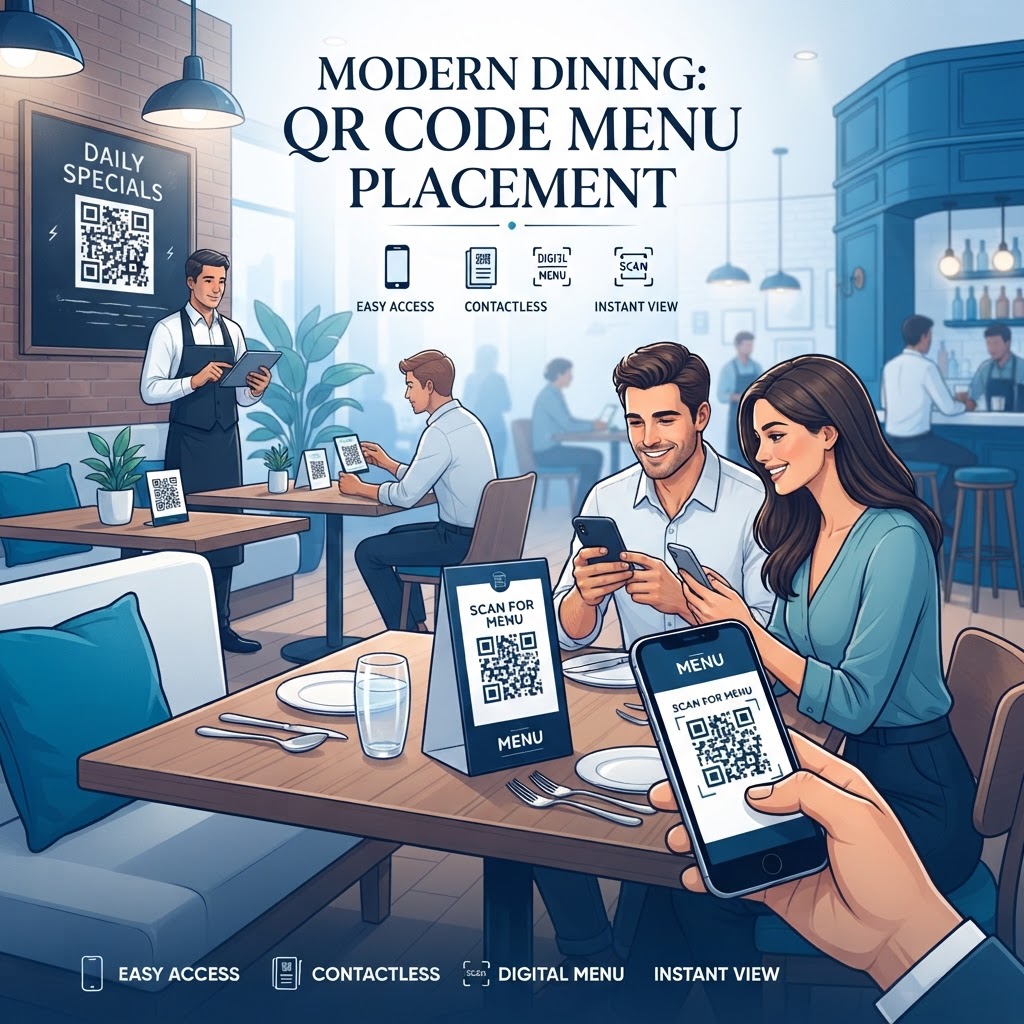
Why This Matters in 2026
In the evolving landscape of 2026, the guest experience is defined by efficiency and self-service capabilities. QR codes have transitioned from a novelty to a fundamental component of the customer journey, bridging the gap between physical table settings and digital content. When a customer sits down, their first interaction with your brand's digital infrastructure is often the scan of a QR code. If this process is frictionless, it sets a positive tone for the entire meal. Conversely, poor placement can lead to frustration, abandoned attempts, and a perception of unprofessionalism. Many businesses underestimate the psychological impact of placement; it is not merely about finding an empty space on a table, but about guiding the guest’s focus to a value-added digital interaction. Furthermore, the speed of modern mobile technology means most smartphones can detect codes instantly, provided they are accessible. By strategically placing these codes, you empower your staff to focus on higher-value tasks, such as food service and personalized recommendations, rather than repetitive administrative chores. The data gathered from these interactions—such as peak scanning times and preferred menu items—can significantly influence inventory management and promotional strategies. Using high-quality generators like free-qr-code-generator-no-sign-up-no-watermark ensures that your codes remain scannable across various lighting conditions and distances. Investing time in the placement strategy is ultimately an investment in guest satisfaction and operational throughput. In a highly competitive market, the small details, such as the ergonomic positioning of a QR code on a coaster or a table tent, can be the deciding factor for a returning customer.
How It Works Technically
Technically, a QR code acts as a visual bridge that stores data, most commonly a URL, which tells the user's mobile device exactly where to fetch your digital menu. The process begins when the camera app on a customer’s phone utilizes image recognition to detect the matrix of modules (the black and white squares). Once the boundary patterns are identified, the software decodes the data into a readable web link. This is why the contrast between the background and the foreground is paramount. If the QR code is printed on a glossy surface with significant glare, the camera sensor may fail to distinguish the pixels, rendering the code unscannable regardless of its size. Beyond basic aesthetics, the data density of the QR code impacts its scannability. A URL that is extremely long and complex requires a higher density of data points, which can make the code smaller, more intricate, and therefore harder to read from a distance. To mitigate this, many businesses use shortened URLs or custom domains, which result in a simpler pattern that is more robust against environmental factors like dust or partial obscuration. Furthermore, modern smartphones use advanced error correction algorithms that allow a QR code to remain functional even if up to 30% of it is covered or damaged. However, relying on this feature is not a substitute for proper placement. Ensuring the code is printed at a resolution suitable for the physical medium—whether that is a vinyl sticker, a matte-finished table tent, or an etched acrylic stand—is critical. When generating your code, remember to prioritize error correction settings that balance data integrity with visual simplicity, ensuring that your digital menu link is always accessible.
Try it now: Generate a free QR Code Placement for Menus →
Step-by-Step Guide Using Blueqrcode.com
Creating a functional and attractive QR code for your menu is a straightforward process when utilizing the tools at blueqrcode.com. The first step involves preparing your digital menu, which should ideally be hosted as a responsive PDF or a mobile-optimized landing page. Once your link is ready, head to the platform and select the option to generate a QR code for your specific URL. The interface is designed to be intuitive, allowing you to input your destination link with ease. The next phase is customization; while the standard black-and-white code is effective, our platform allows you to incorporate brand colors or even a center logo, which can increase consumer trust and brand recognition. After generating the code, the critical step is testing. You should scan the generated code with multiple mobile operating systems to ensure that the redirection to your menu is seamless and fast. If you notice any lag, check your file size; large, unoptimized PDFs are often the culprit for slow load times in low-signal environments. For more detailed insights, you can review our resources on qr-code-placement-best-practices to refine your implementation strategy further. Once you are satisfied with the performance, download the file in a high-resolution vector format, such as an SVG or high-quality PNG. This ensures that when you print your codes on physical media—like menus, postcards, or table tents—the pixels remain sharp and clear. By using these methodical steps, you minimize the risk of technical failure and provide a professional, reliable experience for every guest that visits your establishment, ensuring that the digital menu is as accessible as the printed version.
Best Practices for Deployment (Size, Placement, Format)
The physical deployment of your QR code dictates the user experience. The most common pitfall is printing the code too small. For a tabletop menu, a physical size of at least 2cm by 2cm is recommended to ensure that a guest can scan it without having to lean awkwardly over the table. If you are placing a code on a surface that is meant to be scanned from a distance—like a large window sign or a wall poster—the size must increase proportionally to maintain scannability. A good rule of thumb is the 10:1 ratio, meaning the code should be one-tenth the distance from which you want it to be scanned. Placement should always follow the natural line of sight. Placing a code on the underside of a table or near the floor is counter-intuitive and often ignored. The best locations are at eye level or directly on the surface where the guest spends the most time. Table tents, coasters, and small acrylic stands are excellent choices because they exist within the guest's immediate personal space. Additionally, consider the surface texture. Matte finishes are generally superior to glossy ones because they eliminate reflective glare from overhead lighting, which can often confuse mobile cameras. If you must use a shiny material, ensure that the lighting environment is controlled to prevent reflections. Finally, always include a brief call to action next to the code, such as "Scan to View Menu" or "See Our Specials." Without this instruction, some guests may not realize the utility of the code. Consistent, clean, and logical placement builds a habit for your patrons, making the digital menu a standard part of their dining experience.
100% Free — No signup required
Create your QR Code Placement for Menus in seconds
Create Free QR Code →Common Mistakes to Avoid
The most frequent error businesses make is ignoring the 'landing page' experience once the scan is successful. A common mistake is linking to a massive PDF file that takes several seconds to load on a mobile device; this is particularly problematic in locations with poor Wi-Fi or cellular reception. Ensure your digital menu is optimized for web viewing rather than print. Another significant error is lack of contrast. While brand guidelines are important, a light-colored QR code on a light background or a dark code on a dark background is essentially invisible to scanner hardware. Another pitfall is failing to account for the physical wear and tear of your signage. If you print your codes on paper and leave them on tables, they will inevitably get wet, torn, or stained, which can quickly degrade the functionality of the QR code. Investing in durable, wipeable materials like laminated cardstock, acrylic, or vinyl is essential for long-term reliability. Furthermore, avoid placing QR codes in areas where guests have to compete for space or where they might accidentally block the scan with their hands or cutlery. It is also a mistake to assume that all guests are tech-savvy; keep the instruction simple. If your establishment serves a demographic that may be less familiar with QR technology, consider placing a small 'help' icon or a sign that says 'Ask your server if you need assistance.' Lastly, never use dynamic QR codes that link to expired or broken URLs. Regularly verify your links through a test-qr-code process to ensure that your customers never reach a 404 error page. A broken link is a missed opportunity for sales and reflects poorly on your business’s attention to detail.
Concrete Use Cases by Industry/Sector
In the restaurant industry, QR codes are the cornerstone of the 'contactless' movement. Beyond simple menus, they are used for ordering and payment. A code on the table can link to a POS system, allowing customers to order their next round of drinks or settle their bill without waiting for a server. In the events and catering sector, QR codes placed on place cards can lead guests to a digital wedding seating chart or event schedule, reducing the need for printed programs. This provides a modern, eco-friendly touch that is highly appreciated at large gatherings. In the hospitality and hotel sector, QR codes are often placed near the reception or inside guest rooms, acting as a portal to hotel services, room service menus, and local area guides. This allows guests to access information at their own pace without having to call the front desk repeatedly. In the retail sector, particularly for high-end boutiques, a QR code on a clothing tag can offer an 'enhanced product story,' showing videos of how a garment is made or styling tips. This elevates the shopping experience from a simple transaction to an interactive brand interaction. Even in service-based industries like healthcare, clinics place QR codes on appointment cards to link directly to digital intake forms. By providing this information at the right place, you remove friction from the customer's journey, proving that the utility of these codes extends far beyond simple menu viewing. Each industry has unique needs, but the underlying principle remains the same: provide the right information at the exact point where it adds value to the user.
Summary and Next Steps
Mastering QR code placement is about balancing technical requirements with the psychology of customer experience. As we have discussed, successful deployment relies on high-contrast visuals, appropriate sizing based on scanning distance, and a frictionless digital landing page. By avoiding common mistakes like poor printing materials or bloated file sizes, you ensure that your guests enjoy a fast, reliable, and modern interaction with your business. The technology is here to stay, and as we look beyond 2026, those who integrate these tools effectively will continue to lead in customer service and operational efficiency. Your next step is to evaluate your current customer touchpoints. Identify where your patrons are standing or sitting when they most need information—be it a menu, a list of specials, or a service portal. Once you have identified these spots, use a professional generator to create high-quality, durable QR codes that match your brand identity. Remember that a QR code is not just a digital asset; it is a physical extension of your business’s professional presentation. If you are just starting or looking to optimize your existing codes, visit blueqrcode.com to explore the variety of customization options available. Do not hesitate to run A/B tests with different placements; you might find that a code on a coaster performs better than one on a menu insert. Keep testing, keep optimizing, and always prioritize the user's convenience to turn every scan into a seamless connection between your brand and your customer.
No watermark · No expiry · Works on all phones
Your QR code is ready in under 30 seconds.
Generate Free QR Code →