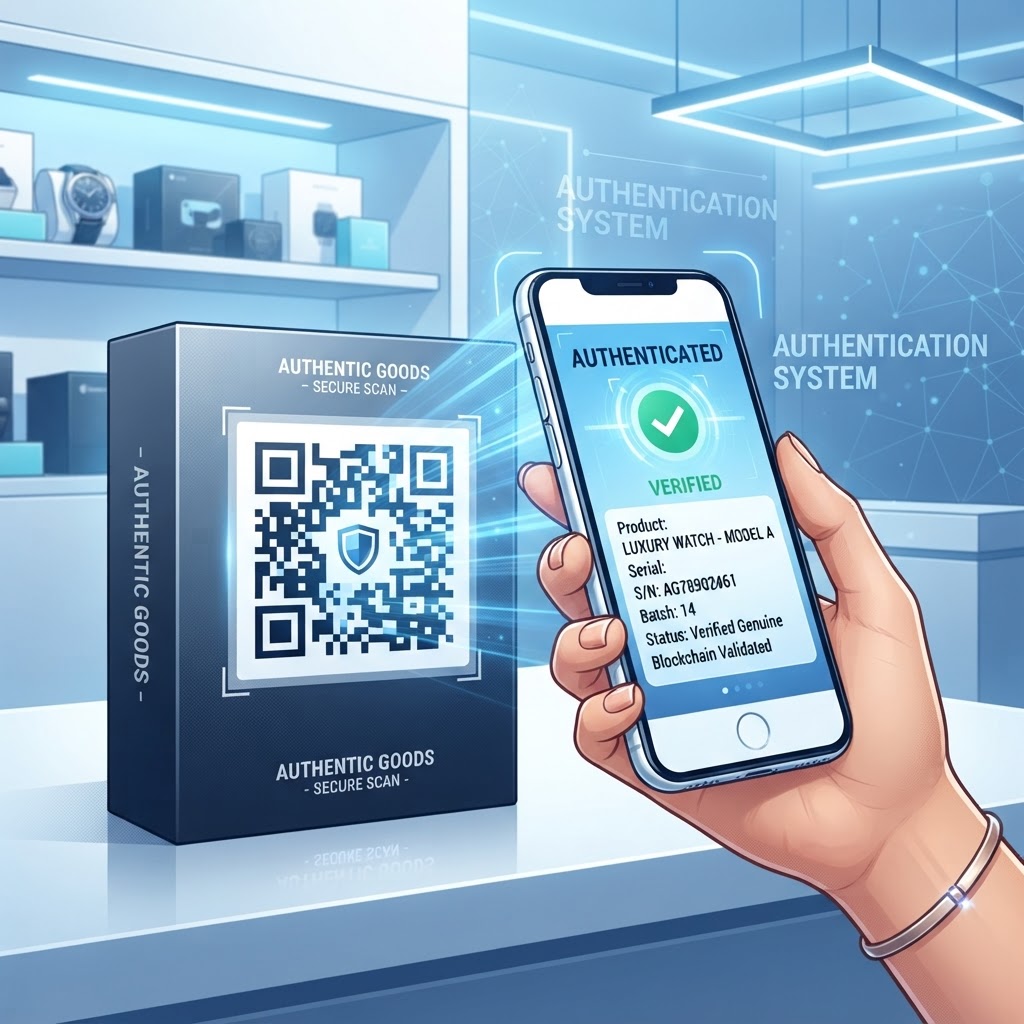
Why This Matters in 2026
In the current technological landscape, consumer skepticism is at an all-time high, driven by the ease with which sophisticated imitations enter the market. When a shopper picks up an item, they are no longer just looking at the label; they are evaluating the transparency of the manufacturer. Using a QR code for product authentication is a strategic response to this shift, as it grants users immediate access to information that establishes a product's provenance. By providing a clear, scannable path to official product information or verified landing pages, companies can distinguish their genuine stock from unauthorized imitations. This matters because brand trust is the most valuable currency in 2026. When a customer feels empowered to verify what they are purchasing, their loyalty to the brand deepens, creating a sense of safety that translates into long-term retention. Furthermore, as international shipping channels grow, the risk of misidentification increases. A simple QR code acts as a digital seal of approval, ensuring that regardless of where a product is sold, its identity remains tied to the official manufacturer's record. This level of transparency effectively mitigates the risks associated with unauthorized secondary markets. By incorporating this into your packaging, you are setting a standard of accountability that today's discerning buyers actively seek. The ubiquity of smartphone technology means that virtually every customer is equipped to perform this verification instantly, making it the most practical solution for modern supply chain management. When you invest time in creating a clear authentication path, you are protecting your brand equity from erosion and maintaining the integrity of your hard-earned reputation in a globalized economy.
How It Works Technically
The technical mechanism behind using a QR code for product authentication is elegant in its simplicity. A QR code is essentially a two-dimensional matrix barcode that stores information in a way that is easily readable by most smartphones. When you generate a code at how to make a QR code for a product, you are encoding a specific URL or textual data string into a graphical format. From an authentication perspective, the QR code functions as a gateway. When a customer scans the code, their device interprets the visual pattern and converts it back into the underlying data—typically a link to an official company portal or a specific verification landing page. Because static QR codes are hard-coded, they create a permanent association between the physical packaging and the digital destination. The security here comes from the permanence of the code; it is an immutable representation of the intended information. Once generated, the pattern cannot be altered, ensuring that the link remains stable and reliable for the life of the product. This makes it an ideal tool for static identification tasks, such as directing customers to a page that contains serial number validation instructions, batch information, or detailed history about the craftsmanship of the item. Technically, the smartphone camera handles the decoding process, requiring no special app or hardware, which drastically increases the likelihood that a customer will actually perform the check. The architecture of a QR code allows for error correction, meaning that even if the code on your label is slightly smudged or damaged, the scanner can typically still extract the information correctly, maintaining the integrity of the authentication workflow even in imperfect real-world conditions.
Step-by-Step Guide Using blueqrcode.com
Generating a reliable QR code for your verification needs is a straightforward process when utilizing the tools at blueqrcode.com. The platform is designed to prioritize ease of use, ensuring that you can produce high-quality, scannable patterns without technical hurdles. First, identify the specific information you wish to encode. For product authentication, this is most often a stable URL pointing to a secure page on your website where users can view official specs or verify batches. Once you have your URL ready, navigate to the generator interface. You will input the destination address into the provided text field. The system will then process this information and generate your custom QR code instantly. Before finalizing, take advantage of the customization options available to ensure the design aligns with your brand identity—such as adjusting the foreground colors or adding a frame if the utility requires it. It is critical to perform a test scan with multiple devices to ensure compatibility across different operating systems. You can follow our guide on Test QR Code procedures to ensure your implementation is flawless. After you are satisfied with the test results, download the generated image file in a high-resolution format suitable for printing. High-resolution files, such as PNG or SVG, are preferred because they maintain their crisp edges during the printing process on packaging or stickers. Remember that at blueqrcode.com, the focus is on stability and accessibility; once you download your code, it is yours to use indefinitely. By following this sequence, you establish a consistent, professional-grade authentication layer that is ready for integration into your manufacturing and labeling workflows, all without the need for complex software subscriptions or ongoing technical management.
Best Practices for Deployment (Size, Placement, Format)
Deploying a QR code for product authentication requires careful consideration of physical constraints to ensure it remains functional and user-friendly. Size is the most critical factor; a code that is too small cannot be read by most smartphone cameras, while one that is too large might consume valuable packaging real estate. A good rule of thumb is to ensure the QR code is at least 1 inch (approximately 2.5 cm) in width. This size accommodates the scanning distance typically used by consumers, allowing the device to focus clearly on the individual modules of the code. Placement is equally vital; the code must be positioned on a flat, non-reflective surface to prevent distortion. Avoid wrapping the code around curved surfaces or placing it under plastic shrink-wrap that may cause significant glare, as both scenarios will interfere with the camera's ability to decode the pattern. Regarding format, you must prioritize contrast. High-contrast color combinations—ideally black modules on a white background—offer the highest success rate for scanning. If your brand guidelines require specific colors, ensure the foreground is significantly darker than the background. Furthermore, consider the surrounding design. A "quiet zone," which is a clear, empty space around the perimeter of the code, is essential for scanners to identify the pattern correctly without interference from surrounding graphics or text. For more detailed insights on effective positioning, refer to our comprehensive guide on QR Code Placement Best Practices. By adhering to these deployment standards, you ensure that the authentication process remains frictionless, encouraging users to interact with the code rather than becoming frustrated by poor legibility or failed scans.
100% Free — No signup required
Create your QR Code for Product Authentication in seconds
Create Free QR Code →Common Mistakes to Avoid
Even with a well-intentioned authentication strategy, common errors can render a QR code ineffective or untrustworthy. One frequent mistake is failing to test the code across various lighting conditions. A code that scans well in a brightly lit office might struggle under the harsh, fluorescent lighting of a retail environment, or conversely, in the dim aisles of a storage facility. Always verify the code in the actual environment where the end-user will be scanning it. Another critical error is using a destination URL that is broken, insecure, or lacks mobile optimization. If a customer scans an authentication code and is directed to a page that does not load correctly or is difficult to navigate on a mobile screen, their trust in the brand will immediately decline. Your landing page must be mobile-responsive and load quickly, as users do not have patience for slow-loading content. Furthermore, avoid creating overly complex QR codes. While you might be tempted to pack as much information as possible into the pattern, a simpler, more concise link is always better. Over-complication increases the density of the code, which makes it harder for smartphone cameras to resolve accurately. A common trap is also failing to account for the printing substrate. If you are printing your codes on porous paper or textured packaging, the ink can bleed, blurring the lines of the QR code and making it unreadable. Always use high-quality, smooth paper or labels to maintain the sharpness of the pattern. By avoiding these pitfalls—improper sizing, poor contrast, sluggish landing pages, and inadequate print materials—you ensure that your authentication strategy functions exactly as intended, protecting your products without becoming a source of frustration for your customers.
3-4 Concrete Use Cases by Industry/Sector
The application of QR codes for product authentication is incredibly versatile across various sectors, each benefiting from the added layer of transparency. In the luxury fashion industry, brands often place a small, discreet QR code inside the lining or on a hangtag. When scanned, this leads to an official verification page confirming that the item was produced in an authorized factory, providing peace of mind to buyers of high-value goods. Similarly, in the automotive parts sector, a QR code attached to a spare component allows mechanics or DIY enthusiasts to verify the part number and production date, ensuring the component is compatible and genuine. This is a critical safety measure that prevents the installation of counterfeit parts that could lead to vehicle failure. Another effective use case is in the luxury beverage or boutique food sector. A producer can place a QR code on the bottle or box that directs the consumer to information about the specific batch or origin of the ingredients. This creates a narrative of quality that is verifiable, rather than just a marketing claim. Lastly, the technology is highly useful for consumer electronics. By placing a code on the base of a device, manufacturers can direct users to official support pages or warranty registration forms that serve a double purpose: they confirm the product's identity and allow the user to activate their warranty immediately. In each of these cases, the simplicity of the static code at blueqrcode.com provides a low-barrier, highly effective method for bridging the gap between a physical object and its authenticated digital record, serving different needs while maintaining a unified goal of quality and trust.
Summary and Next Steps
Implementing a QR code for product authentication is a practical, cost-effective way to enhance your brand's credibility and protect your customers. By following the steps outlined in this guide—from careful design and proper placement to avoiding common mistakes—you are taking a significant step toward transparency in your supply chain. Remember that the goal is to make the experience seamless for the user; they should be able to scan, verify, and move on with confidence. The digital tools provided by blueqrcode.com make it easy to generate these codes, allowing you to focus on your products while the technology handles the verification aspect. As you prepare to integrate these codes into your packaging, start by identifying the most high-value items in your inventory and creating a dedicated landing page that provides clear, simple verification steps. Once you have validated the process with a small batch, you can expand the implementation to your wider product line. Do not overlook the importance of testing, as a code that does not scan is worse than no code at all. Your commitment to authenticity will resonate with customers who value quality and honesty, building a foundation of trust that is vital for growth in the modern economy. Take the first step today by visiting our site, generating your code, and ensuring your brand is protected. Your customers deserve the assurance that what they are purchasing is the real thing, and with this simple tool, you are providing them exactly that while securing your place in a competitive market.
No watermark · No expiry · Works on all phones
Your QR code is ready in under 30 seconds.
Generate Free QR Code →