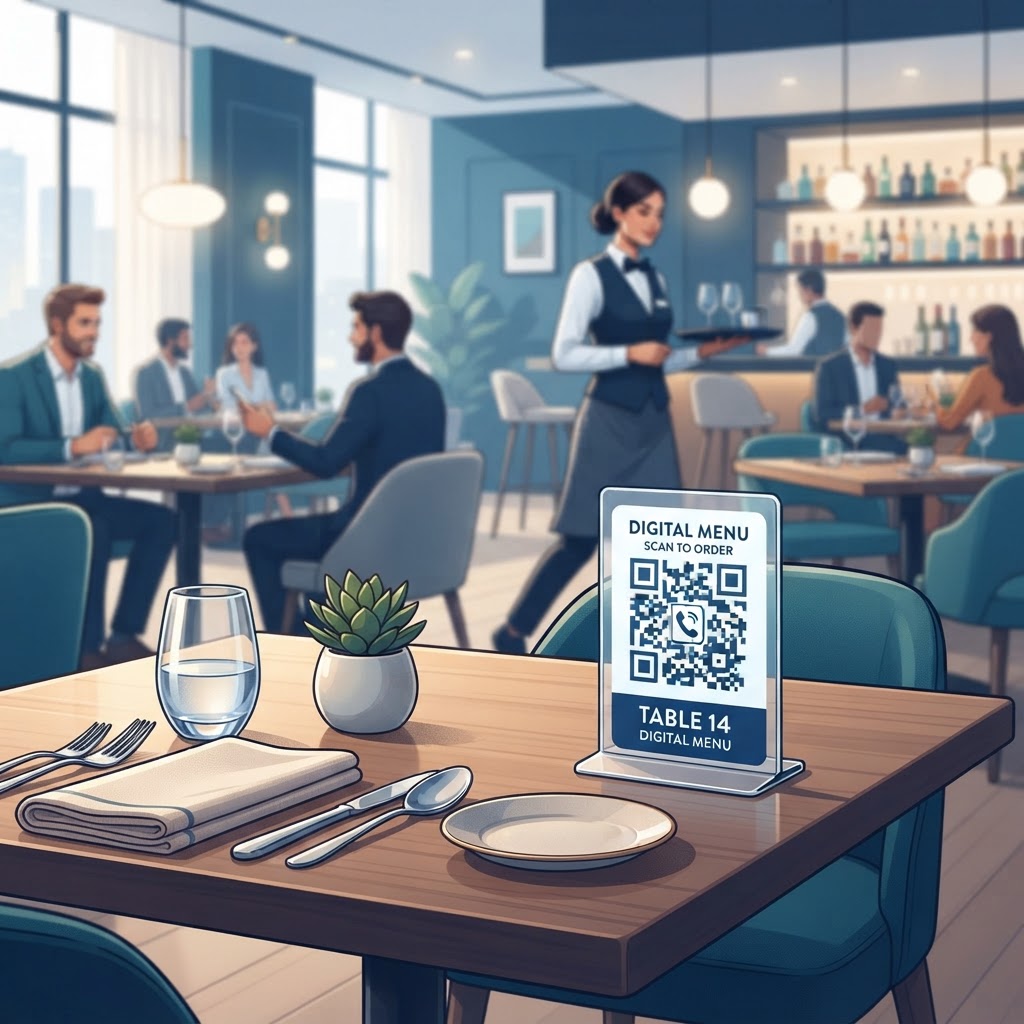
Why This Matters in 2026
The landscape of customer service in 2026 is defined by the demand for instant gratification and seamless interaction. The adoption of a QR code for table ordering systems addresses these core needs by removing the friction often associated with manual ordering processes. When customers can scan a code at their table to view a menu or initiate an order, they are empowered to control their experience. This autonomy reduces the mental labor required by staff, allowing personnel to focus on high-value tasks such as food delivery, table maintenance, and direct guest engagement rather than taking basic orders.
Furthermore, many businesses have shifted toward these models to accommodate high-volume environments where physical staff presence might be stretched thin. By providing a digital bridge between the guest and the kitchen or service point, you ensure that even during peak hours, no customer is left waiting for a server simply to request an item. This efficiency is critical for maintaining high throughput in restaurants, cafes, and event spaces. When you use QR Code Restaurant Menu techniques, you are standardizing the entry point for all guests. The reliance on mobile devices means that most smartphones already contain the necessary hardware to participate in this ecosystem without requiring the user to download proprietary applications. This accessibility is the cornerstone of why QR-based ordering continues to dominate the service industry. By simplifying the path to the ordering interface, you minimize bounce rates and ensure that the digital transition is as intuitive as possible for guests of all technical abilities, fostering a smoother operational flow throughout the business day.
How It Works Technically
Technically, a QR code acts as a visual shortcut to a specific web address. When a customer uses their camera or a scanning app to capture the pattern of squares within a QR code, the software decodes this image into a URL. Once the URL is retrieved, the device's browser automatically navigates the user to the destination page. For a table ordering system, the process is linear: the physical code is placed on a table, the customer scans it, and their browser opens the specific ordering page associated with that location or general service menu. Because most smartphones are equipped with modern web browsers, the rendering of these ordering pages is generally consistent and fast.
It is important to understand that the QR code itself does not process the order; it is purely a navigation tool. The underlying infrastructure relies on the destination website to handle the logic, such as menu display, item selection, and form submission. Since the Free QR Code Generator No Sign Up No Watermark tools provided by platforms like blueqrcode.com generate static versions of these codes, the destination URL remains fixed. This makes the system extremely stable, as there are no redirect servers that could fail or suffer from downtime. This simplicity is a major advantage for businesses that want a reliable setup that does not require constant maintenance or complex digital infrastructure management. The device simply acts as a client, requesting information from your web server, making the process lightweight and efficient regardless of the user's mobile OS version, provided they have a functional internet connection.
Step-by-Step Guide Using blueqrcode.com
Creating a functional QR code for your ordering system is a straightforward process that takes only a few minutes. First, ensure that your ordering landing page is fully optimized for mobile viewing, as this is where all your customers will be directed. Once your URL is ready, navigate to the blueqrcode.com home page and select the 'URL' category from the available options. Paste your destination URL into the input field provided. Ensure the address is complete and accurate, including the 'https://' prefix, as even a minor typo will render the resulting QR code useless for your customers.
After inputting the URL, you will see the system generate the visual QR pattern. You can then download this code in various formats suitable for print, such as PNG or high-resolution vector formats if your graphic designer requires them. Before committing to a large print run, always perform a Test QR Code procedure to verify that the generated code directs to the intended destination on multiple devices. This testing phase is critical to ensure that your specific URL structure is fully compatible with standard mobile browsers. Once the test is successful, you can integrate the graphic into your table tent designs, menu inserts, or adhesive decals. By utilizing the streamlined tools at blueqrcode.com, you avoid unnecessary complications and focus on generating a static, high-contrast, and highly reliable code that will serve your business operations without ongoing subscription costs or digital overhead, maintaining a clean and professional appearance for your printed materials.
Best Practices for Deployment (Size, Placement, Format)
The physical implementation of your QR code is just as important as the digital link it contains. A QR code that cannot be scanned easily due to poor placement or physical degradation will defeat the purpose of an automated system. For table ordering, the ideal size for a QR code is typically between 1.5 and 2 inches square. This size allows most smartphones to focus their cameras on the code from a comfortable sitting position without the user needing to lean over the table excessively. Always ensure there is a quiet zone, or a white border, around the QR code, as this margin is essential for the scanner to identify the edges of the pattern correctly against the background.
Placement should be intuitive. Placing the code on the center of the table, on a dedicated menu holder, or on a small laminated card is generally preferred over placing it on the side of a salt shaker or other curved surfaces that might distort the pattern. If you are printing these on materials that might be exposed to liquid or food, consider using a matte finish rather than a glossy one. Glossy surfaces can cause light glare, which interferes with the camera sensor's ability to interpret the high-contrast pixels. Furthermore, ensure the print quality is high; a blurry or pixelated QR code is difficult for modern smartphones to resolve. By following standard QR Code Placement Best Practices, you ensure that the interaction between the customer and your digital interface is consistent, professional, and reliable across all tables in your establishment.
100% Free — No signup required
Create your QR Code for Table Ordering Systems in seconds
Create Free QR Code →Common Mistakes to Avoid
One of the most frequent mistakes businesses make is neglecting the mobile-responsiveness of their target URL. If your menu or ordering system requires the user to pinch-and-zoom to read the text or select items, you will lose many customers who will become frustrated and abandon the process. Ensure your web interface is built with a responsive design framework that automatically adjusts to various screen sizes. Another common error is failing to provide enough contrast in the design of the QR code itself. While modern tools allow for some color customization, the industry standard remains a dark pattern on a light background. Attempting to use light-colored codes on dark backgrounds often results in failed scans, as the camera's autofocus system may fail to lock onto the pattern.
Another pitfall involves overloading the table with too many different QR codes. If a customer is presented with a code for feedback, a code for the Wi-Fi, and a code for the ordering system, they may become confused about which to scan, potentially leading to low adoption rates. Grouping related items together or providing clear instructions such as "Scan to Order" near the specific QR code is essential for clarity. Avoid printing codes on textures that may fray or tear over time, such as standard copy paper. Use high-quality cardstock or vinyl decals that can be cleaned and wiped down daily. Regularly inspecting your physical codes for scratches, fading, or moisture damage is a necessary part of the maintenance cycle for any business relying on these tools to conduct daily trade.
3-4 Concrete Use Cases by Industry/Sector
The utility of QR-based ordering extends far beyond traditional sit-down restaurants. In the event space, such as a large auditorium or banquet hall, organizers can place codes on the back of seatbacks or on programs. This allows attendees to order beverages or snacks that are delivered directly to their location, preventing the formation of long lines at concession stands and ensuring that event proceedings are not interrupted by large groups moving to and from kiosks. This is a massive improvement for crowd management in high-density environments where space is limited.
In the retail sector, particularly in specialty grocery or farm-to-table stores, customers can use a QR code for table ordering systems within a dedicated seating or tasting area. A shopper can walk through the aisles, find items they wish to sample, and scan a code at a tasting station to request that a staff member brings over specific accompaniments or beverages. Similarly, in outdoor hospitality areas like pool decks or beach lounges, placing a QR code on each lounger or umbrella stand allows guests to place orders for refreshments without leaving their spot. This significantly improves the guest experience by providing a level of service that was previously logistically difficult to maintain. Finally, in modern coworking spaces, members can scan codes at their desk to order lunch or coffee from an in-house cafe. This removes the need for members to leave the workspace, allowing them to remain productive while still accessing high-quality food and drink services throughout their workday.
Summary and Next Steps
Implementing a QR code for table ordering is a strategic move that enhances efficiency, increases order accuracy, and elevates the overall guest experience. By choosing static QR codes from a reliable source like blueqrcode.com, you ensure that your setup is simple, cost-effective, and technically robust. Throughout this guide, we have explored the importance of mobile responsiveness, the technical requirements for proper scanning, and the best practices for physical deployment that ensure long-term success. As you prepare to transition your business, focus on creating a high-quality destination landing page, selecting durable materials for your physical code displays, and providing clear instructions for your customers.
The next steps are simple. First, verify that your ordering portal is optimized for the mobile web. Second, visit blueqrcode.com to generate your codes, keeping in mind the need for high-contrast, properly sized designs. Finally, integrate these into your existing physical layout, keeping your staff informed so they can assist any guests who may need guidance during the initial rollout. By maintaining a clean, simple, and functional system, you empower your customers and streamline your operations, setting your business up for continued growth and improved service standards in 2026 and beyond. Do not overcomplicate your digital transition; focus on the core requirement of making the path from your table to your services as short and simple as possible for the end user.
No watermark · No expiry · Works on all phones
Your QR code is ready in under 30 seconds.
Generate Free QR Code →